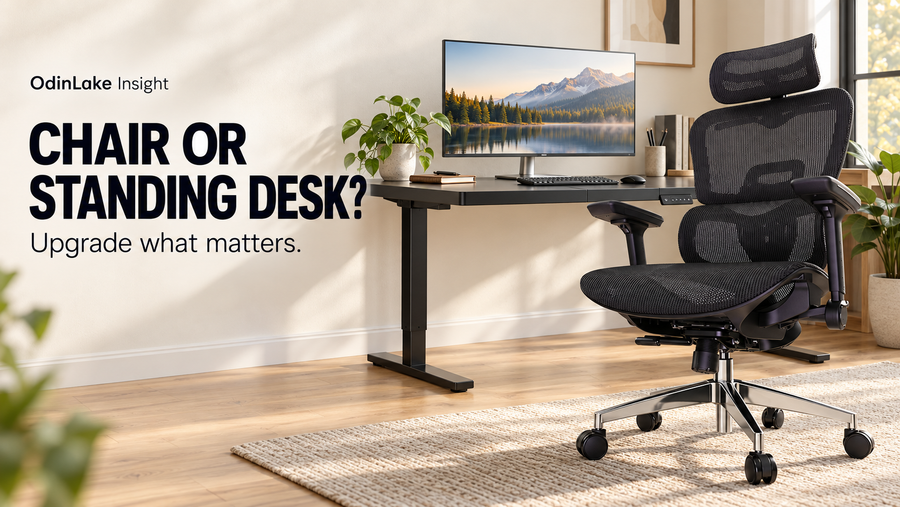
The right ergonomic setup should adapt to your body, support frequent movement, and stay comfortable through a full workday.
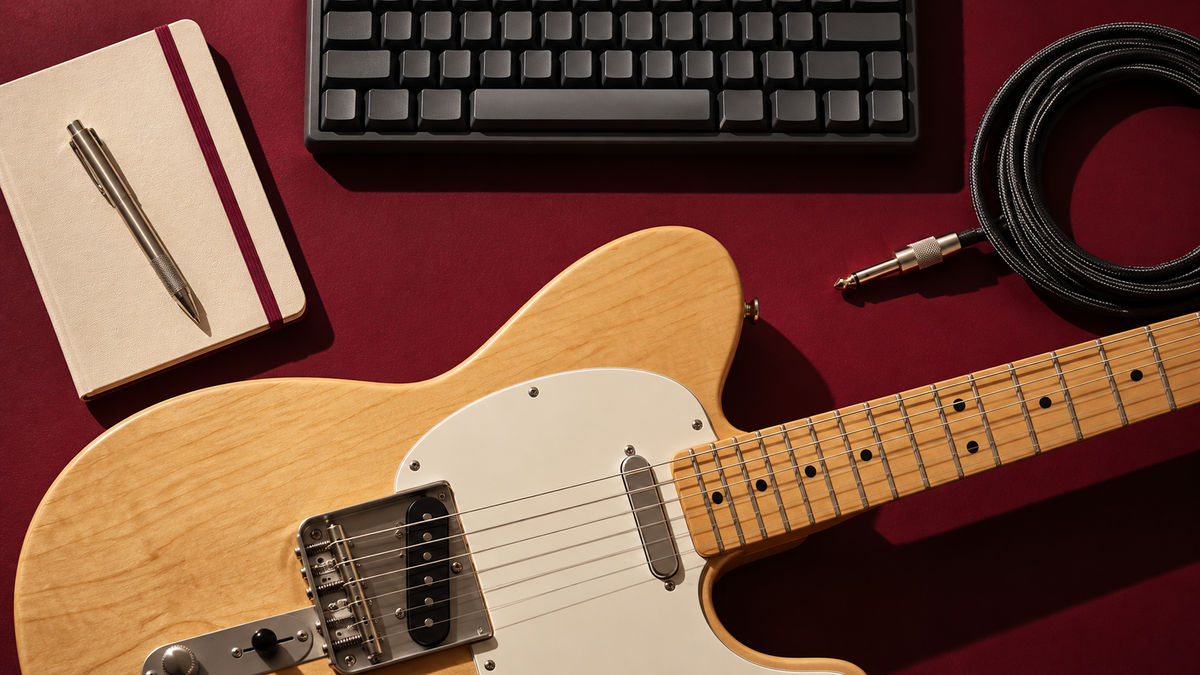
If you work at a computer by day and play guitar at the same desk after hours, choose a chair by testing both activities. Armrests that help during typing can collide with the instrument; a seat that feels roomy at the keyboard may leave you perched forward while playing. This guide helps home-office guitarists check clearance, support, and the change between tasks before buying another chair.
You may not need a new chair at all. Start with your existing setup, your usual guitar, and a few minutes of realistic playing. This is a practical selection guide, not a hands-on review or a treatment plan for pain.
Why a good desk chair can be awkward for guitar
A public Reddit discussion about a combined studio and home-office chair, accessed November 5, 2026, describes the conflict: useful armrests during computer work become obstacles during playing. The discussion is an individual experience, including European shopping considerations, rather than evidence about U.S. market demand. It nevertheless identifies a useful question for any shared workspace.
Your instrument changes the space your body needs. The lower bout may meet an arm pad, the neck may approach the desk, and reaching a mouse can rotate your torso. A chair should let you arrange those objects without repeatedly twisting or sliding to its front edge.
Run a two-task clearance test
1. Establish your computer position first
Set up for your actual keyboard and mouse. Sit back, support your feet, and check that the seat edge does not press behind your knees. Let your shoulders settle while your elbows remain near your sides. Record the chair height and armrest position so you can return to them after practice.
OSHA's workstation chair guidance emphasizes fitting the chair to the person and adjusting it alongside the desk and input devices. It is computer-work guidance, not a guitar-specific prescription. Our six-step chair setup guide explains the computer-side adjustments in more detail.
2. Bring in your actual instrument
Test the guitar you normally use. A compact electric and a large acoustic body occupy different spaces. Move the arms only through the chair's intended adjustments, then play a familiar passage in your usual position. Check both elbows, the guitar body, the desk edge, and the instrument cable.
A useful pass condition is simple: you can hold the instrument without pressing it against an armrest or shifting into an awkward position to avoid furniture. Test your usual picking, strumming, and fretting movements. Do not assume a chair will work because its product photo shows someone holding a guitar.
3. Check support after the arms are out of the way
Clearing the guitar is only half the job. Notice whether your feet stay supported and whether you can use the backrest when your playing position allows. A very deep seat may encourage perching; a hard edge may contact your thigh differently once the instrument is on your lap. These are personal fit checks, not reasons to declare one seat material universally superior.
4. Rehearse the recording workflow
Play, stop, operate the recording controls, and return to playing. Put frequently used controls within easy reach and route the cable away from casters. If you must lean across the guitar each time, move the controls or use a suitable shortcut before blaming the chair. Keep the floor clear enough to stand and put the instrument away safely.
Compare armrest designs by clearance
| Design | Possible advantage | What to check |
|---|---|---|
| Flip-up arms | Can clear the sides without removing parts | Whether the raised arm still meets your elbow or guitar |
| Height-adjustable arms | Useful support for computer work | Whether the lowest position actually clears the instrument |
| Removable arms | May create more open space | Manufacturer instructions and whether repeated removal is intended |
| Armless seat | Unobstructed sides | Whether your desk arrangement provides enough support during typing |
More adjustment directions do not automatically mean more guitar clearance. Ask for the relevant dimensions or a demonstration of the arm in its cleared position. Do not cut, bend, or modify components to make them fit.
Where the OdinLake L3 belongs on a shortlist
The OdinLake L3 listing, checked November 5, 2026, describes flip-up arms, adjustable seat depth, and a responsive backrest. Those are relevant features to investigate for a desk that doubles as a practice space. The page also offers mesh and cushioned seat options; choose by the selected configuration and your own sitting preferences.
That feature list does not establish that L3 fits every guitarist. Check its current dimensions against your leg length, desk, and instrument. If you need arm pads that stay available beside a large acoustic guitar, a flip-up design alone may not solve the problem. Likewise, a dedicated performance seat may suit someone whose main activity is playing rather than computer work.
When two seats make more sense
One chair is convenient when space is limited and switching takes seconds. Two seats can be more practical when you use different rooms, need a fixed performance position, or find that the best computer height conflicts with your playing setup. Before ordering, read the current return policy, including shipping charges, condition requirements, and packaging instructions. A return window is not automatically a free trial.
Frequently asked questions
Should I remove my chair's armrests?
Only if the manufacturer permits it and the instructions explain how. Try the intended adjustments first. Keep the original hardware and avoid changes that compromise assembly.
Can a chair fix discomfort while playing?
A chair can address furniture clearance and support, but it cannot establish the cause of symptoms. Change position and pause when needed. Persistent or worsening discomfort calls for qualified advice. The best purchase is the one that passes your computer and instrument tests, rather than simply carrying an ergonomic label.