Approximately 164 million people annually in the US play video games to pass their time or to make it their profession. There was a time when people use to play video games as a hobby, however, we are...
The right ergonomic setup should adapt to your body, support frequent movement, and stay comfortable through a full workday.
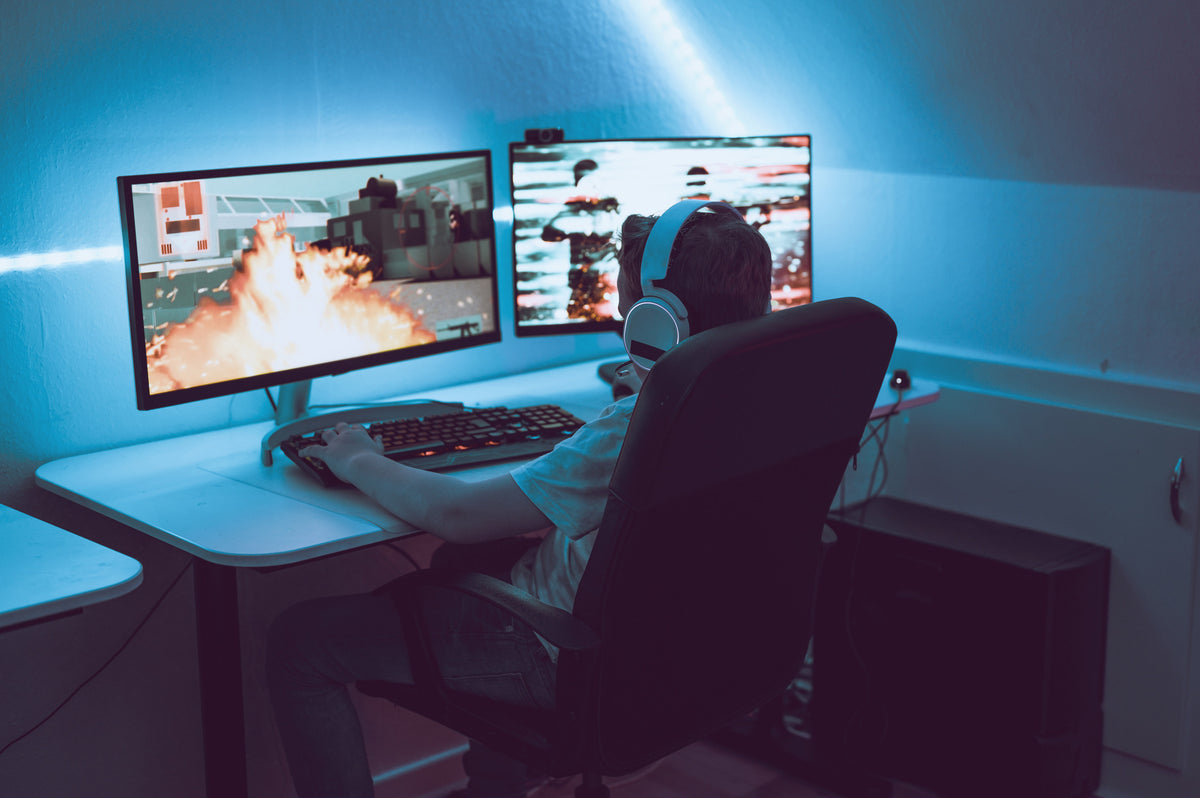
Approximately 164 million people annually in the US play video games to pass their time or to make it their profession. There was a time when people use to play video games as a hobby, however, we are now witnessing times in which people prefer playing games as a profession.
Not many people know but with this profession is associated many diseases that can affect games globally. Many gamers suffer from multiple gamer diseases due to power ergonomics understanding and lack of awareness. In this article, we will be discussing how ergonomics can prevent you from several infamous diseases associated with gaming and how you can save yourself.
Common Gamer’s Diseases
To know more about good ergonomics and its role in a gamer's health and concentration, we have listed some of the common diseases and why they affect a gamer while playing.
Here are a few of them,
· Carpel Tunnel Syndrome
Due to prolong gaming many gamers suffer from wrist injuries. The most common one is Carpal Tunnel Syndrome, which is a medical condition caused by frequent stress or strain on nerves in the wrist.
This condition can cause extreme pain and numbness and if not diagnosed timely it can also cause many serious issues such as lack of grip. You can invest in good wrist support for yourself and utilize it while you play your favorite video games.
· Gamer’s Thumb
People who play games such as PlayStation or Nintendo can be a victim of this disease. It targets the tendons which perform mobilization in a human’s thumb. When a person plays a lot of console-related games, they can injure their thumb developing the gamer thumb.
It causes irritation, pain, and numbness. Gamers can feel a sense of burning and irritation on the upper portion of their thumb resulting in poor grip and lack of proper control over objects.
· Obesity
It is the most common disease in most of the world and especially in the US. Prolonged gaming can result in developing obesity. This is due to many players' lack of physical activity and tends to sit on the gaming chair playing games most of the time. Another bad thing about it is they consume fast food while playing games which is a catalyst for developing obesity.
One needs to adapt to mobility and change and without it, people can develop obesity, respiration issues, and much more.
· Vision Problems
Staring for long hours on the screen can cause your eyes to strain and you can develop weak eyesight. Gamers often play video games for long hours without any protection or anti-blue ray glasses to control their reseeding eyesight.
Poor vision can lead to migraines, discomfort, and lack of concentration during gaming. In the worst cases, it also caused seizures.
How Good Ergonomics Can Help?
Good ergonomics can help in addressing these health issues for gamers. Ergonomics is a science that consists of adjusting your body to the environment in which your body remains healthy and fit. It focuses on providing adjustable computer and works desktop accessories intending to give users an object that can be adjustable in the future and can help the users in keeping their normal posture.
We have listed some of the most common ways in which good ergonomics can help you get rid of any gamers disease,
1. Sit-stand on Daily Basis
Gamers tend to sit on their PlayStations or desktops playing games for most of their day which results in a lack of mobility and activity. To prevent any gamers disease, try to have some type of activity such as standing or sitting frequently and move around to add a little touch of exercise to your daily routine.
In this way, you will be able to make the blood flow in your body causing your body to have oxygen. You can also choose a standing desk for yourself to keep your body active and healthy while playing your favorite games.
2. Choose Ergonomic Desktop Tools
Choose something that can offer you more than one thing, such as ergonomic tools. Tools like keyboard, mouse, and specifically designed accessories to keep you stay fit and active throughout your day. These accessories will prevent you from getting your wrists injured and your neck, shoulders, and back from stress or strain that can harm your body in the longer run.
3. Buy Ergonomic Chairs
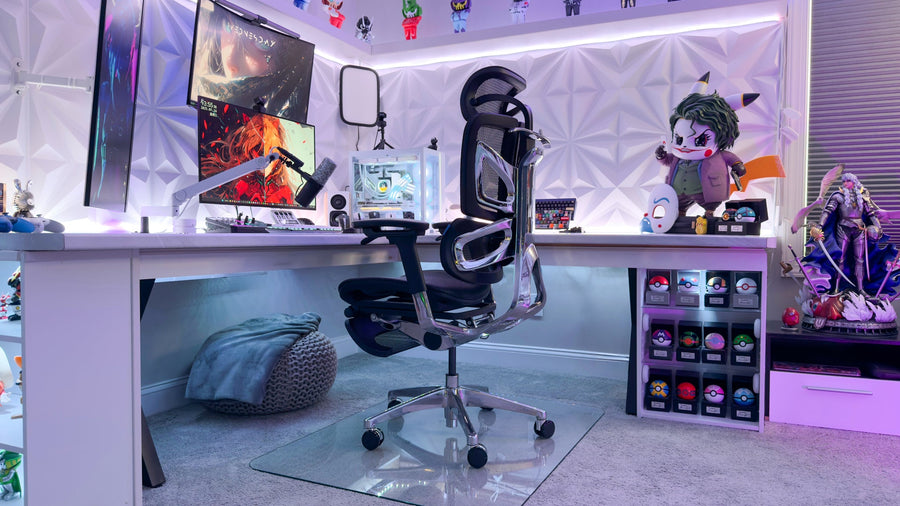
It is no surprise that the best gaming experiences come from the specifically designed gaming chairs that most gamers love. There is nothing like a premium Ergonomic Gaming Chair in terms of comfort, support, and overall gaming aesthetics.
With such chairs, gamers can enjoy their games without any slouching or stressing. It is easy to maintain good health and posture with such gaming chairs.
4. Install a Monitor Arm
Monitor's arms are the perfect things when it comes to which accessories to install for your gaming time. A monitor arm protects ur neck from straining and gives us enough visual support. Gamers should invest in good monitor arms to have the maximum adjustability they need while playing.
Benefits of Adopting Ergonomic Accessories
There are tons of benefits when gamers adopt good ergonomics in their daily routine in the form of functional accessories and setups. These accessories can be simple such as a mouse and even more complex such as a monitor arm. We have listed some of the basic benefits of these accessories,
- Better Posture
When you incorporate ergonomic accessories in your life you will be able to improve your sitting, standing, and working postures without putting a lot of effort.
- Better Agility
You will be able to have a decent workout without applying a lot of effort and spending a lot of time. with good ergonomics, you will be able to have more options to do your short activity sessions while doing your work.
- Better Performance
We all want to perform better and that is possible only with ergonomics accessories as they offer enough support and comfort to you to focus n what matters the most.
- Fewer health issues
With better posture and better health, you will not be having issues such as obesity and other issues that can arise with lack of care and poor working conditions.
Conclusion
Gaming is an excellent thing and it surely kicks our dopamine levels but it is more important to have a balance in both health and gaming so that you can enjoy your gaming episodes for a longer run. You can make it work, you can have both health and gaming on the same page by putting enough effort.
Try investing in ergonomics accessories for gaming and work so that you can have the best time playing your favorite games without causing harm to your body. There is a wide variety of products both online and offline market for you to try the best one for yourself.
Avoid adding fancy stuff to your collection which has adverse effects on your mental and physical health. Add ergonomics for better concentration while you are completing your missions in your favorite game. For more information, try to consult experts and seek their best pieces of advice to protect yourself from developing gamers' diseases.