The Ultimate Guide to Cleaning and Maintaining Your Mesh Ergonomic Off

OdinLake
カート 0
  • Ergonomic Chairs
    • Mesh Office Chair
      • L1 (Ergo UPGRADE 518) | Ergonomic Office Chair
      • O1 (Ergo PLUS 743) | Flex Mesh Ergonomic Chair
      • O2 (Ergo MAX 747) | Three-Section Backrest Ergonomic Chair
      • O3 (Ergo BUTTERFLY 753) | WireControl™ Embedded Armrests Ergonomic Chair
    • Adjustable Office Chair
      • L1 (Ergo UPGRADE 518) | Ergonomic Office Chair
      • L2 (Ergo PRO 633) | Ergonomic Office Chair(Built-in Footrest)
      • O1 (Ergo PLUS 743) | Flex Mesh Ergonomic Chair
      • O2 (Ergo MAX 747) | Three-Section Backrest Ergonomic Chair
      • O3 (Ergo BUTTERFLY 753) | WireControl™ Embedded Armrests Ergonomic Chair
    • Office Chair With Footrest
      • L2 (Ergo PRO 633) | Ergonomic Office Chair(Built-in Footrest)
      • O1 (Ergo PLUS 743) | Flex Mesh Ergonomic Chair
      • O2 (Ergo MAX 747) | Three-Section Backrest Ergonomic Chair
      • O3 (Ergo BUTTERFLY 753) | WireControl™ Embedded Armrests Ergonomic Chair
    • High Back Office Chair
      • O1 (Ergo PLUS 743) | Flex Mesh Ergonomic Chair
      • O2 (Ergo MAX 747) | Three-Section Backrest Ergonomic Chair
      • O3 (Ergo BUTTERFLY 753) | WireControl™ Embedded Armrests Ergonomic Chair
    • All Ergonomic Chair
  • Desks
    • S1 Flip-Top Rear Panel Stand Desk(30"D x 60"W x 45"H)
    • S2 Home Office Standing Desk
    • S3 Home Office L Shaped Standing Desk(63"D x 55"W x 46"H)
    • S4 Home Office L Shaped Standing Desk(75"D x 63"W x 46"H)
    • S5 L-Shaped Standing Desk With Stand Computer Table
    • S6 Home Office Executive Desk
  • Accessories
    • Single Monitor Stand (Fits 4.4 to 19.8lbs Monitors)
    • Dual Monitor Stand
    • Glass Display Cabinet
    • Chair's Accessories
    • OdinLake Ergo O Series Footrest
  • Community
    • OdinLake Insights
    • L1PRO Co-Creation
    • Reviews
    • Videos
    • Blogs
    • Affiliate Program
    • Refer A Friend
  • Support
    • Help Center
    • Exclusive Discounts
    • About Us
    • Contact Us
    • Track Your Order
    • Assembly
  • Bulk Order
私のアカウント
ログイン 登録する
OdinLake
  • Ergonomic Chairs
    • Mesh Office Chair
      • L1 (Ergo UPGRADE 518) | Ergonomic Office Chair
      • O1 (Ergo PLUS 743) | Flex Mesh Ergonomic Chair
      • O2 (Ergo MAX 747) | Three-Section Backrest Ergonomic Chair
      • O3 (Ergo BUTTERFLY 753) | WireControl™ Embedded Armrests Ergonomic Chair
    • Adjustable Office Chair
      • L1 (Ergo UPGRADE 518) | Ergonomic Office Chair
      • L2 (Ergo PRO 633) | Ergonomic Office Chair(Built-in Footrest)
      • O1 (Ergo PLUS 743) | Flex Mesh Ergonomic Chair
      • O2 (Ergo MAX 747) | Three-Section Backrest Ergonomic Chair
      • O3 (Ergo BUTTERFLY 753) | WireControl™ Embedded Armrests Ergonomic Chair
    • Office Chair With Footrest
      • L2 (Ergo PRO 633) | Ergonomic Office Chair(Built-in Footrest)
      • O1 (Ergo PLUS 743) | Flex Mesh Ergonomic Chair
      • O2 (Ergo MAX 747) | Three-Section Backrest Ergonomic Chair
      • O3 (Ergo BUTTERFLY 753) | WireControl™ Embedded Armrests Ergonomic Chair
    • High Back Office Chair
      • O1 (Ergo PLUS 743) | Flex Mesh Ergonomic Chair
      • O2 (Ergo MAX 747) | Three-Section Backrest Ergonomic Chair
      • O3 (Ergo BUTTERFLY 753) | WireControl™ Embedded Armrests Ergonomic Chair
    • All Ergonomic Chair
  • Desks
    • S1 Flip-Top Rear Panel Stand Desk(30"D x 60"W x 45"H)
    • S2 Home Office Standing Desk
    • S3 Home Office L Shaped Standing Desk(63"D x 55"W x 46"H)
    • S4 Home Office L Shaped Standing Desk(75"D x 63"W x 46"H)
    • S5 L-Shaped Standing Desk With Stand Computer Table
    • S6 Home Office Executive Desk
  • Accessories
    • Single Monitor Stand (Fits 4.4 to 19.8lbs Monitors)
    • Dual Monitor Stand
    • Glass Display Cabinet
    • Chair's Accessories
    • OdinLake Ergo O Series Footrest
  • Community
    • OdinLake Insights
    • L1PRO Co-Creation
    • Reviews
    • Videos
    • Blogs
    • Affiliate Program
    • Refer A Friend
  • Support
    • Help Center
    • Exclusive Discounts
    • About Us
    • Contact Us
    • Track Your Order
    • Assembly
  • Bulk Order
アカウント カート 0

当店を検索

OdinLake
アカウント カート 0
人気の検索:
OdinLake 518 OdinLake 743 OdinLake 633
The-Ultimate-Guide-to-Cleaning-and-Maintaining-Your-Mesh-Ergonomic-Office-Chair OdinLake
Ergonomic Chair

The Ultimate Guide to Cleaning and Maintaining Your Mesh Ergonomic Office Chair

による Odinlake Official の上 Apr 12, 2023

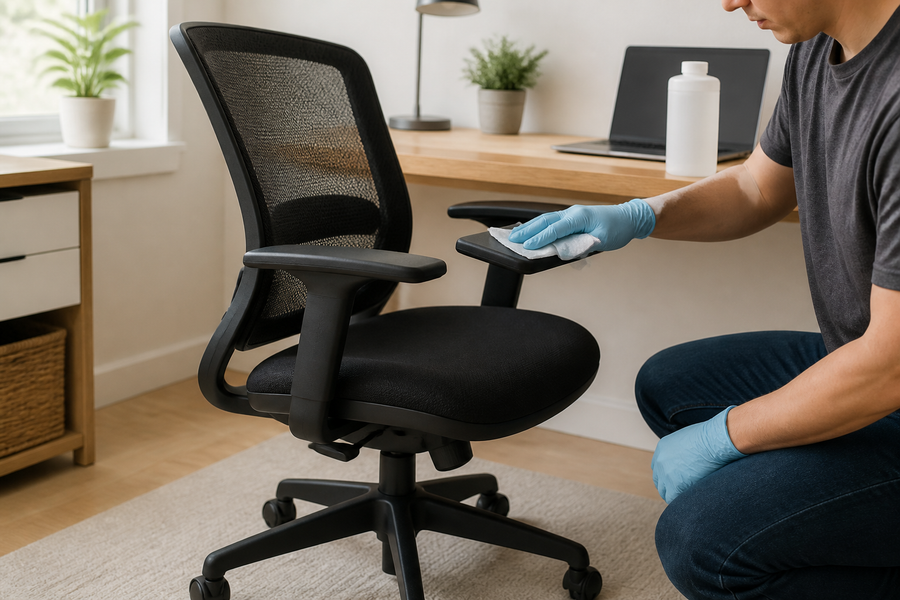
Are you a proud owner of an OdinLake Ergo Plus 743 Mesh Ergonomic Office Chair? If so, you know the importance of maintaining its pristine condition and appearance to prolong its life and ensure it provides you with the maximum comfort and support. In this comprehensive guide, we'll walk you through the proper cleaning and maintenance techniques for your mesh office chair so you can enjoy its benefits for years to come.

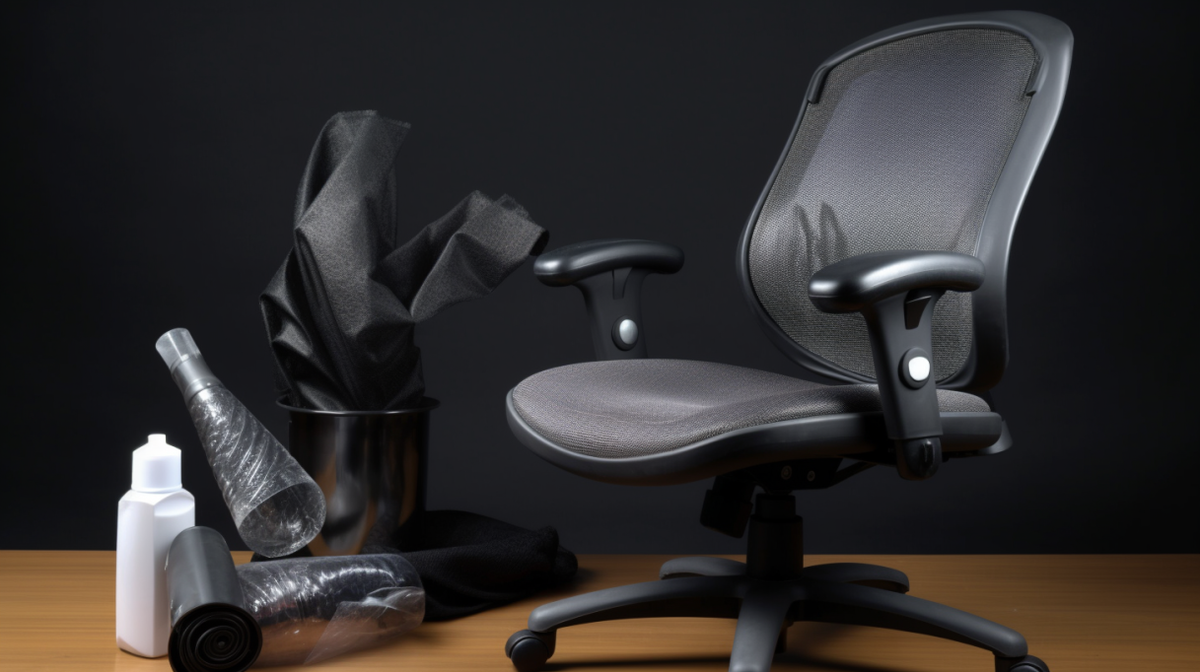
  1. Gather your cleaning supplies: Before you begin, make sure you have the following cleaning supplies at hand:
  • A vacuum cleaner with a brush attachment 
  • A soft, lint-free cloth
  • Mild dish soap
  • Warm water
  • A spray bottle (optional)
  • A soft-bristle brush (optional)
  1. Vacuum the mesh fabric: Start by vacuuming the entire surface of the mesh fabric using the brush attachment on your vacuum cleaner. This will remove any loose dirt, dust, and debris that has accumulated over time.

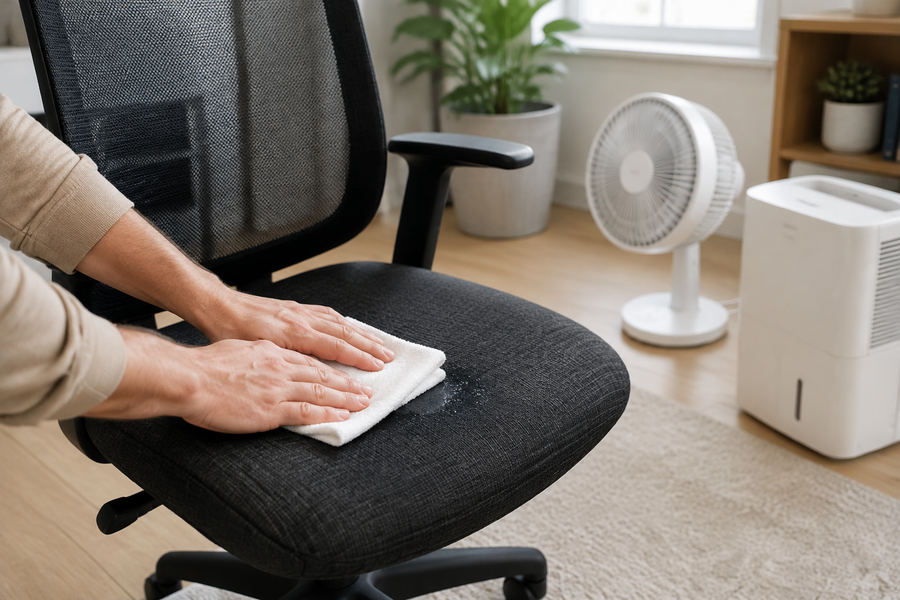
  2. Spot cleaning stains and spills: For any visible stains or spills on the mesh fabric, mix a few drops of mild dish soap with warm water. Dip a soft, lint-free cloth into the soapy water and gently dab at the stained area until it lifts. Be sure not to scrub or rub the fabric, as this could damage the mesh. Rinse the cloth with clean water, wring it out, and use it to blot the area until the soap residue is gone.

  3. Cleaning the entire mesh surface: If the entire mesh surface requires a thorough cleaning, fill a spray bottle with the mild soap and water mixture, and lightly mist the fabric. Use a soft-bristle brush to gently agitate the soapy water into the mesh, taking care to avoid scrubbing too hard. Rinse the brush frequently to remove any dirt and grime. Once the entire surface has been cleaned, use a clean, damp cloth to remove any remaining soap residue.

  4. Drying the mesh fabric: Allow your OdinLake Ergo Plus 743 Mesh Ergonomic Office Chair to air dry completely before using it again. Do not use heat or direct sunlight to speed up the drying process, as this could cause the fabric to fade or become damaged.

  5. Cleaning and maintaining other parts of the chair: While the mesh fabric is the main focus, don't forget to clean and maintain the other parts of your chair, such as the armrests, base, and casters. Use a damp cloth to wipe down these areas, and pay special attention to any dirt or debris that may have accumulated in hard-to-reach places. Regularly check for loose screws or other hardware, and tighten them as needed to keep your chair in top condition.

Conclusion: With regular cleaning and maintenance, your OdinLake Ergo Plus 743 Mesh Ergonomic Office Chair will remain comfortable and supportive for years to come. By following these simple steps, you'll not only prolong the life of your chair but also ensure a healthier and more productive workspace. Happy cleaning!

タグ: Chairs, Ergonomic Chair
前の
Mastering the Art of Making Money from Home: A Comprehensive Guide
次
Finding the Perfect Height: A Comprehensive Guide to Ergonomically Adjusting Your Standing Desk

関連記事

How to Choose an Ergonomic Chair

How to Choose an Ergonomic Chair: Comfort and Support Guide

How to Choose a Chair for a Study Room

How to Choose a Chair for a Study Room: Create Better Comfort

What to get mom for Mother's Day

What to get mom for Mother's Day? Practical Gifts She’ll Actually Use

Ergonomic Office Chair for Long Hours

How to Choose the Best Ergonomic Office Chair for Long Hours (2026 Guide)

Categories

  • Everything About Chair (3)
  • Healthy Work (29)
  • Standing Desk (26)
  • Workspace (46)
  • Smart Home (3)
  • Sustainable Development (4)
  • Press (4)

Recent Post

How to Choose an Ergonomic Chair
Chairs
How to Choose an Ergonomic Chair: Comfort and Support Guide
How to Choose a Chair for a Study Room
Chairs
How to Choose a Chair for a Study Room: Create Better Comfort
What to get mom for Mother's Day
What to get mom for Mother's Day? Practical Gifts She’ll Actually Use

Instagram

Get early access to new ergonomic chairs, restocks, and members-only deals.

Ergonomic chair

  • L1 (Ergo UPGRADE 518)
  • L2 (Ergo PRO 633)
  • O1 (Ergo PLUS 743)
  • O2 (Ergo MAX 747)
  • O3 (Ergo BUTTERFLY 753)
  • Standing Desk
  • Accessories

Support

  • Contact Us
  • Exclusive Discounts
  • Track Your Order
  • Refer A Friend
  • Help Center
  • Assembly Video

About OdinLake

  • Our Story
  • OdinLake Insights
  • Affiliate Program
  • L1 PRO Co-Creation
  • Reviews
  • Videos
  • Carbon Removal
  • Blog

Policy

  • Shipping Policy
  • Return & Refund Policy
  • Terms of Service
  • Privacy Policy
  • Intellectual Property Rights
  • Warranty
© 2026 OdinLake Inc. All Rights Reserved.
アイルランド (EUR €)
アメリカ合衆国 (USD $)
イギリス (EUR €)
イタリア (EUR €)
エストニア (EUR €)
オランダ (EUR €)
オーストリア (EUR €)
クロアチア (EUR €)
スイス (EUR €)
スウェーデン (EUR €)
スペイン (EUR €)
スロバキア (EUR €)
スロベニア (EUR €)
デンマーク (EUR €)
ドイツ (EUR €)
ノルウェー (EUR €)
フランス (EUR €)
ベルギー (EUR €)
ポルトガル (EUR €)
ポーランド (EUR €)
リトアニア (EUR €)
日本 (JPY ¥)
English
Español
日本語
支払いオプション:
  • Ach Direct Debit
  • Amazon
  • American Express
  • Apple Pay
  • Bancontact
  • Diners Club
  • Discover
  • Google Pay
  • iDEAL Wero
  • Mastercard
  • PayPal
  • Shop Pay
  • Venmo
  • Visa

Confirm your age

Are you 18 years old or older?

Come back when you're older

Sorry, the content of this store can't be seen by a younger audience. Come back when you're older.