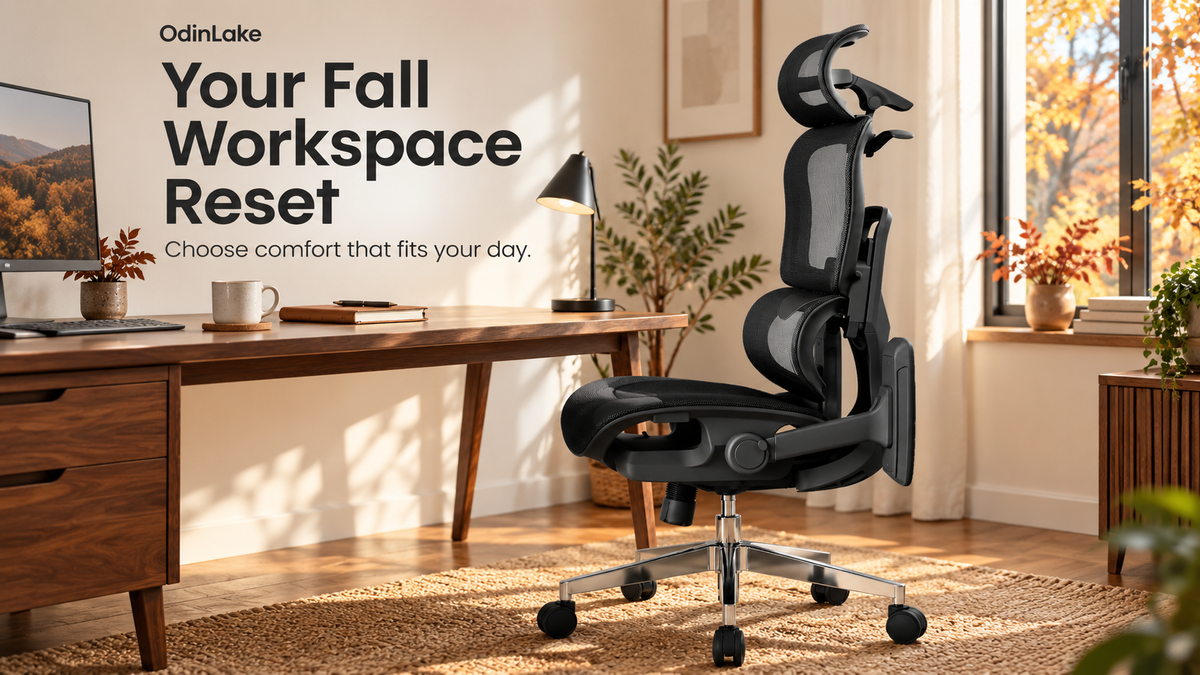
Hybrid work and early holiday shopping make October a useful time to rethink your home office. Learn how to compare chair fit, seat materials, and purchase terms.
The right ergonomic setup should adapt to your body, support frequent movement, and stay comfortable through a full workday.
OdinLake Workspace Notes · October 2026
October is a good time to take a fresh look at the place where your work actually happens. Maybe you spend two days a week at a home desk. Maybe that same desk becomes an editing station, a gaming setup, or a place to finish a personal project after dinner.
Before holiday offers fill your inbox, take stock of what that space needs. When choosing an ergonomic chair, start with how it fits your body, how its seat feels, and how easily it works with your desk. Those details will matter every time you sit down.
What this fall’s U.S. trends mean for your home office
Hybrid work remains a substantial part of American working life. In its May 2026 data, Gallup reports that 52% of U.S. employees with remote-capable jobs work hybrid schedules, while 26% work entirely remotely. These figures describe people whose jobs can be done remotely, rather than the entire workforce.
For people in that group, a home workstation has an ongoing role. Our takeaway: plan around the hours you regularly spend there. Even a part-time home office deserves a chair and desk that work well together.
Shopping is also moving into a busy season. Adobe’s September 28 forecast projects U.S. online spending of $275.1 billion during November and December 2026, up 6.7% from the previous year, with October promotions bringing purchases forward. This is a forecast across online retail; it does not predict the price of a particular chair.
For your own purchase, use October to build a shortlist. Save the exact configuration, check the delivered price, and decide which features you will actually use. You will be better prepared to evaluate an offer when it arrives.
1. Start with your current setup
Spend a few minutes at your desk before opening a product page. What would you change first? Perhaps your seat feels warm by midafternoon, the armrests keep bumping the desk, or a large chair makes a small room difficult to navigate.
Write down your three priorities. Then measure the desktop height, clearance beneath it, and the space available for the chair to move. Keep these measurements beside your shortlist. A photograph can show you the style of a chair; dimensions help you decide whether it belongs in your room.
If you are buying for someone else, ask about their preferences before choosing the seat material or size. Comfort is personal, and a surprise upgrade is easier to get right with a few practical details.
2. Check the fit before counting features
OSHA’s workstation guidance emphasizes adjustability and fitting the chair to both the user and the workstation. Use these checks when comparing dimensions or trying a chair:
- Seat height: Can your feet rest securely on the floor or a suitable foot support?
- Seat depth: Can you use the backrest while leaving clearance behind your knees?
- Back support: Does the lower-back support meet your body in a comfortable position?
- Armrests: Can your shoulders stay relaxed, with your elbows near your sides?
- Desk access: Can you move close enough to reach the keyboard without the armrests getting in the way?
A recommended height range is a useful starting point. Compare the actual seat measurements and adjustment ranges as well, especially if you share a workspace or often struggle to find a comfortable fit.
3. Choose mesh or cushioning for your indoor environment
Fall looks different across the United States. Your home office might be warm from afternoon sun and computer equipment, or kept cool throughout the day. Base your seat choice on that environment and the surface you enjoy sitting on.
The OdinLake L3 offers two seat options:
- FlexBreath® Mesh: An open-weave seat with an airy, elastic feel, suited to people who prioritize airflow.
- CozyCloud™ Cushion: Soft fabric over high-resilience foam, suited to people who prefer a fuller, cushioned seat.
Think about what you like and dislike about your current chair. If you repeatedly add a cushion, explore a cushioned option. If a warm seat is your main frustration, put airflow higher on your checklist. Look for close-up material photos and demonstrations, then confirm your chosen option before checkout.
4. Make room for changes in position
A workday includes different tasks, and your setup should make it easy to adjust. OSHA recommends changing working positions frequently, including small chair adjustments and periodic standing or walking.
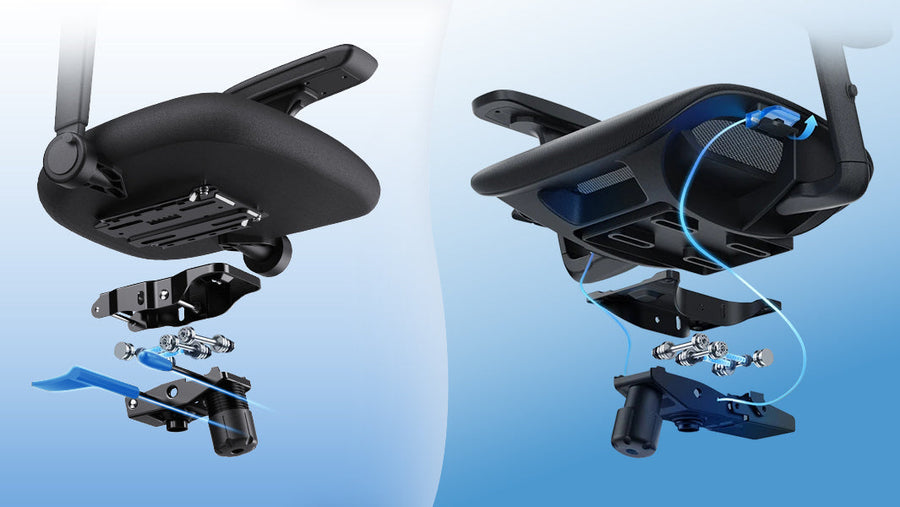
When assessing a chair, check whether the controls are easy to reach and understand. Try the backrest and recline settings you expect to use. Leave enough room behind the chair for those settings to work in your actual space.
L3’s Auto-Tracking Backrest is designed to respond as you move. Consider how that feature fits your routine, alongside your material preference. A responsive backrest can be part of an adjustable workstation; regular movement still belongs in your day.
5. Compare the full purchase, including support
A useful comparison includes more than the headline price. Before ordering, check:
- The selected version: Seat material, color, and any optional footrest or accessories.
- The delivered total: Discounts, shipping, taxes, and required extras.
- The delivery estimate: Whether your exact configuration is in stock or on preorder.
- The warranty: Which components are covered, for how long, and how to request support.
- The return terms: The deadline, packaging requirements, shipping charges, and any condition-related deductions.
L3 is listed with a five-year warranty, subject to the applicable warranty terms. OdinLake’s U.S. returns are subject to a 30-day window and return conditions and charges; personal-preference returns can involve shipping fees and condition-related deductions. Read the current policy before ordering and keep the original packaging while evaluating your chair.
Your October shortlist
Bring your research together in one short note: your desk measurements, three comfort priorities, preferred seat material, exact configuration, and total budget. Save links to the product specifications and policies beside it.
As seasonal offers appear, compare them against that note. A worthwhile upgrade should solve the problems you identified at your desk and fit the way you plan to use it.
Ready to explore? Compare L3 FlexBreath® Mesh and CozyCloud™ Cushion, or browse OdinLake’s ergonomic chairs to build your shortlist.
OdinLake. Got Your Back.
Market context checked October 6, 2026. Gallup figures refer to its May 2026 survey of U.S. employees with remote-capable jobs. Adobe figures are forecasts for the 2026 holiday season. Product options, availability, and policies should be checked on the linked pages when ordering.