The right ergonomic setup should adapt to your body, support frequent movement, and stay comfortable through a full workday.
In the second half of the twentieth century, American executive chairs were designed around an idealized male body. Some of those assumptions carried over into early ergonomic chairs. Read the design history study.
Today, petite women and women with shorter legs or torsos can still run into specific fit problems. A seat may sit too high even at its lowest setting. A deep seat can press behind your knees when you sit back. Lumbar support can land too high, and a headrest can push your head forward while you type. When choosing an ergonomic office chair, start with the three fit checks below.
How to Tell If an Ergonomic Office Chair Fits You
1. Check the Minimum Seat Height and Depth
Sit all the way back against the backrest. Check whether both feet rest flat on the floor or on a stable footrest. Then look for a little space between the front edge of the seat and the backs of your knees.
If your feet dangle, check how low the seat can go. If the seat edge presses behind your knees or you have to scoot forward to get away from it, check the minimum seat depth. When shopping online, compare both measurements with a chair you already find comfortable.
Your desk matters, too. If you need to raise the chair to type with relaxed shoulders at a fixed-height desk, a separate footrest can support your feet. If the seat itself is too deep, look for a shallower seat or a seat slider with a shorter minimum setting. See OSHA’s workstation chair guide.
2. Make Sure the Lumbar Support Meets Your Lower Back
Once the seat fits, check where the backrest meets your lower back. Sit as you normally would while typing, then lean back a little as if you were reading. In both positions, the support should follow the curve of your lower back without pressing hard into one spot.
If the support feels too high or too low, try adjusting the backrest or the lumbar support. When comparing chairs online, check which part moves. Some chairs let you raise or lower the whole backrest. Others let you reposition the lumbar pad separately. Either design can work if the support reaches the right place for you.
3. Try the Headrest While Sitting Upright and Reclining
Sit upright and look at your screen. Your head should rest naturally over your shoulders. If the headrest nudges your head forward, try moving it back or adjusting its height.
Then lean back and see where the headrest meets you. A good setting gives your head and neck a comfortable place to rest when you recline and leaves enough room when you return to typing. If you spend most of your workday upright and rarely use a headrest, a chair without one is also worth trying.
Where the OdinLake L3 Fits on Your Shortlist
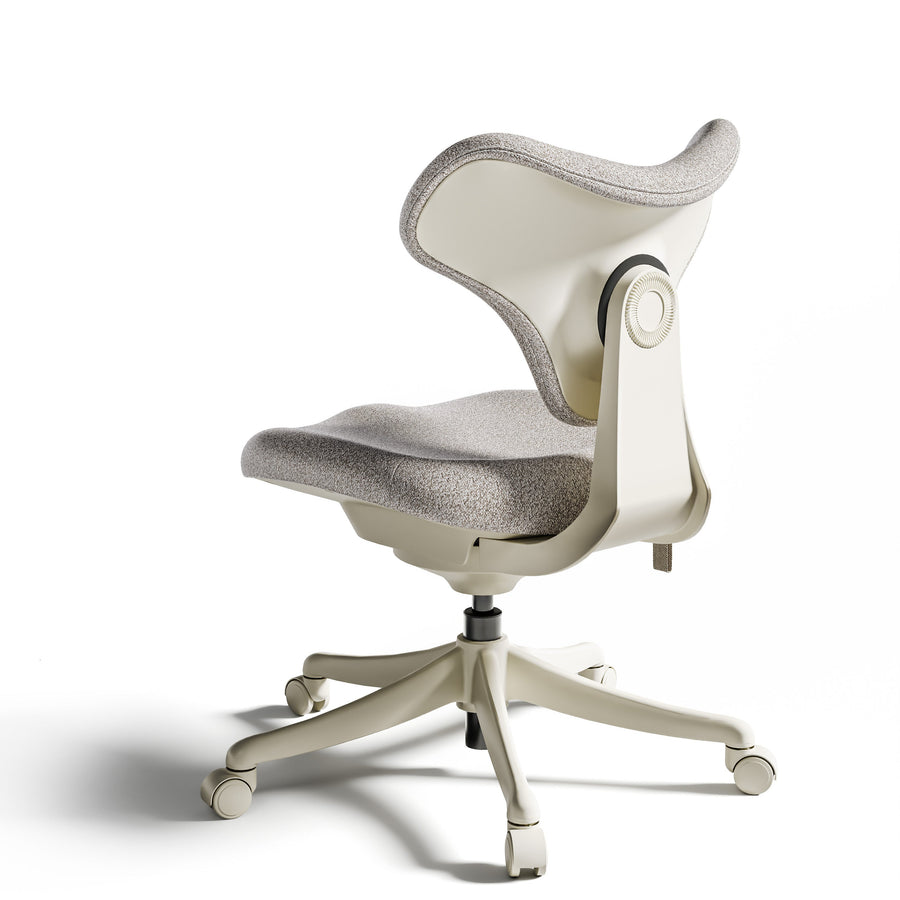
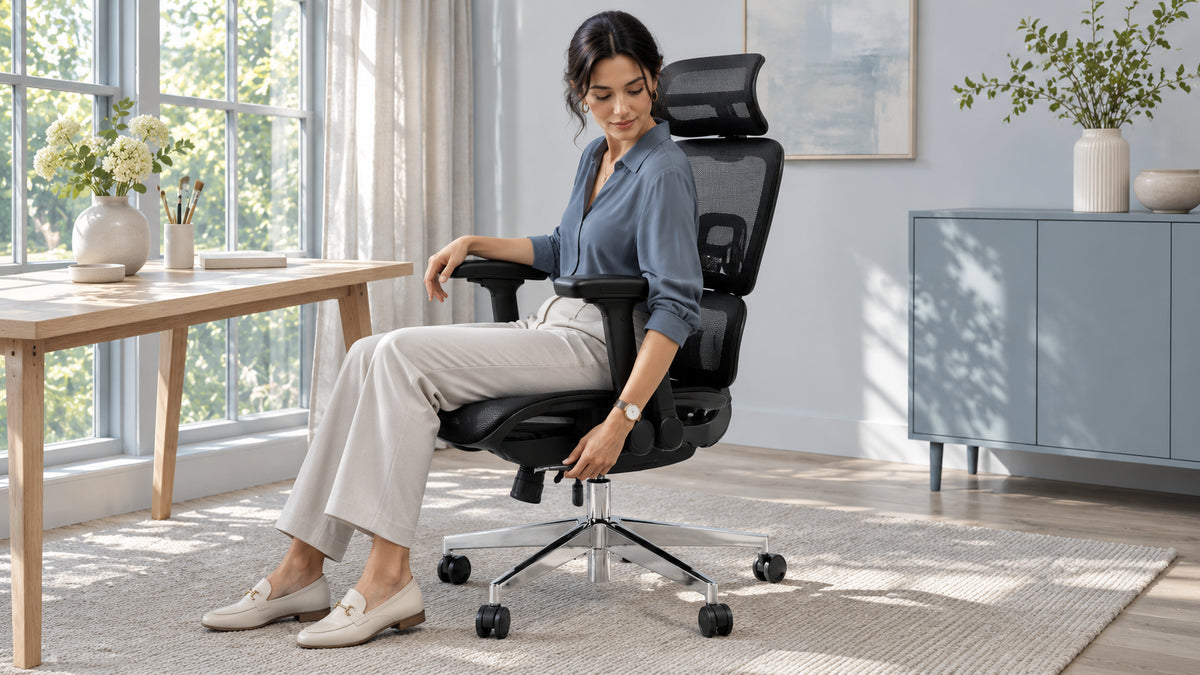
The OdinLake L3 FlexBreath has a sliding seat, an adjustable headrest, and a responsive backrest that moves as you shift or recline. OdinLake lists a seat-height range of 18.5–22 inches and a seat-depth range of 19.69–21.66 inches. If office chairs often feel too tall or too deep for you, compare both minimum settings with a chair that already fits you before ordering. See the OdinLake L3 product specifications.
A video review can give you a better sense of how the chair looks in a real workspace. As you watch, pay attention to the seat edge and headrest position when they’re visible. Watch the female influencer’s settings.
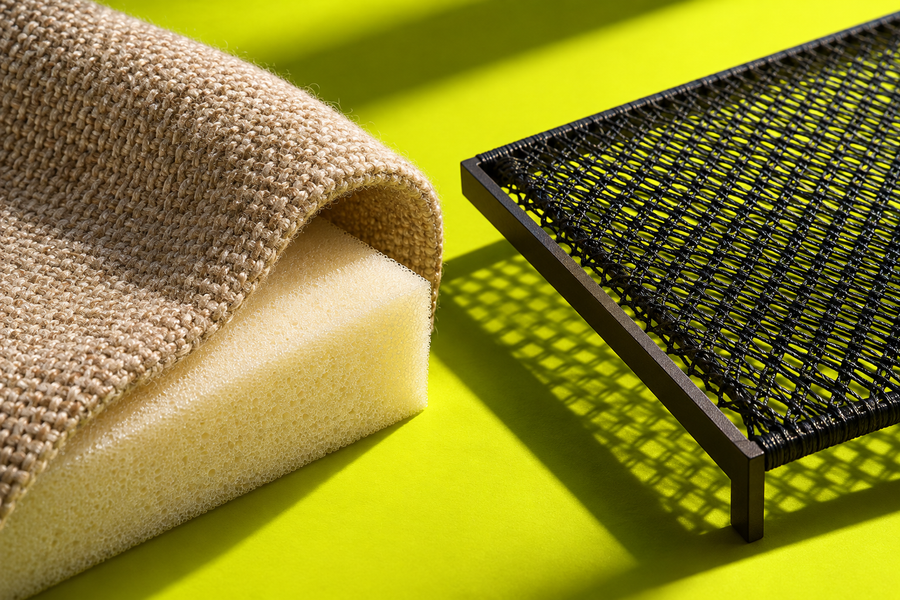
The L3 also comes in a CozyCloud version. Choose FlexBreath mesh if you tend to run warm and want more airflow through the seat. Choose CozyCloud foam if you prefer a softer, more cushioned feel. Check the dimensions of the version you’re considering, then choose the seat material you prefer.
Frequently Asked Questions
What should petite women check first when buying an ergonomic office chair?
Start with the minimum seat height and depth. Both feet should be supported, and the seat should leave a little room behind your knees when you sit against the backrest. If you work at a fixed-height desk, check that you can still reach the keyboard with your shoulders relaxed at that seat height.
Do I need a headrest on an ergonomic office chair?
A headrest is optional. It can be useful if you often lean back to read or take a break. Try it in both positions to see whether it supports you when you recline and leaves enough room for your head to rest naturally when you sit upright.
Should I choose the L3 FlexBreath or CozyCloud?
Choose FlexBreath for a mesh seat that lets air pass through, or CozyCloud for a softer, padded feel. If you’re still deciding whether the L3 fits, compare the seat-height and seat-depth ranges before choosing a material.