Quick answer
The right ergonomic setup should adapt to your body, support frequent movement, and stay comfortable through a full workday.
The Scenario: The Midnight Grind and the Onset of "Physical Friction"
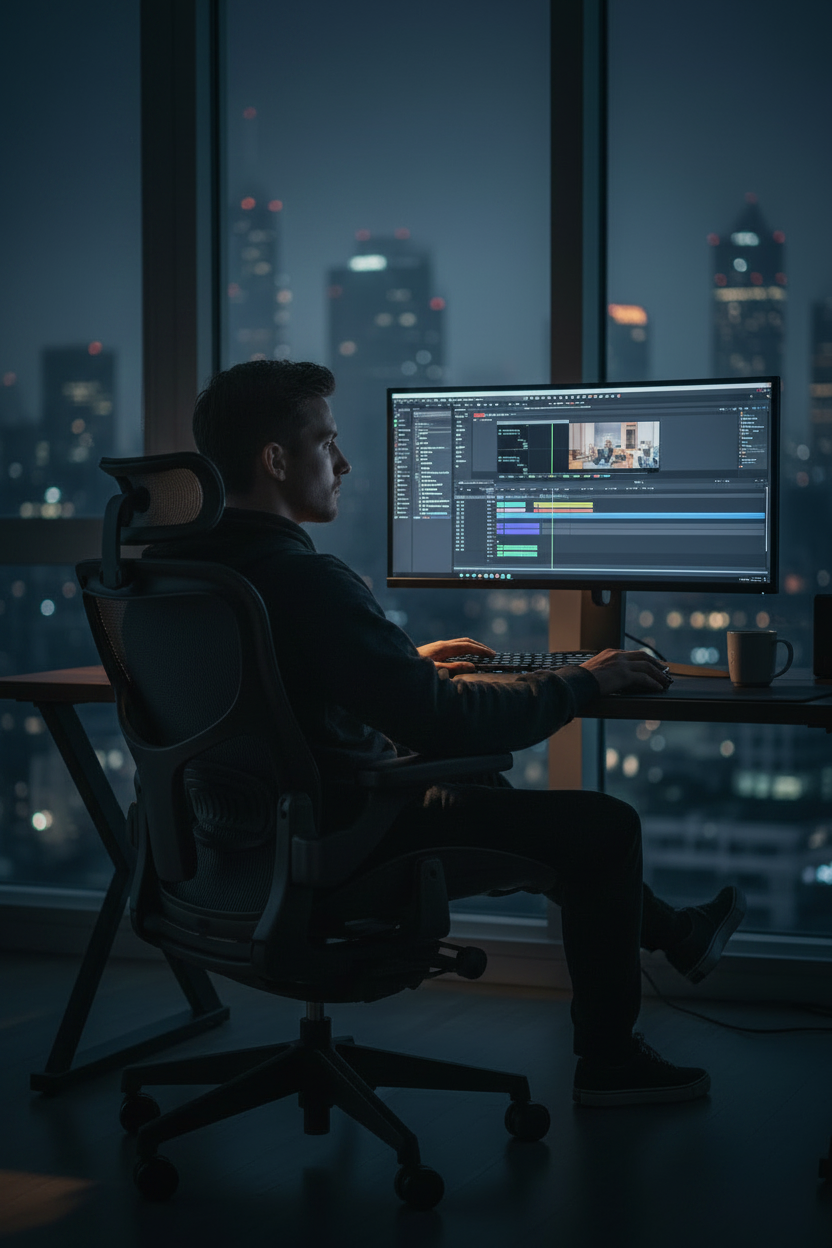
For software engineers, video editors, and digital artists, the most productive hours often happen after midnight. In this sensory-deprived silence, you enter the "zone." However, as the clock hits 2:00 AM, a silent intruder breaks your flow: Physical Friction.
It begins as a dull ache at the base of your spine and evolves into a sharp, radiating heat between your shoulder blades. You aren't just fighting a deadline anymore; you are fighting a physical battle against gravity. In this high-stakes scenario, a standard chair isn't just uncomfortable—it’s a cognitive drain.
Identifying the "Symptoms of Excellence"
High-intensity creators suffer from specific biomechanical failures when seated for extended periods:
-
Lumbar Collapse (The "C" Curve): Without active support, your spine loses its natural S-shape, placing immense hydraulic pressure on your intervertebral discs.
-
Cervicogenic Tension: As you lean toward the monitor to check a pixel or a line of code, your neck muscles struggle to support your head's weight, leading to tension headaches.
-
Ischial Pressure: Poor weight distribution acts like a tourniquet on your thighs, causing the "pins and needles" sensation that shatters concentration.
The Solution: How an Ergonomic Tool Intervenes
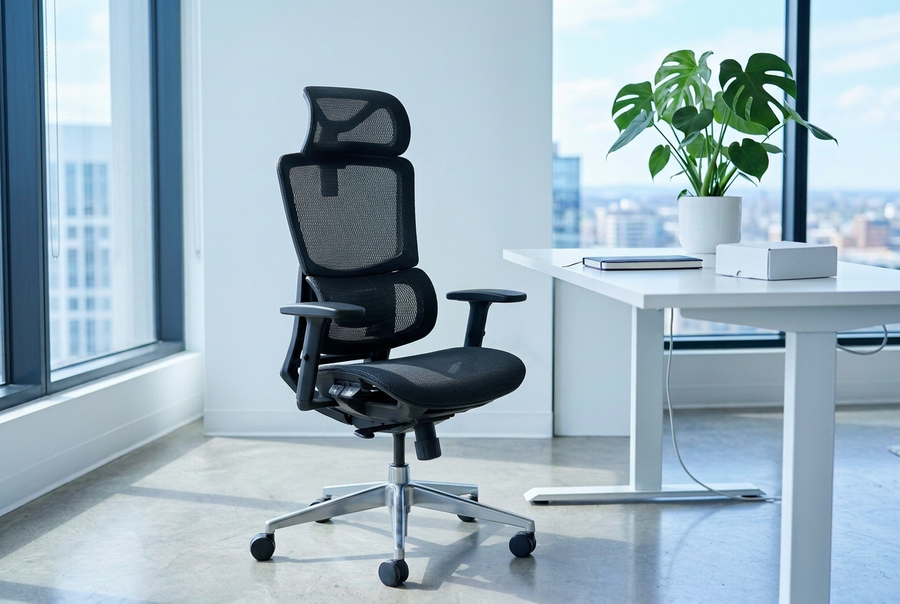
To resolve these pains, a professional chair acts as an external skeleton, facilitating Biomechanical Neutrality:
-
Dynamic Lumbar Tracking: The chair follows your micro-movements. When you lean in, the support maintains the spinal curve, preventing "disc-pinch" in real-time.
-
Synchronous Tilt: As you lean back to contemplate a strategy, the seat and backrest move in a coordinated ratio, opening up the torso to re-oxygenate the blood without lifting your feet off the ground.
-
Thermal & Pressure Regulation: High-tensile technical mesh dissipates body heat and eliminates "hot spots," neutralizing the gravity that crushes your sit-bones during an 8-hour marathon.
Strategic Selection: Choosing Your Performance Tool
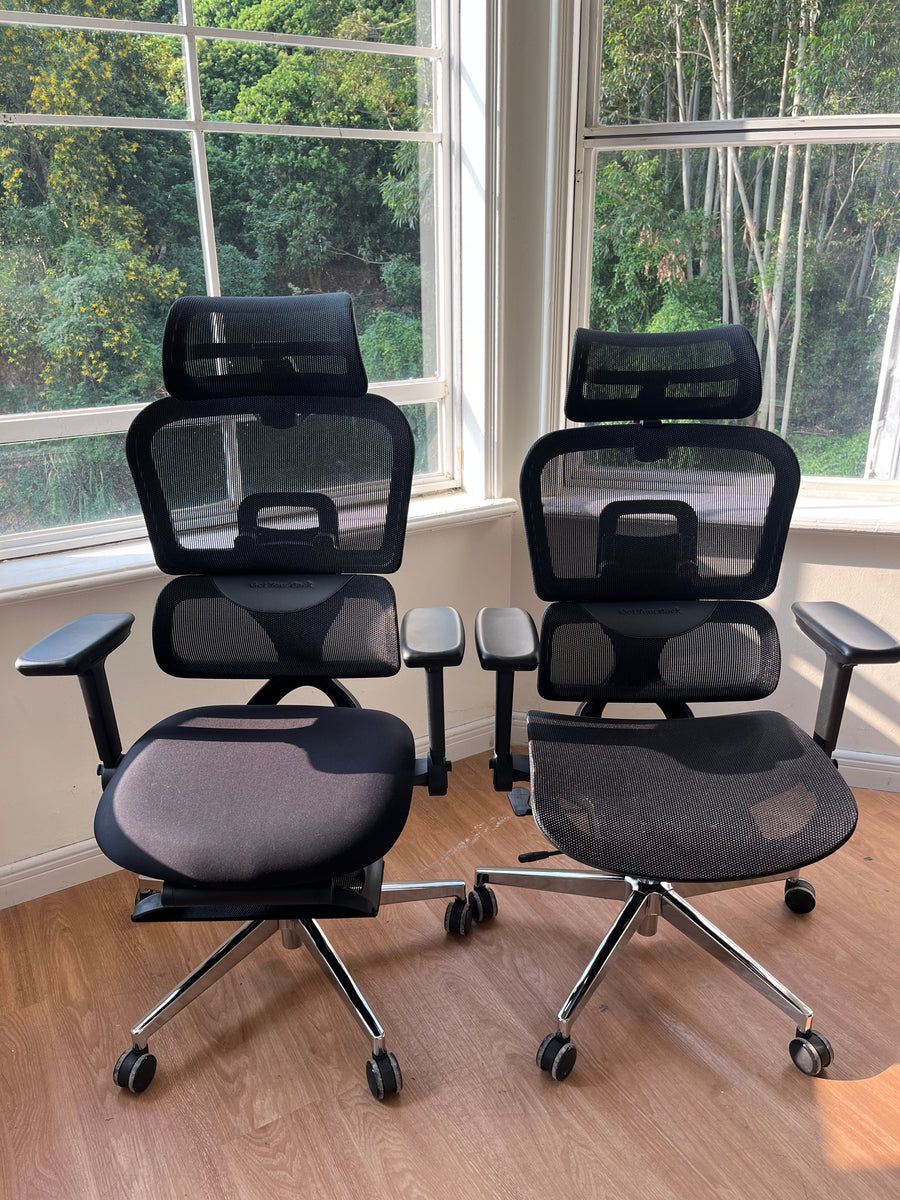
When selecting a chair to mitigate these specific late-night pains, prioritize these features:
-
Adjustable Armrest: These should neutralize shoulder strain by supporting your elbows at the exact height of your keyboard or drawing tablet.
-
Adjustable Seat Depth: Essential for ensuring your lower limbs maintain circulation without putting pressure on the back of your knees.
-
Waterfall Seat Edge: A sloped front prevents the "tourniquet effect" on your thighs during prolonged sessions.
Beyond the Chair: Tactical Recovery
-
The 20-20-20 Rule: To relieve ocular fatigue, look at something 20 feet away every 20 minutes.
-
The Chest Opener: Every hour, retract your shoulders to reverse the "closed" posture of typing.
Conclusion: Investing in Your Performance Horizon
Trust is the absence of pain. When you resolve the conflict between your body and your work, you stop managing discomfort and start mastering your craft. An ergonomic chair is more than furniture; it is a strategic investment in your career longevity.