A riser desk sits on top of an existing desk to create a sit-stand workstation, while a standing desk is a full height-adjustable desk that replaces the entire workstation. Choose a riser desk if you want a lower-cost,...
The right ergonomic setup should adapt to your body, support frequent movement, and stay comfortable through a full workday.
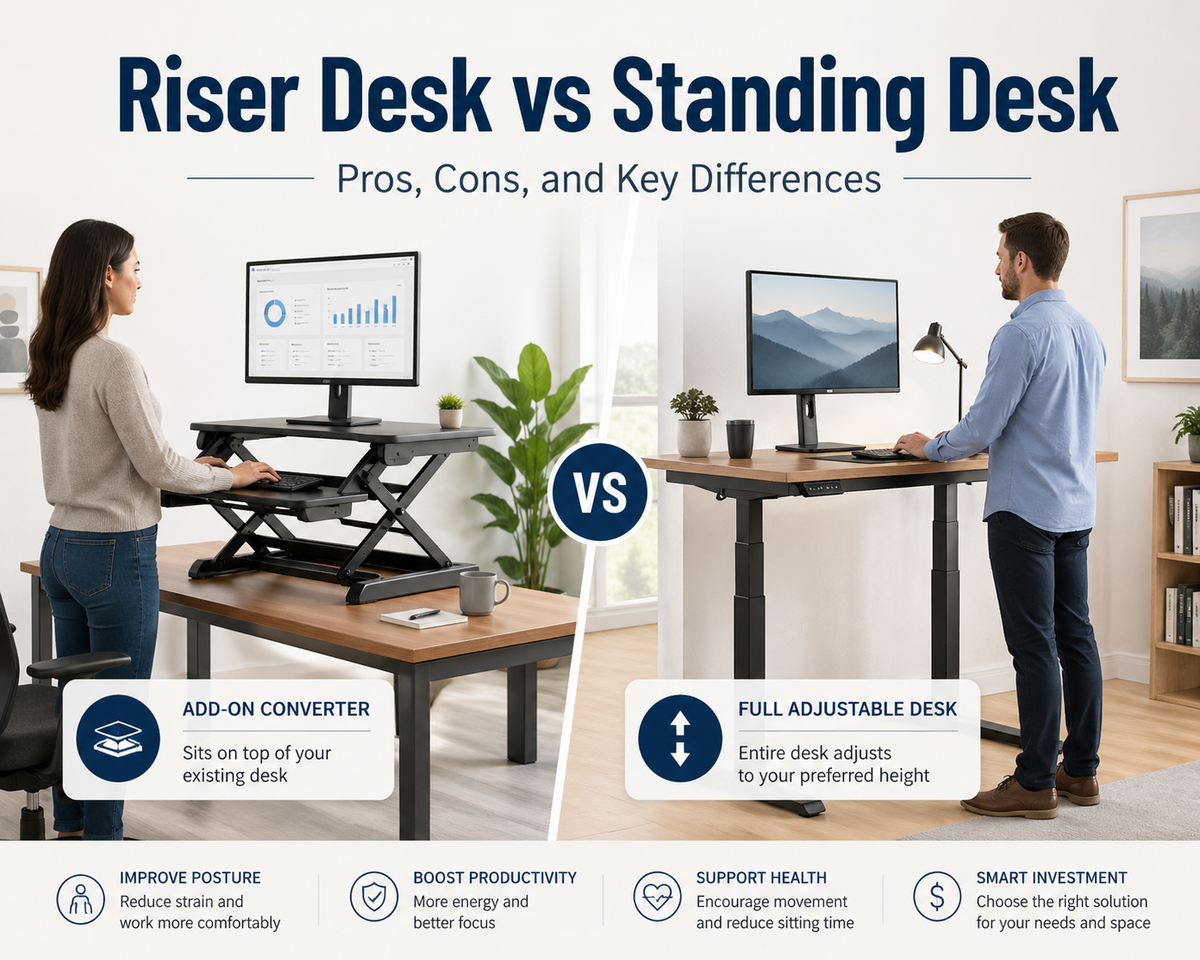
A riser desk sits on top of an existing desk to create a sit-stand workstation, while a standing desk is a full height-adjustable desk that replaces the entire workstation.
Choose a riser desk if you want a lower-cost, space-saving, and removable sit-stand setup. Choose a standing desk if you need better stability, more workspace, and long-term support for daily work.
In most cases, a riser desk is better for light or temporary setups, while a standing desk is better for full-time workstations, multi-monitor setups, and users who spend long hours at a desk.
Quick Answer: Riser Desk vs Standing Desk
The main difference between a riser desk and a standing desk is that a riser desk converts an existing desk, while a standing desk replaces the entire desk with a height-adjustable workstation.
A riser desk is usually better for:
-
Small workspaces
-
Lower budgets
-
Temporary or flexible setups
-
Laptop or single-monitor use
-
Users who want to keep their current desk
A standing desk is usually better for:
-
Long working hours
-
Multi-monitor setups
-
Heavier equipment
-
Permanent home office or office setups
-
Users who want more stability and adjustment range
If you already have a desk and need a simple sit-stand option, a riser desk is often enough. If you are building a long-term ergonomic workstation, a standing desk is usually the better choice.
What Is a Riser Desk
A riser desk is a platform that sits on top of an existing desk to create a sit-stand workspace.
How It Works
-
Raise your monitor and keyboard to standing height
-
Adjusts vertically using a lifting mechanism
-
Requires no installation
Best For
-
Small workspaces
-
Temporary or flexible setups
-
Budget-conscious users
Pros and Cons of a Riser Desk
A riser desk offers flexibility but limits workspace and stability.
Pros:
-
Lower cost. It is significantly cheaper than a full standing desk
-
No installation. You can place it on your desk and start using it immediately
-
Easy to move. It can be repositioned or removed without effort
-
Works with existing desks. You do not need to replace your current setup
Cons:
-
Limited surface area. It may not fit multiple monitors or large accessories
-
Reduced stability at height. The structure can feel less secure when fully raised
-
Narrow adjustment range. It may not support all user heights comfortably
-
Not ideal for heavy setups. Larger equipment can affect balance and usability
It suits light setups but not complex workstation needs.
What Is a Standing Desk
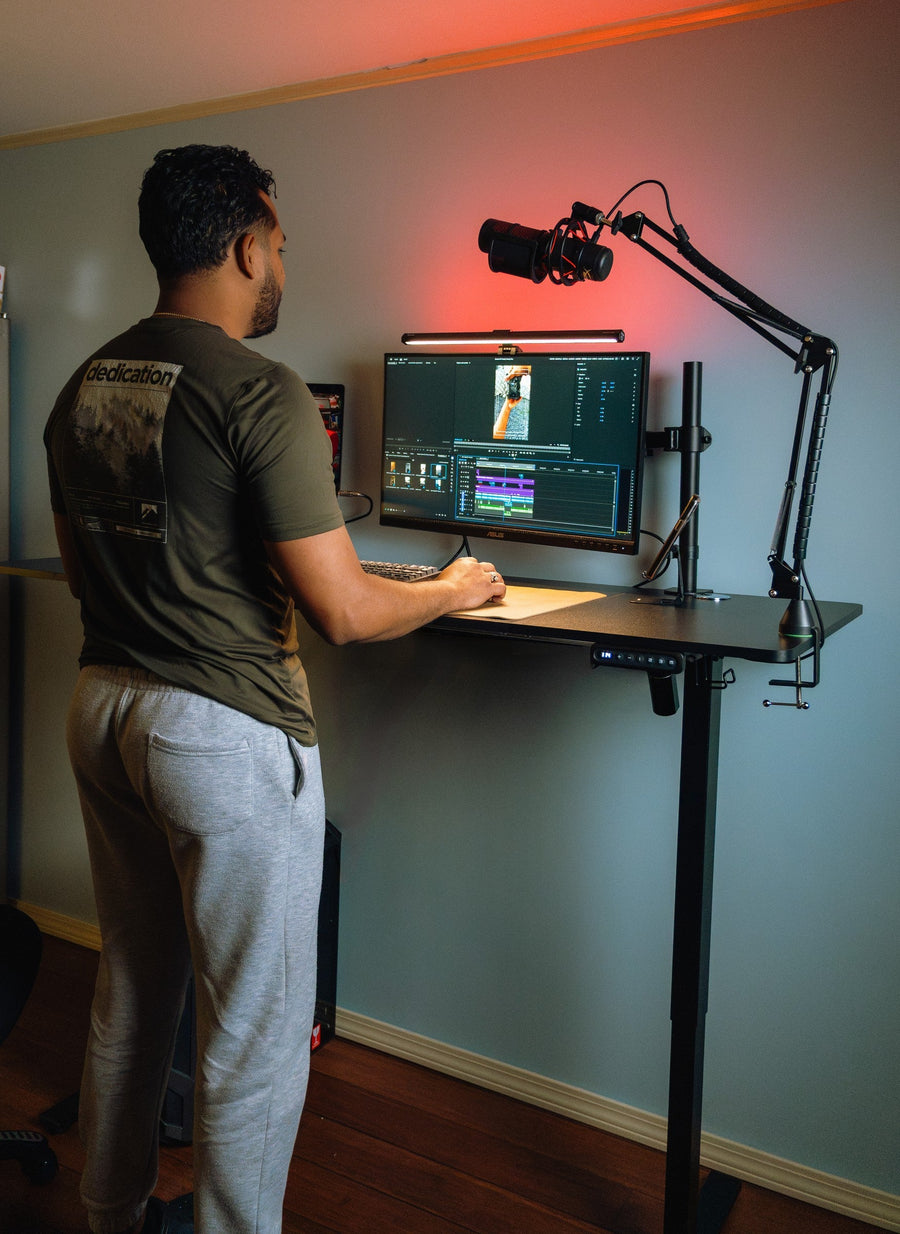
A standing desk is a full desk with an adjustable height system that supports both sitting and standing.
How It Works
-
Adjusts height between sitting and standing positions
-
Available in manual or electric versions
-
Supports full desk movement
Best For
-
Long working hours
-
Multi-device setups
-
Permanent office environments
Pros and Cons of a Standing Desk
A standing desk provides stability and full support but requires more investment.
Pros:
-
Full workspace. It supports multiple monitors and larger accessories without space limitations
-
High stability. The full-frame structure keeps the desk stable at all heights
-
Wide adjustment range. It fits a wider range of user heights and working positions
-
Better long-term support. It remains comfortable during extended daily use
Cons:
-
Higher cost. It requires a larger upfront investment than a riser desk
-
Requires assembly. Setup takes time and may need tools
-
Larger footprint. It occupies more floor space and reduces flexibility
-
Less portable. It is difficult to move once installed
It suits long-term use and multi-device setups.
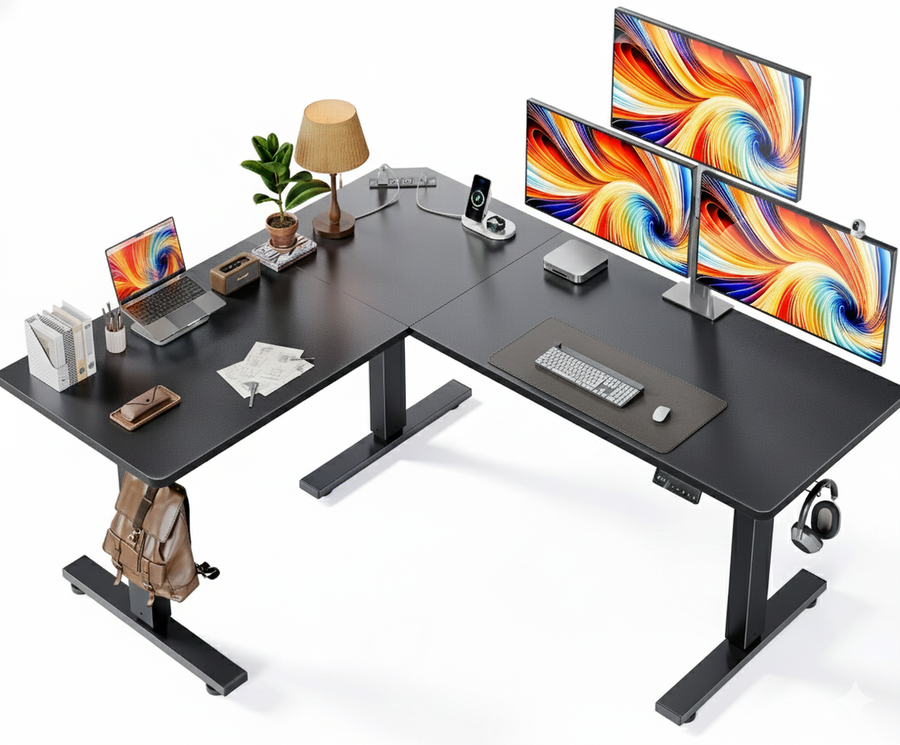
If you want a standing desk built for a full workstation, a model like the OdinLake S1 Flip-Top Rear Panel Standing Desk can work well for users who need a spacious, stable setup for multiple monitors and daily office equipment. Its rear panel design also helps with monitor arm placement and cable organization.
This type of desk is especially suitable for users who need a long-term home office setup, a multi-monitor workstation, or a more stable alternative to a compact riser desk.

Key Differences Between Riser Desk and Standing Desk
A riser desk modifies an existing desk, while a standing desk replaces it entirely.
|
Feature |
Riser Desk |
Standing Desk |
|
Structure |
Sits on top of an existing desk |
Full desk with adjustable frame |
|
Installation |
No setup required |
Requires assembly |
|
Adjustability |
Limited height range |
Full sit-stand range |
|
Stability |
Moderate at full height |
High stability |
|
Workspace |
Compact surface area |
Full desktop space |
|
Weight Capacity |
Lower load support |
Higher load support |
|
Portability |
Easy to move |
Fixed once installed |
|
Price |
Lower cost |
Higher investment |
|
Best Use |
Small or flexible setups |
Long-term workstation |
Riser desks focus on flexibility and cost efficiency. Standing desks focus on stability and long-term performance.
Key differences at a glance:
-
Riser desk works as an add-on, while a standing desk replaces the entire setup
-
Riser desk offers limited adjustment, while a standing desk supports a full height range
-
Riser desk is easier to move, while a standing desk remains fixed
-
Riser desk costs less, while a standing desk requires a higher investment
-
Riser desk suits temporary setups, while a standing desk supports long-term use
Riser Desk vs Standing Desk for Different Use Cases
The best choice depends on how you work.
-
For small spaces, a riser desk is often more practical because it uses your existing desk. A compact standing desk can also work if space allows
-
For flexible setups, a riser desk is easier to move and adjust, especially in shared environments
-
For long working hours, a standing desk provides better support and reduces strain over time
-
For multi-monitor setups, a standing desk offers more space and a higher load capacity
-
For temporary workspaces, a riser desk allows quick setup and removal without permanent changes
Matching the desk type to your usage pattern improves both comfort and efficiency.
Which One Should You Choose
Choosing between a riser desk and a standing desk depends on your workspace, budget, and how often you switch between sitting and standing.
Choose a riser desk if you already own a desk you like, work mainly on a laptop or single monitor, and want a low-cost, removable option. Choose a standing desk if you work long hours, run a multi-monitor setup, or want a stable, permanent ergonomic workstation. When in doubt, your daily working hours and monitor count are the two factors that matter most.
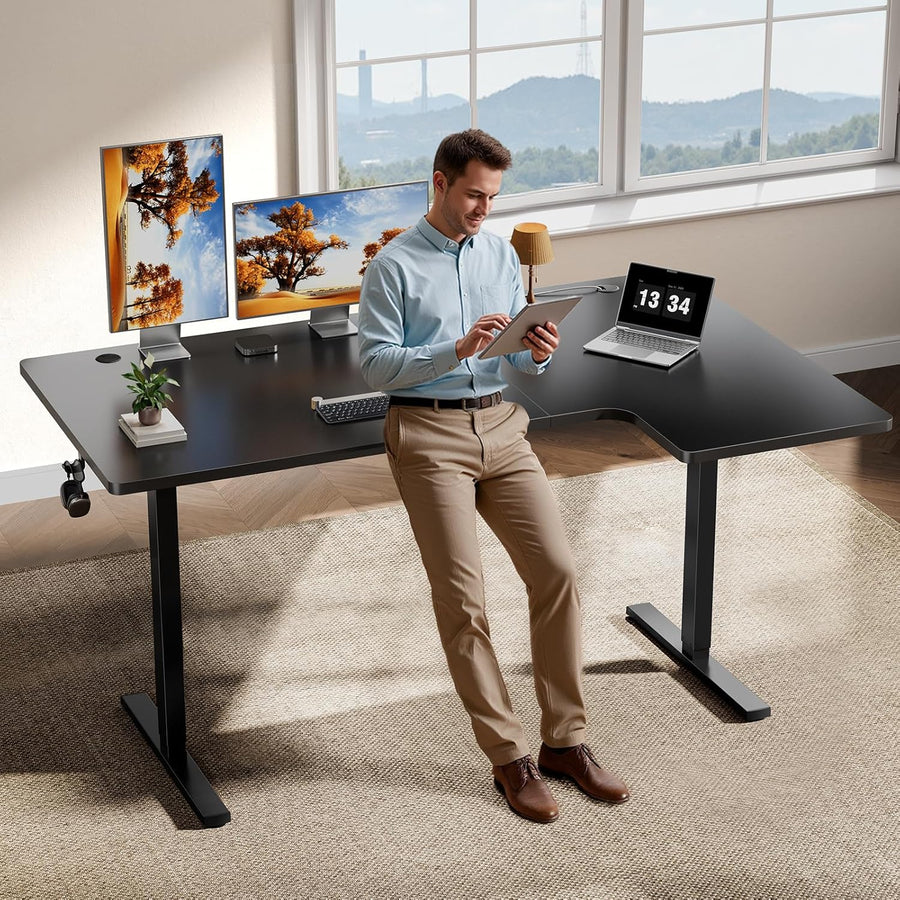
Match the desk to your usage pattern to improve efficiency. If you need a standing desk for a home office or everyday work setup, the OdinLake S2 Standing Desk is another practical choice. It offers a wide desktop and adjustable height range, making it suitable for users who want a simple, stable sit-stand workstation.

Ergonomic Impact of Standing Workstations
Are standing desks good for you? They can be, especially when used to alternate between sitting and standing instead of replacing sitting with all-day standing.
Standing workstations can reduce discomfort from prolonged sitting, but only when used with proper posture and regular movement.
Alternating between sitting and standing helps reduce continuous pressure on the lower back. However, standing for long periods without movement can lead to leg fatigue and similar strain.
Posture improves when screen height and desk height are correctly adjusted. If the setup is incorrect, both riser desks and standing desks can still cause neck or shoulder discomfort.
The best height for a standing desk is usually the height where your elbows stay close to a 90-degree angle, and your screen sits around eye level. This helps reduce shoulder, neck, and wrist strain during standing work.
Movement is the key factor. Short posture changes and regular breaks are more effective than standing continuously.
In practice, the benefit comes from variation in position rather than standing alone.
If you'd like to learn more about ergonomic office products, you can check out Odinlake.
Final Thoughts
A riser desk offers flexibility and affordability. A standing desk offers stability and long-term performance. Both serve the same function but differ in execution. Choose based on actual needs instead of preference alone.
FAQ
What is the difference between a riser desk and a standing desk?
A riser desk sits on top of a desk, while a standing desk is a full, adjustable desk. The difference lies in structure, stability, and workspace.
Is a riser desk worth it?
A riser desk is worth it for small setups and limited budgets. It works best for light use.
Which option is more stable?
A standing desk is more stable because it uses a full-frame design.
Can a riser desk replace a standing desk?
A riser desk can replace a standing desk for basic use. It cannot match stability or workspace capacity.
Are standing desks better for long hours?
Standing desks are better for long hours because they offer better support and adjustment.
Is a standing desk better than a riser desk?
A standing desk is better for long-term use, heavier setups, dual monitors, and users who need more stability. A riser desk is better for affordability, portability, and small spaces.