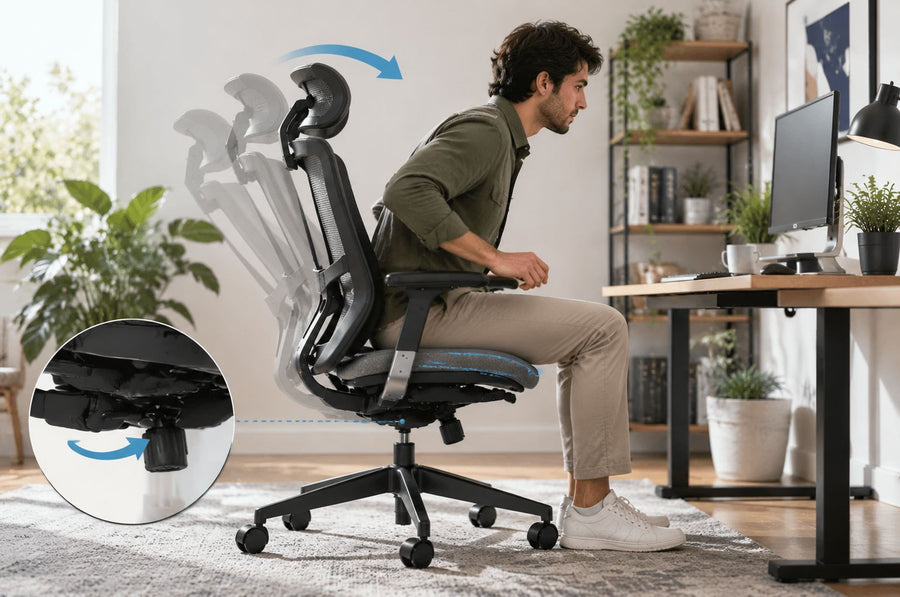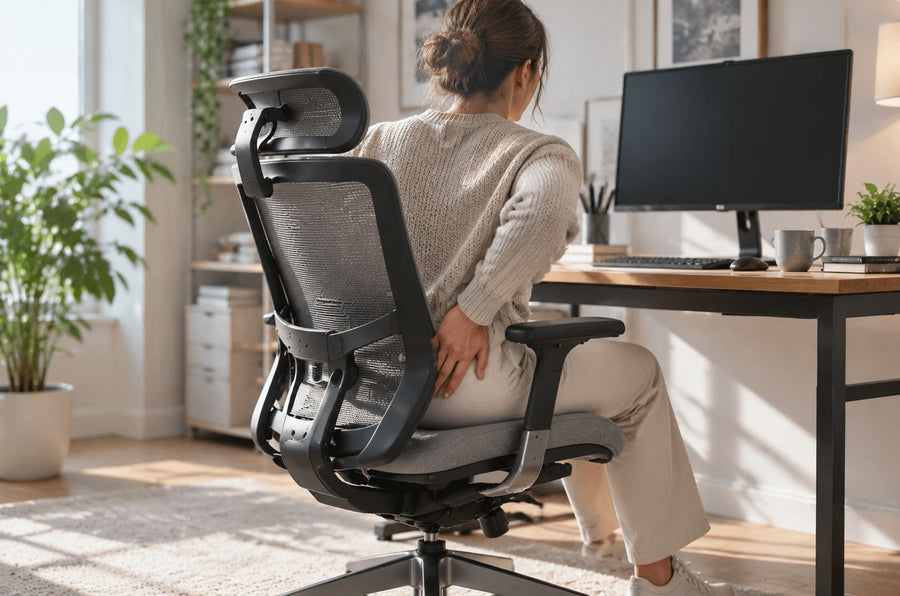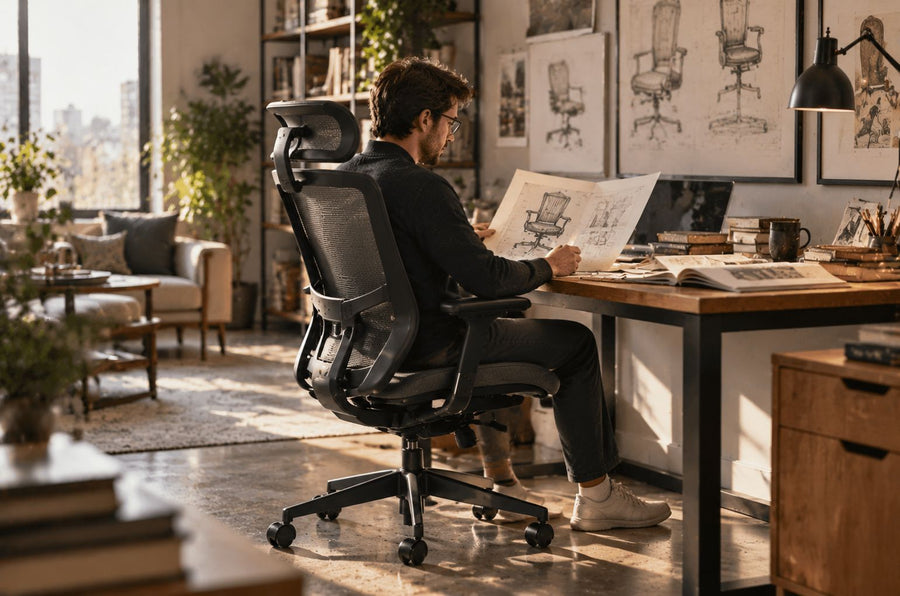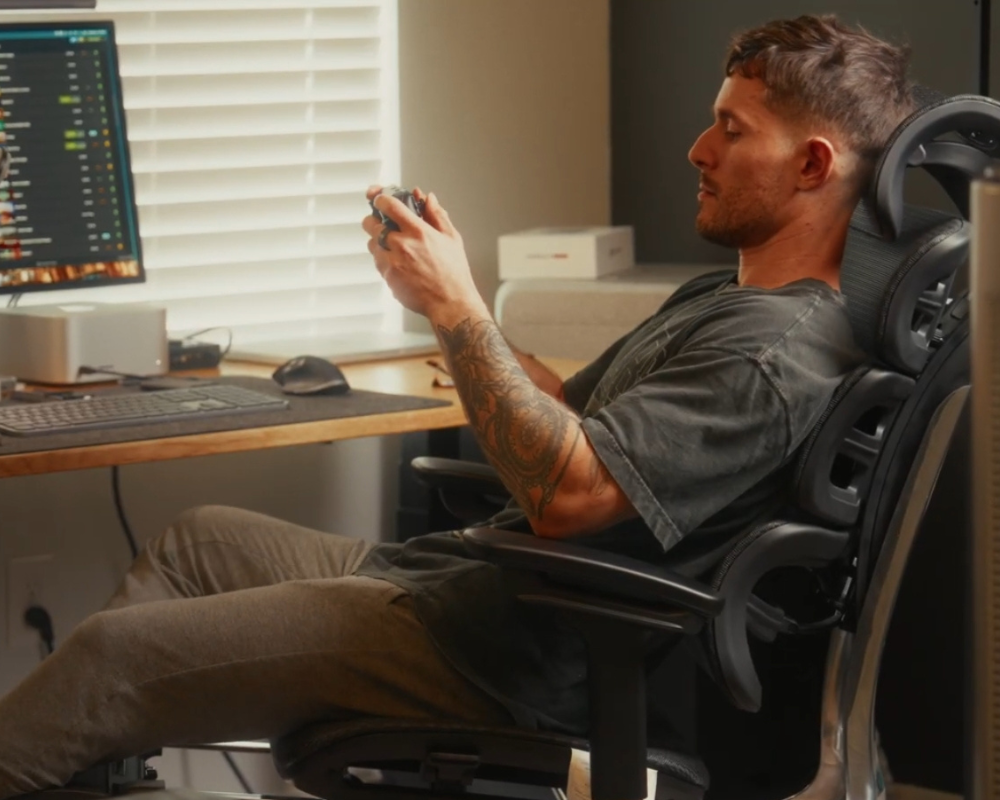
The right ergonomic setup should adapt to your body, support frequent movement, and stay comfortable through a full workday.
Lumbar support is a feature designed to maintain the natural inward curve of the lower spine during sitting. It plays a critical role in preventing spinal misalignment, reducing lower back pain, and improving posture during prolonged sitting.
This is where ergonomic seating steps in to save the day, and at the core of any good ergonomic setup is one crucial element: lumbar support.
But what is lumbar support exactly, and why do chiropractors and ergonomists constantly talk about it? Let's dive into the science of your spine and explore why investing in proper support is a non-negotiable for your long-term health.
What is Lumbar Support
In anatomical terms, the "lumbar" region refers to the lower back, specifically the five vertebrae (L1 to L5) located between your ribs and your pelvis. This part of your spine naturally curves inward toward your belly, forming what is known as a lordotic curve.
Lumbar support is an ergonomic feature—often built into a chair, car seat, or added as a separate cushion—designed to fit perfectly into this inward curve. Its primary function is to fill the gap between your lower back and the seat, preventing your spine from flattening out or slouching forward when you sit. Essentially, it acts as a structural reinforcement for your spine's natural shape.
In short, lumbar support helps preserve the spine’s natural shape and reduces biomechanical stress during sitting.
Who Needs Lumbar Support the Most
While everyone can benefit from a good lumbar support chair, certain individuals need it more urgently:
-
Office Workers: Anyone sitting at a desk for 4+ hours a day.
-
Gamers: Long gaming sessions often lead to severe slouching.
-
Drivers: Long-haul truckers or daily commuters who sit in vibrating vehicles for extended periods.
-
Individuals with Pre-existing Back Conditions: Those recovering from herniated discs, sciatica, or chronic back pain.
-
Pregnant Women: Pregnancy alters the body's center of gravity, putting immense strain on the lower back.
Any activity involving prolonged sitting increases the need for proper lumbar support.
Why Is Lumbar Support Important?
The importance of lower back support goes far beyond basic comfort. It is a fundamental biomechanical requirement for healthy sitting. Here is why it matters so much..
Maintains Proper Spinal Alignment
The human spine naturally forms an “S” shape. Without adequate support, sitting tends to flatten this curve into a “C” shape, leading to poor alignment.
Lumbar support helps maintain correct spinal alignment by preserving the natural curve of the lower back.
Reduces Lower Back Pain
When the spine is not properly supported, surrounding muscles must work harder to stabilize the body. This results in fatigue, tension, and increased pressure on spinal discs.
Proper lumbar support reduces muscle strain and distributes pressure evenly, helping prevent chronic lower back pain.
Improves Posture
Maintaining good posture requires consistent support. Without it, the upper body tends to round forward, affecting the shoulders and neck.
By stabilizing the lower back, lumbar support naturally improves overall posture and upper body alignment.
Enhances Comfort for Long Sitting Hours
Prolonged sitting often leads to stiffness and reduced circulation, which can affect productivity and focus.
Lumbar support improves comfort by distributing body weight more evenly and reducing localized pressure on the lower back.
Types of Lumbar Support in Ergonomic Chairs
When you start looking at chairs with lumbar support, you will quickly realize that not all support systems are created equal. They generally fall into three categories:
Fixed Lumbar Support
Built into the chair and non-adjustable.Suitable for users whose body proportions match the chair design, but less adaptable overall.
Adjustable Lumbar Support
Allows users to modify height and sometimes depth.Provides personalized support tailored to individual spinal curvature and sitting habits.
Dynamic Lumbar Support
Automatically adapts to body movement and posture changes.
Offers continuous support in different positions, making it the most advanced ergonomic option.
Signs Your Chair Lacks Proper Lumbar Support
How do you know if your current office chair's lumbar support is failing you? Look out for these telltale signs:
-
The "Gap": If you can easily slide your hand between your lower back and the chair while sitting normally, you lack support.
-
Constant Fidgeting: If you find yourself constantly shifting your weight, crossing and uncrossing your legs, or leaning on your desk to relieve pressure.
-
The 3 PM Slump: Noticeable back stiffness or aching that sets in specifically in the afternoon.
-
Forward Head Posture: Without lower back support, your upper back rounds, pushing your neck and head forward toward your monitor.
These signs indicate insufficient support and increased strain on the spine.

How to Choose the Right Lumbar Support for Your Chair
Investing in the right chair is investing in your health. Here is how to navigate the market and choose the best option for your body.
Look for Adjustable and Targeted Lumbar Support
Choosing the best lumbar support office chair for your back requires attention to adjustability, proper alignment with the natural spinal curve, and overall ergonomic design. A well-designed chair should support the lower back consistently while allowing personalized positioning for long-term comfort.
Always prioritize chairs that allow you to adjust the height of the lumbar pad. The apex of the support should sit exactly at the deepest part of your lower back curve. If you share your chair with someone else, adjustable depth is also highly recommended.
Consider Overall Ergonomics
Lumbar support works best as part of a complete ergonomic system. Key factors include:
-
Proper seat depth (leaving space behind the knees)
-
Supportive and flexible backrest design
-
Breathable materials such as mesh
A well-balanced ergonomic design enhances the effectiveness of lumbar support.
Choose a Chair That Supports Your Back Naturally
You want a chair that feels like it’s doing the work for you, not one you have to fight against. Examples of ergonomic chairs include models such as Odinlake O2 and O3, which feature dynamic and adjustable lumbar support systems.
-
Odinlake O2: This chair is an exceptional entry into premium ergonomics. It features a brilliantly designed dynamic lumbar support system that automatically adjusts to your posture as you lean and shift, ensuring your lower back never loses contact with the supportive mesh.
-
Odinlake O3: For those seeking the ultimate in ergonomic refinement, the Odinlake O3 takes back support to the next level. It offers highly targeted, adjustable lumbar support combined with a multi-dimensional ergonomic backrest, making it perfect for professionals who spend long, intense hours at their desks.
How to use lumbar support correctly?
Even the best chair won't help if it is configured poorly. To use your lumbar support correctly:
-
Sit all the way back in your seat. Your buttocks should be touching the base of the backrest.
-
Adjust the height of the lumbar pad so that it fits snugly right in the natural curve of your lower back (usually just above your belt line).
-
Adjust the depth (if applicable) so that it firmly supports your back without aggressively pushing you forward.
-
Keep both feet flat on the floor, with your knees bent at a 90-degree angle
Correct positioning ensures lumbar support functions as intended.

Conclusion
Lumbar support is a fundamental element of ergonomic seating. It helps maintain spinal alignment, reduce muscle fatigue, and prevent long-term back pain associated with prolonged sitting.In summary, proper lumbar support transforms sitting from a source of strain into a sustainable and healthy posture. Investing in an ergonomic chair with effective lumbar support can significantly improve both comfort and long-term spinal health.
In essence, lumbar support is essential for maintaining spinal alignment, improving posture, and reducing long-term back strain during prolonged sitting.
FAQ
What happens if lumbar support is too high?
If the lumbar support is positioned too high, it will press into the middle of your back (the thoracic spine) rather than the lower curve. This pushes your upper torso forward, forces you into an unnatural slouch, and entirely defeats the purpose of the support, leading to middle and upper back pain.
How can I tell if my lumbar support is correctly positioned?
Your lumbar support is correctly positioned when the thickest part of the cushion or backrest sits perfectly flush within the deepest part of your lower back's inward curve. It should feel naturally supportive and comfortable, resting roughly at the level of your belt line, without pushing you uncomfortably forward.The correct position of lumbar support A well-balanced ergonomic design enhances the effectiveness of lumbar support. is critical for maintaining proper spinal alignment and maximizing its benefits.
Which type of lumbar support is best?
For most users, Dynamic or Adjustable Lumbar Support is the best. Adjustable support allows you to tailor the fit precisely to your height and spinal curve. Dynamic support takes it a step further by moving with your body, ensuring you remain supported even as you shift positions throughout the day.
What happens if lumbar support is too low?
If the lumbar support is placed too low, it will push against your pelvis or tailbone instead of your lower back. This causes your pelvis to tilt forward awkwardly, flattening out your lumbar curve and putting excess, painful pressure on your lower spine and tailbone.