The right ergonomic setup should adapt to your body, support frequent movement, and stay comfortable through a full workday.
You roll closer to your keyboard and hear the armrests hit the desk. Lowering the chair would make it slide farther in, but then your keyboard would sit higher relative to your elbows. Raising the desk might clear the armrests, but it can also put the keyboard too high for comfortable typing.
If your office chair armrests hit your desk, start by finding where they make contact and how close you actually need to sit. Those two details tell you which adjustment to try first.
1. Measure underneath the desk where the armrests hit
Keep your chair at the height you normally use. Roll in slowly and look at what stops the armrests. It might be the front edge, a support rail beneath the desktop, or the hardware for a drawer or keyboard tray. Check both sides. The left armrest might clear while the right one catches under a drawer.
Measure from the floor to the underside of the obstruction, then from the floor to the top of the armrest at your working seat height. Say the desktop is 29 inches high, the rail beneath it leaves 26 inches of clearance, and your armrest is 26.5 inches high. The rail is half an inch too low for the armrest to pass underneath. If you’re shopping for a replacement, ask for the armrest height from the floor at the seat height you use. A measurement taken from the seat won’t give you the clearance on its own. OSHA’s desk setup guide.
2. Check how close you need to sit to type
Pull your keyboard and mouse closer. Keep enough room in front of them to work comfortably, then type a few lines and switch back and forth between the two. Can you stay against the backrest with your shoulders relaxed and your elbows close to your sides? If so, you may have enough room to work with the armrests just outside the desk edge.
If you still have to lean forward for the mouse, try moving the armrest pads back or down one setting, if your chair allows it. Repeat the same typing and clicking test. Check whether you gained enough room and whether the pads still support your forearms where you want them. OSHA’s chair setup guide.
3. Try armrests that move out of the way
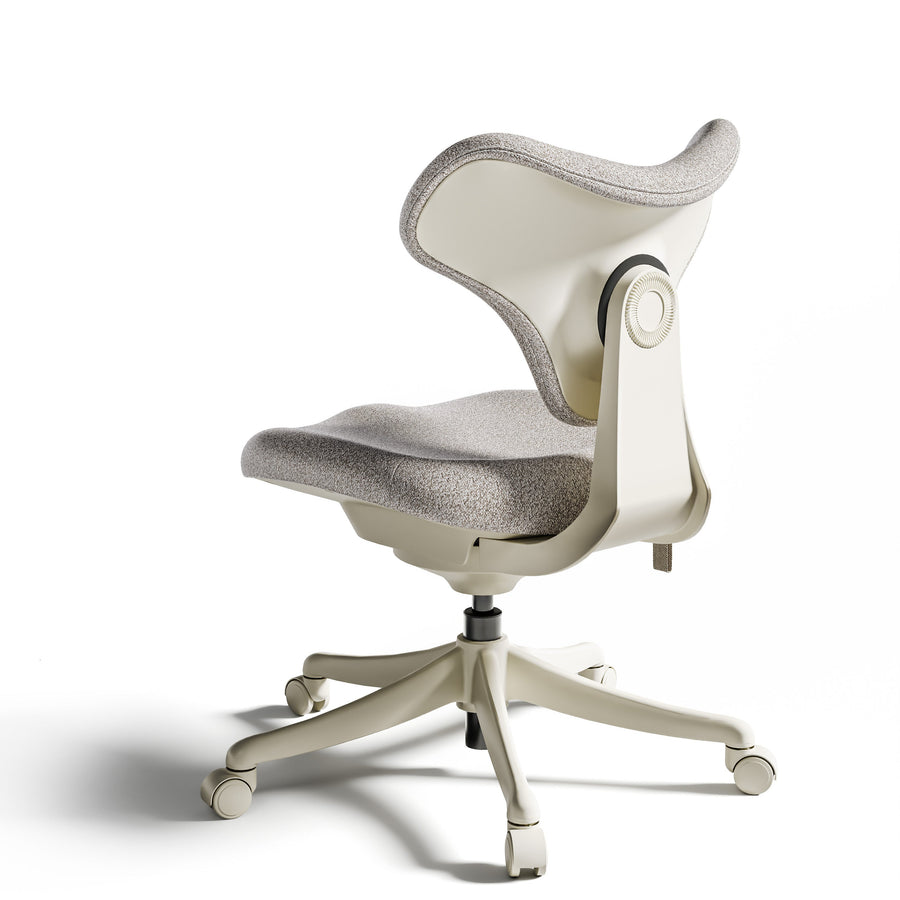
If you like having armrests for calls but spend most of your typing time with them in the way, try a chair with flip-back arms. With the OdinLake L3 FlexBreath, you can flip the armrests back when you need more room near the desk and bring them down when you want support again. If you have a low drawer or support rail, check the remaining clearance with the arms folded, too. Explore the OdinLake L3 FlexBreath.
Frequently Asked Questions
Do my office chair armrests have to fit under the desk?
For typing, they only need to let you sit close enough to reach your keyboard and mouse comfortably. If you want to tuck the chair away after work, test that separately. You may need more clearance for storage than for typing.
Should I raise my desk so the armrests fit?
If the desk is adjustable, try a small change and type for a few minutes. If the higher keyboard makes you lift your shoulders or bend your wrists, try moving the armrests or bringing the keyboard closer instead.
Can I take the armrests off?
Check the manual for your exact chair. If the manufacturer provides a removal procedure, follow it. Before removing them, use the lowest or folded position, if available, to see how you feel working without the pads.
Before you change the seat height or order a different chair, try a normal task at the desk. Type a reply, reach for the mouse, then push back and get up. That quick test tells you whether you need more clearance while you work or just a way to tuck the chair away afterward.