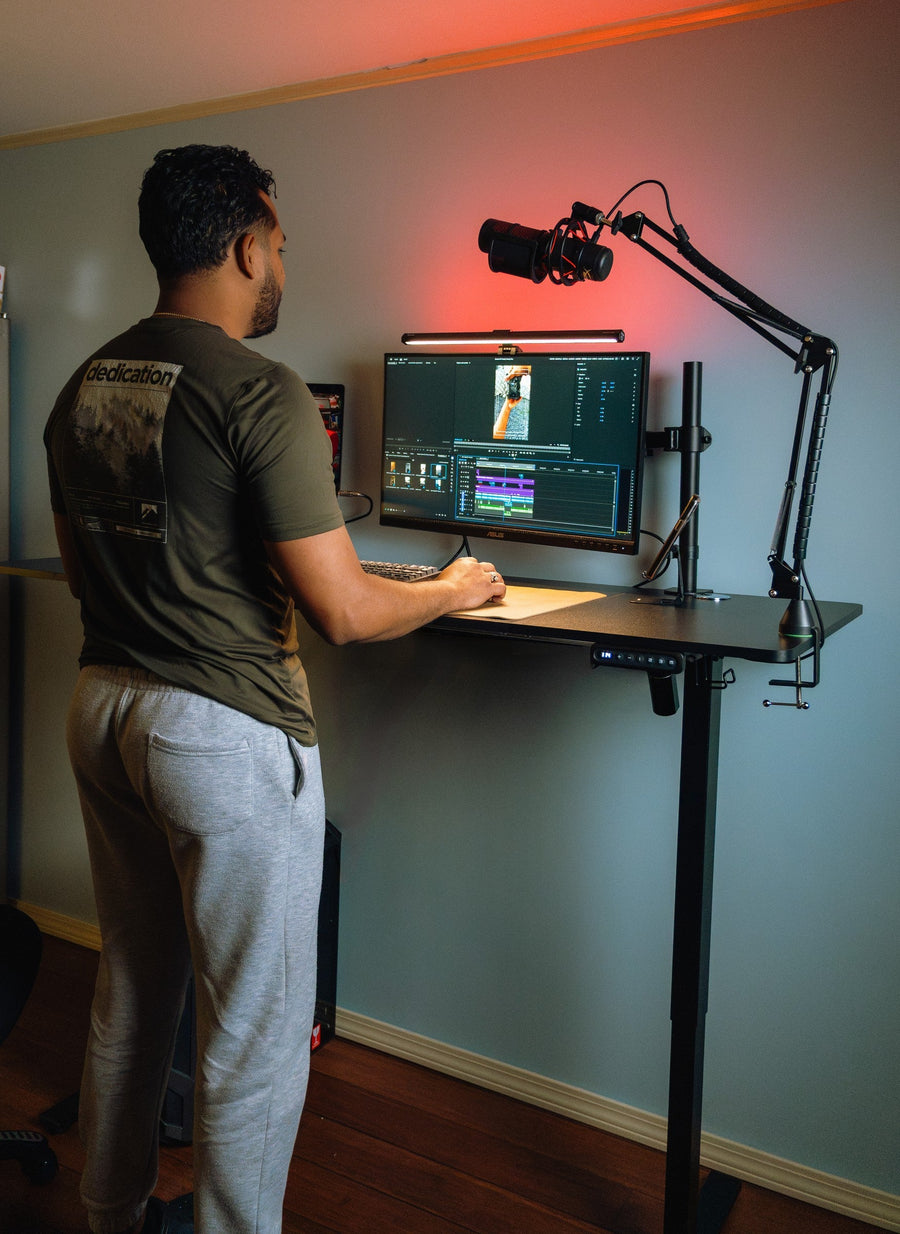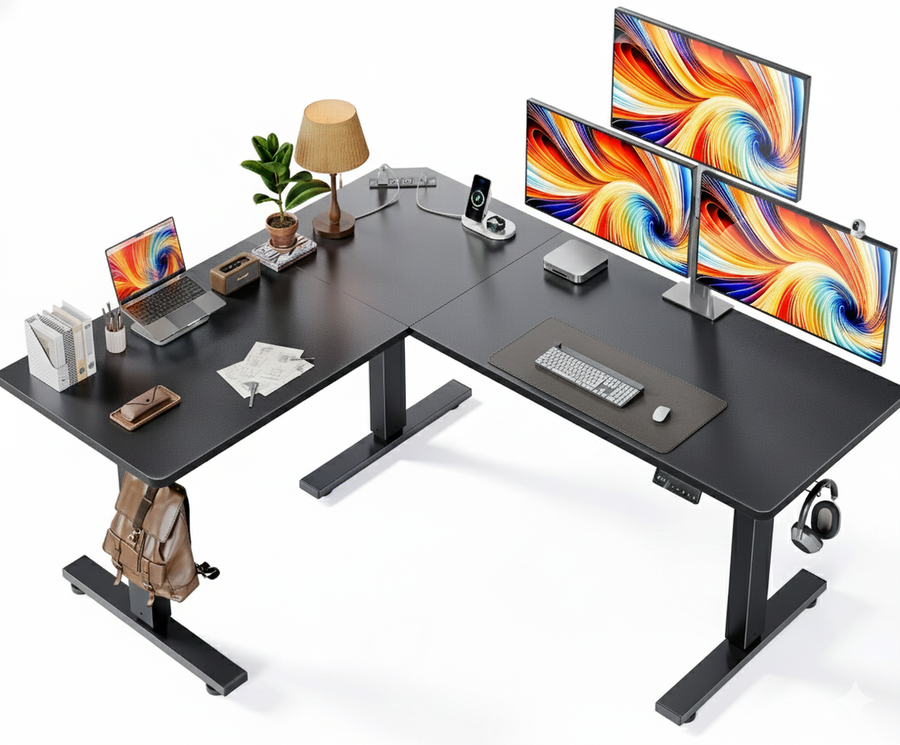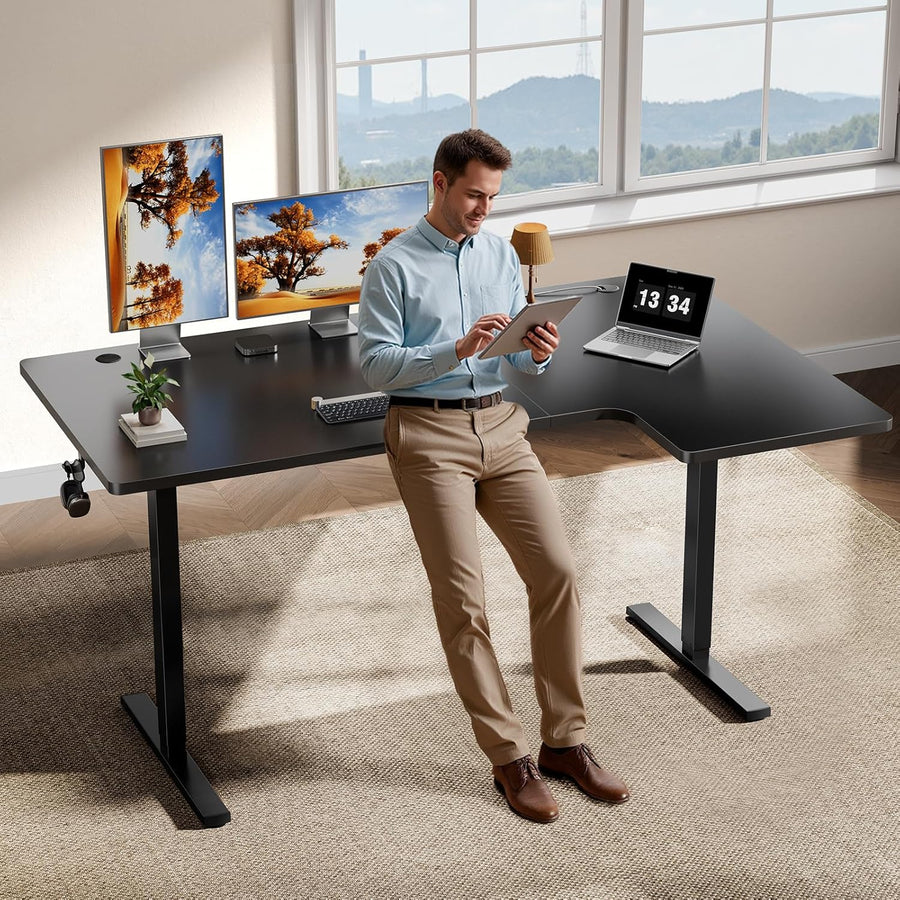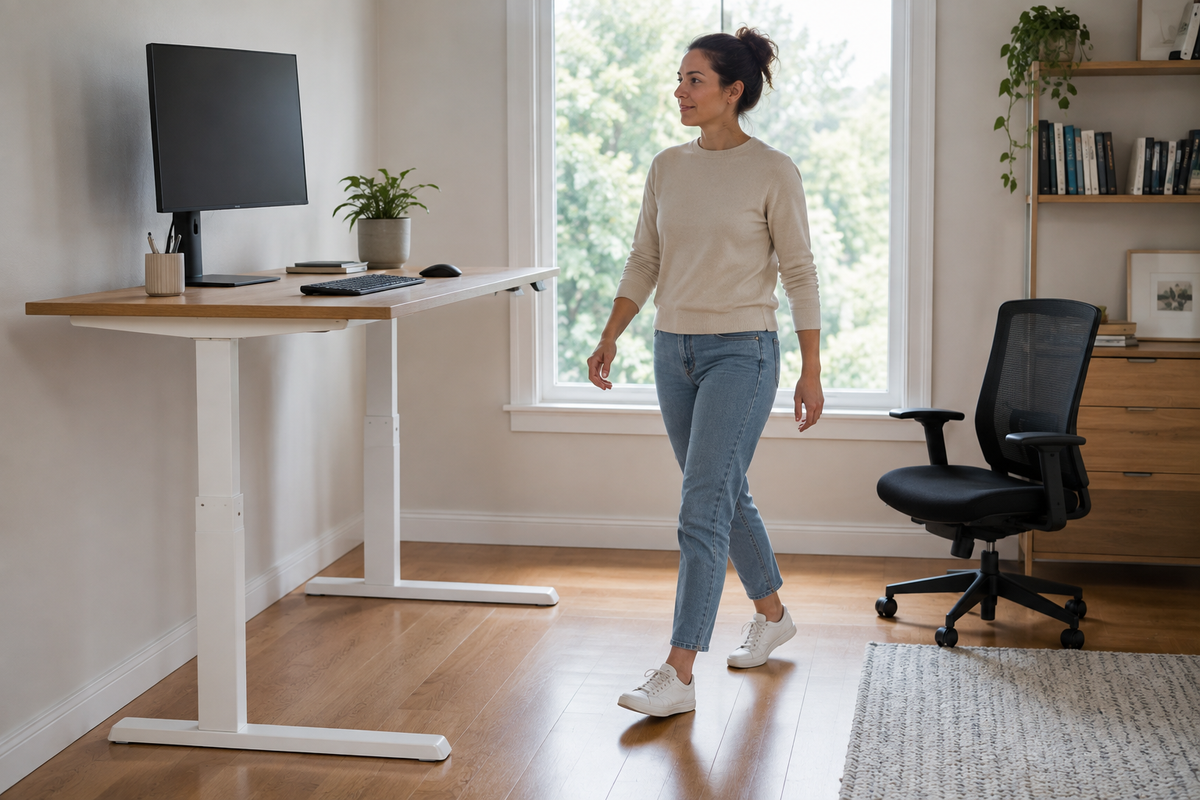
Use your standing desk as a boundary, not gym equipment. This practical guide helps you choose low-intensity movement, clear the floor, and match each break to the work task.
The right ergonomic setup should adapt to your body, support frequent movement, and stay comfortable through a full workday.
Short answer: The safest way to exercise at a standing desk is usually to treat the desk as a boundary, not as workout equipment. Pause precise computer work, make sure the desk is stationary, clear the floor, and choose a small movement you can control without leaning on the desktop. For a more active break, step away from the workstation and walk.
A standing desk can make position changes easier, but standing still is not a workout. It is also not a reason to perform push-ups, dips, band exercises, or balance drills against furniture that was not designed for those loads. The useful goal is simpler: interrupt a static work position, move without creating a fall or equipment hazard, and return to the next task comfortably.
Use the same four-step sequence each time:
- Finish or pause the computer task.
- Confirm the desk is stationary and clear the floor.
- Choose one movement that fits the space and attention available.
- Stop the movement completely before resuming precise work.
First decide: movement break or workout?
“Exercise at a standing desk” can describe four very different situations. Sorting them before you move prevents an easy mistake: choosing an activity that demands more attention or space than the work moment allows.
| What you are doing | Best movement choice | Boundary to keep |
|---|---|---|
| Focused typing, mousing, drawing, or data entry | Stop the input task before moving, or finish it and take a separate break | Do not combine precise hand work with stepping or balance demands |
| Listening on a call or reading something simple | A small weight shift, step-tap, or gentle heel raise may fit if the floor is clear | Keep the movement low-amplitude and stop if attention or balance changes |
| A true movement break | Walk away from the workstation, change position, or move in an open area | Do not let the desk, chair, cables, or mat become obstacles |
| A planned workout | Use appropriate space and equipment away from the desk | Do not turn the workstation into an improvised gym |
The distinction matters because work breaks and exercise serve related but different purposes. The UK Health and Safety Executive notes that display-screen breaks should reflect the work being done and that short, frequent changes of activity can be preferable to occasional long breaks. Those changes should let a person get up, move, stretch, or change posture. It does not prescribe one universal timer for everyone. See the HSE guidance on work routines and breaks.
Clear the movement zone before you start
A movement can be gentle and still be a poor choice in a crowded workstation. Take a quick look at the space from the floor upward before the first step.
- Stop the desk: finish any height adjustment and wait until the desk is completely stationary. Do not press the handset while moving.
- Move the chair out of the path: rolling bases extend farther than the seat and are easy to clip with a heel.
- Check the floor: look for loose cords, raised mat edges, boxes, bags, pet toys, spills, and changes in floor level.
- Check the cable path: make sure no cable crosses the area where your feet will travel or becomes taut when the desk is at standing height.
- Give other people and pets room: a movement zone can change without warning in a shared home office.
- Keep both hands free when balance is uncertain: holding a drink, phone, or heavy object reduces your ability to respond to a misstep.
These are ordinary housekeeping checks, not medical rules. They align with the CDC/NIOSH office-environment guidance to avoid objects and cords in walkways and to design work so that people are not sitting or standing for too long. See CDC/NIOSH Office Environments.
If cables, furniture, and input devices compete for the same small area, resolve the full workstation layout before adding movement. OdinLake’s remote work setup guide organizes that job from room constraints through desk, chair, keyboard, and screen placement.
Do not assume the desk is a handrail. Unless the exact manufacturer instructions say otherwise, avoid loading the front edge, pulling on the desktop, anchoring a resistance band to the frame, or using the desk for support. A workstation can be stable for normal office use without being rated for sideways force, body weight, or repeated exercise loading.
Five low-intensity options near a standing desk
Choose one movement that fits the space and the task. None requires the desk to move, and none requires you to touch it. The goal is not to reach fatigue. It is to add a controlled change of position.
1. Walk away from the workstation
When space permits, a brief walk is the cleanest option because it separates movement from the desk, chair, monitor, and cables. Pause the computer task, choose an unobstructed route, and walk at a pace that feels ordinary. Returning with a glass of water or going to a different room is enough to make the break distinct from standing in place.
This is the preferred choice when a movement beside the desk would feel cramped, when your attention is divided, or when the floor around the workstation is not reliably clear. If you cannot step away safely, change position without adding a footwork drill.
2. March in place with a small step
Stand in open floor space beside the desk, not between the desk and a rolling chair. Use small, slow steps and keep both feet close to the floor. You should be able to stop immediately without reaching for the desk.
Skip marching if a rug edge, cable, footwear, balance concern, or narrow aisle makes foot placement uncertain. It is also a poor match for typing or mousing: the screen may stay visible, but precise input and moving feet compete for attention.
3. Raise both heels slowly
With both feet on a firm, level surface, lift the heels a small amount and lower them under control. Keep the movement symmetrical and remain free-standing. The desk should not carry any of your weight.
A smaller range is fine. Stop if the motion makes you sway, if your footwear slips, or if you feel the need to grip the desktop. If you need external support to do the movement safely, use support specifically intended and positioned for you—not an adjustable desk by default.
4. Shift weight or step from side to side
A gentle weight transfer can be simpler than marching. Widen your stance only enough to feel stable, move your weight slightly toward one foot, return to center, and then move toward the other. A small side step can work in a wider area, provided the floor is clear.
Keep the action slow enough that you could pause at any point. Avoid single-leg poses or exaggerated reaches. If the movement turns into a balance challenge, it no longer fits a casual work break.
5. Pause the keyboard for shoulder and hand movement
Footwork is not required for every break. Let your arms rest away from the keyboard, gently roll the shoulders within a comfortable range, or open and close the hands without forcing the fingers. Resume input only after the movement has stopped and your hands are back at the workstation.
This option can fit a small room where stepping would introduce more risk than benefit. It also helps preserve the difference between working and moving: the hands are either using the computer or taking a pause, rather than trying to do both.
Match movement to the attention your work requires
A desk-side movement should never make the work less safe or less accurate. Use the next task as the filter:
- High-attention input: finish the sentence, calculation, edit, or design action first. Then move.
- Passive listening: a low-amplitude movement may fit, but stop if you need to take notes, operate controls, or respond quickly.
- Camera-on meetings: choose a separate break rather than trying to hide increasingly complex movements below the frame.
- Headset calls: confirm that the cord, charging cable, or wireless range will not constrain your route.
- Shared workspaces: keep movement inside your own clear area and consider what coworkers cannot see behind them.
There is no prize for making the movement invisible or continuous. A clean pause is often more practical than multitasking.
What not to turn the desk into
Many “deskercise” lists recommend movements that use the desk as a support, anchor, or resistance surface. That changes the load applied to furniture whose published rating may describe a centered vertical equipment load—not a person pushing, pulling, hanging, or moving dynamically.
Unless the exact product documentation explicitly approves the activity, avoid:
- desk push-ups, dips, planks, or leaning body-weight exercises;
- resistance bands looped around the legs, crossbar, frame, or desktop;
- single-leg balance drills that make you reach for the desk;
- fast squats, jumps, lateral hops, or backward steps near the workstation;
- movement while the desk is traveling up or down;
- anything that places feet near moving columns, casters, cords, or control components.
A treadmill desk is a separate workstation category with its own setup, speed, task, and clearance considerations. Do not improvise one by placing exercise equipment under a conventional desk without checking compatibility and the instructions for every component.
Do not use one universal movement schedule
People differ in work tasks, conditioning, symptoms, medications, balance, disability, pregnancy, recovery, and workspace constraints. Current US physical-activity guidance encourages adults to move more and sit less, but it does not turn one office-break interval into a rule for every person. The Office of Disease Prevention and Health Promotion specifically notes that evidence does not support a single, specific time limit for sedentary behavior or one required break schedule. See its Physical Activity Guidelines questions and answers.
Use natural work transitions instead: after a call, before starting a new document, while a kettle boils, or when you notice you have stayed in one position longer than feels comfortable. A reminder can help, but it should prompt a decision—not demand the same movement regardless of the task or how you feel.
Standing and light desk-side movement also should not be counted automatically as a replacement for a broader activity plan. The CDC adult activity guidance describes weekly aerobic and muscle-strengthening targets while emphasizing that some activity is better than none. A few heel raises during a call may be a useful position change; that does not make it equivalent to a planned moderate-intensity session.
Know when to stop
Stop the movement and return to a stable position if you develop pain, dizziness, loss of balance, numbness or tingling, chest discomfort, unusual shortness of breath, or symptoms that are worsening. Do not use a generic desk routine to test a symptom or work through it.
If you have a medical condition, disability, pregnancy, recent surgery or injury, or a history of falls, use guidance that is specific to you before adopting a new exercise routine. This article is general workstation education; it cannot assess your health, your floor, or the stability and instructions of your exact desk.
Make the next break easy to choose
Leave the floor clear, keep the chair out of the travel path, and decide in advance which movement belongs to which kind of task. For focused computer work, pause first. For a light listening task, choose only a movement that remains stable and easy to stop. For a real exercise break, leave the workstation.
If your current desk makes position changes awkward because of limited height range, crowded cable routing, or inadequate work-surface space, compare those practical constraints before buying a replacement. OdinLake’s standing desk collection is one place to compare current desk formats and published model details; selection should still be based on your equipment, space, and intended use.
Frequently Asked Questions
What exercises can I do at a standing desk?
Start with low-amplitude movements that do not load the desk: walk away from the workstation, march with small steps in a clear area, raise both heels slowly, shift weight side to side, or pause keyboard work for gentle shoulder and hand movement. The safest choice depends on the floor, footwear, task, balance, and available space. Stop if you need to grab the desk or if the movement competes with precise computer work.
Does standing at a desk count as exercise?
Standing changes position, but it is not automatically moderate-intensity exercise or a replacement for a weekly activity plan. Treat it as one option within a varied workday. Light movement may add another position change, while planned aerobic and muscle-strengthening activity remains a separate goal under current US guidelines.
Is it safe to do calf raises at a standing desk?
A small, controlled two-foot heel raise may be reasonable for someone who can do it free-standing on a firm, clear surface. Do not lean on the desk, use a mat edge, or continue if you sway, slip, feel pain, or need support. Personal health or balance concerns require individualized guidance.
Should I do desk push-ups or dips on a standing desk?
Not unless the exact desk manufacturer explicitly approves that use. Push-ups and dips apply body weight and dynamic force in ways that normal workstation load ratings may not cover. Use an appropriate exercise surface and space instead of assuming the desktop or frame is designed as gym equipment.
How often should I take movement breaks?
There is no single evidence-based interval that fits every worker and task. Favor regular opportunities to change activity, and use natural transitions or reminders that you can adapt. The best schedule is one that does not interrupt safety-critical work and does not force you to continue through discomfort or fatigue.
When should I stop a standing-desk exercise?
Stop if you feel pain, dizziness, unsteadiness, numbness or tingling, chest discomfort, unusual shortness of breath, or worsening symptoms. Also stop when the floor becomes crowded, a cable enters the path, your attention shifts back to precise work, or you feel the need to brace against the desk.