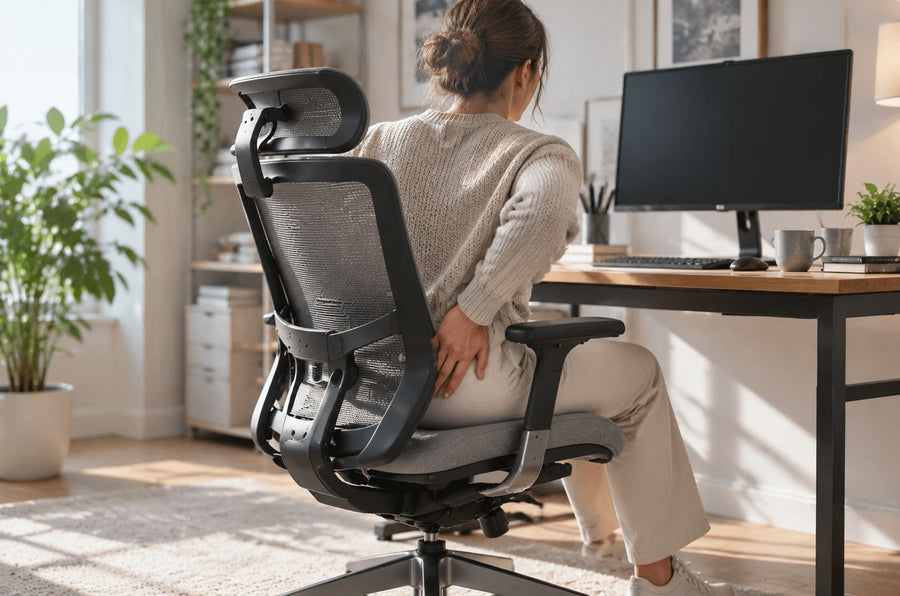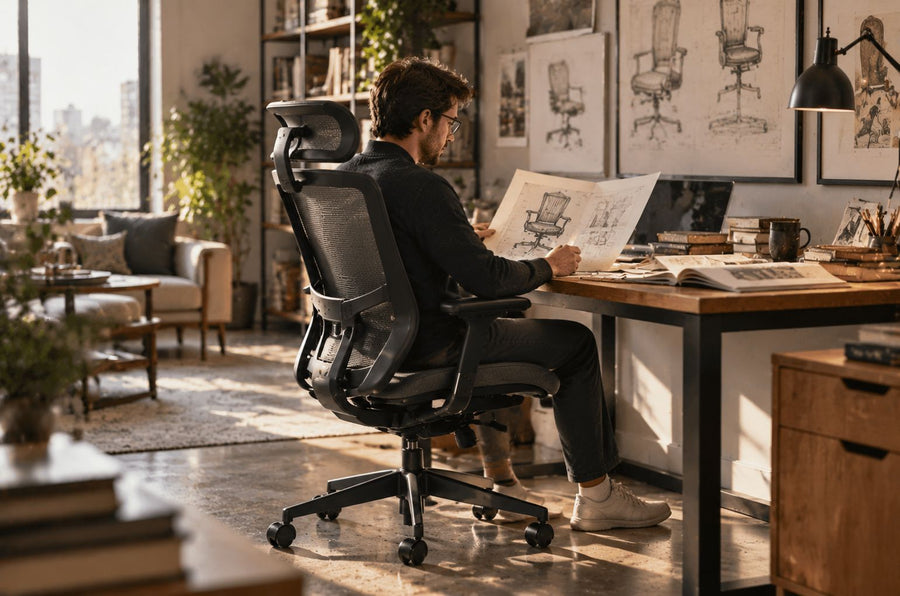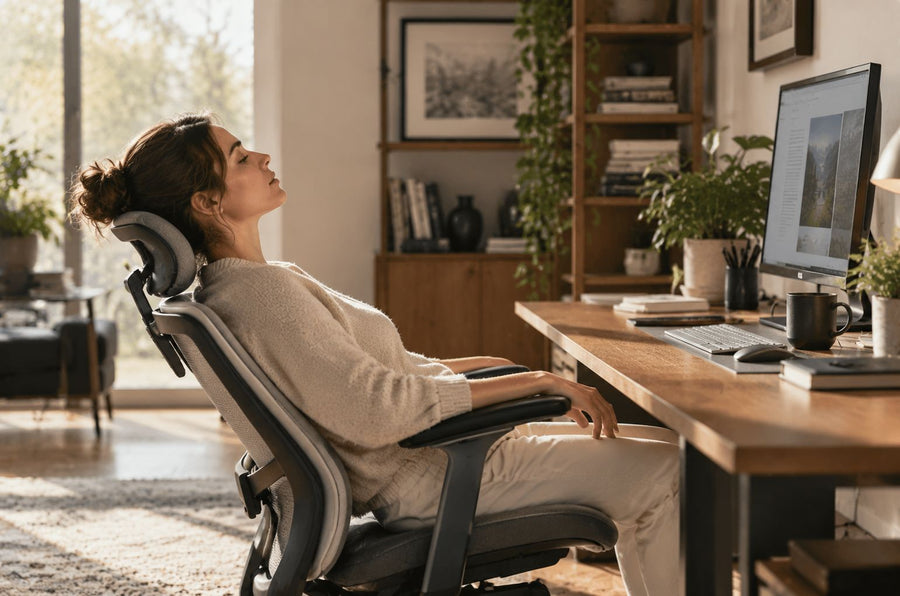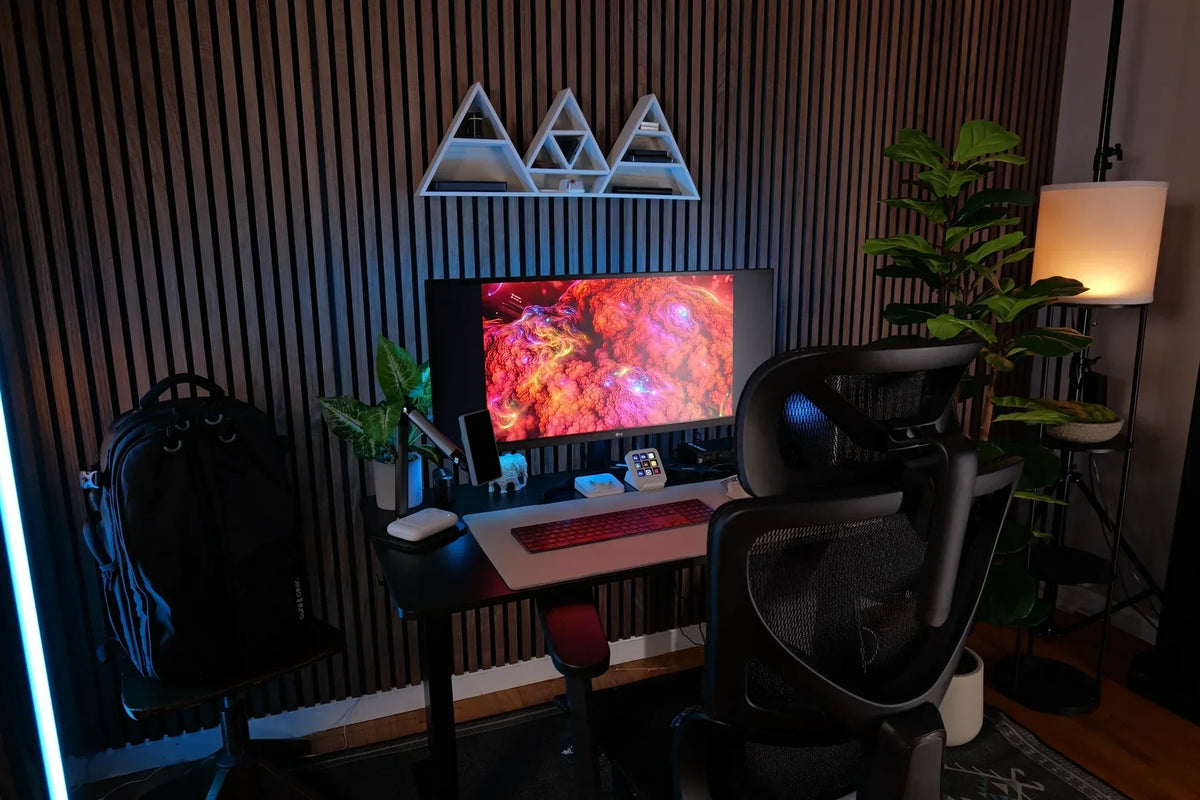
The right ergonomic setup should adapt to your body, support frequent movement, and stay comfortable through a full workday.
Quick answer: Build a remote work setup in this order: define the work and room constraints, create a stable power-and-internet base, fit the chair and work surface to your body, position the keyboard and screen, organize only the tools used, and establish movement and shutdown routines. A compact setup can be complete; a large setup can still fail if its parts do not work together.
Plan the Setup Around a Real Workweek
Before shopping, list the tasks you perform during a normal week. Mark which ones need a call-ready background, quiet, a large display, confidential handling, paper space, or specialized hardware. Then record the room constraints: available width and depth, outlets, daylight and glare, household traffic, temperature, storage, and whether the room has another purpose.
This short audit turns “What home office gear should I buy?” into better questions:
- Can the primary screen sit directly in front of the user?
- Can the chair move close enough to the keyboard without an armrest or drawer collision?
- Does the room support calls at the times they occur?
- Where do work materials go when the day ends?
- Which employer security and equipment rules apply?
Build the Minimum Viable Remote Office
Most computer-based remote work needs a reliable computer, employer-approved software, stable internet, safe power access, a suitable work surface, a chair that fits, and controllable lighting. Everything else is conditional. If you are comparing an ergonomic desk with chair, consider the total setup price, desk dimensions, adjustability, and how well both pieces fit your body and available space before buying.
| Need | Start with | Add when the task requires it |
|---|---|---|
| Display and input | Work computer | Separate monitor or laptop riser, keyboard, mouse, monitor arm |
| Calls | Built-in camera and audio tested in the room | Headset, external webcam, soft front light |
| Work surface | Stable surface with sufficient clearance | Adjustable or larger desk after measuring equipment and room |
| Organization | One clear daily work zone | Cable tray, vertical storage, rolling bin, document holder |
| Continuity | Reliable connection and power | Employer-approved backup connection or power plan |
A laptop is compact but links screen height to keyboard height. A separate keyboard and mouse let you raise the screen without raising the hands; an external monitor can also separate display placement from input placement. Use OSHA’s current computer-workstation guidance to decide which components solve your situation. CDC/NIOSH’s office-environment overview also emphasizes fitting equipment, tasks, and breaks to the worker.
Fit the Chair, Desk, Keyboard, and Screen in Sequence
Workstation fit is a chain. Adjusting the monitor first can leave the hands too high; adjusting the chair to the desk can leave the feet unsupported. Use this order and retest at the end.
- Chair and feet: Set the seat so both feet are supported on the floor. If the chair must be raised to reach a fixed-height desk, use a stable footrest.
- Seat depth and backrest: Sit against the back support while keeping the front edge away from the backs of the knees. Place adjustable lumbar support at the inward curve of the lower back, then reduce it if it pushes you forward.
- Armrests and desk access: Support the forearms lightly with relaxed shoulders. Lower, reposition, or stop using armrests that prevent the chair from approaching the desk.
- Keyboard and mouse: Place them directly in front and close enough to keep the elbows near the torso. Keep wrists generally in line with the forearms.
- Screen: Put the main display directly in front. OSHA recommends the top at or slightly below eye level for many users; bifocal users may need it lower.
These are adjustable targets, not a demand for one frozen posture. OSHA explicitly notes that no single correct posture or component arrangement fits everyone. Its computer-workstation eTool covers chairs, displays, input devices, lighting, and work process as a connected system.
Choose the Layout That Matches the Room
A remote work setup should match the available space, room use, and equipment needs.
Small Space or Bedroom
Use one wall or corner and preserve desk depth. Raise a laptop only when a separate keyboard and mouse can stay at a usable height. Move storage vertically or into one mobile container. Select furniture by measured width, depth, and movement clearance, not by its appearance in a larger room.
Shared Room
Set call windows and a reset rule. Give each person a defined equipment zone. For a shared chair or desk, record preferred settings so users can restore seat height, depth, back support, armrests, and display position without guessing.
Full-Time or Equipment-Heavy Setup
Create a primary keyboard-and-screen zone and a secondary equipment or document zone. Check cable travel before using a height-adjustable surface. If more surface area is genuinely required, compare the room and equipment measurements with current OdinLake standing desks.
Evaluate Chair Features by the User, Not the Label
An “ergonomic” label does not establish fit. Compare the seat-height range with the user’s knee-to-floor measurement, the seat-depth range with buttock-to-back-of-knee length, and the armrest range with shoulder position and desk clearance. The chair should also provide a backrest position the user can tolerate and controls that can be reached and understood.
Current OdinLake examples illustrate different control sets. The O2 includes seat-depth adjustment, 4D armrests, a multi-section backrest, recline, and an adjustable headrest. The O3 includes seat-depth adjustment, adjustable backrest height, recline, and armrest-integrated controls. These features create fitting options; they do not guarantee that either model fits every body or room. Confirm the current product page and compare the actual range with your measurements.
Control Light, Sound, and Visual Friction
Test the desk position during actual working hours. A window behind the screen can create a bright contrast; a window reflected in the screen can cause glare. Side placement with blinds or shades is often easier to control. Use room light for general visibility and a movable task light for documents. Calls may need a separate soft light in front of the face.
For sound, begin with the room and schedule: close a door, avoid the busiest passage, define quiet periods, and test a headset microphone. For visual order, divide storage into daily, weekly, and archive zones. If an organizer does not reduce reach or retrieval time, it is decoration rather than a workflow tool.
Build Movement Into the Work, Then Close the Day
Even a well-fitted workstation should allow position changes. Alternate computer tasks with calls, filing, reading, or short walks where work permits. OSHA recommends frequent short pauses and offers five minutes away from computer tasks each hour as one practical pattern. A sit-stand desk can make transitions easier, but standing is another position—not a replacement for movement.
Finish with a short shutdown sequence: save and back up work according to policy, close applications, write the next action, store loose materials, and leave the work zone. In a shared or multi-purpose room, this routine restores the room and creates a visible boundary.
Remote Work Setup Checklist
- Daily tasks, equipment, call, privacy, and security needs documented
- Room, doorway, desk, chair movement, and equipment footprint measured
- Power and internet tested under normal working conditions
- Feet supported; seat edge clear of the knees; backrest usable
- Keyboard and mouse close; shoulders relaxed; main screen in front
- Glare, lighting, temperature, and call sound tested at work times
- Cables kept away from movement paths and adjustable mechanisms
- Movement prompts and an end-of-day reset chosen
Conclusion
A remote work setup should fit the work, the room, and the user. Start with the equipment required for daily tasks, then fit the chair, desk, keyboard, and screen in sequence. Add monitors, storage, lighting, or other equipment only when the task or room requires it.
When choosing an ergonomic desk with chair, compare the available space, desk height range, chair adjustability, and how the two components work together. Lighting, movement, reliable internet, and a consistent shutdown routine also remain part of a complete remote work setup.
Frequently Asked Questions
What equipment do I need for a remote work setup?
Start with the tools required to work: computer, approved software, stable internet, power, suitable work surface, a chair that fits, and usable lighting. Add a monitor, separate keyboard and mouse, headset, storage, or cable management only when a task or recurring problem justifies it.
How do I set up a home office in a small space?
Choose one repeatable wall or corner, measure the chair and movement area, and keep the desktop limited to daily tools. Use vertical or mobile storage and recover depth with a suitable monitor arm or laptop stand plus separate input devices.
What is the correct monitor height?
For many users, OSHA recommends the top of the screen at or slightly below eye level and the main display directly in front. That is a starting point; display size, task, viewing distance, and bifocal use may require a lower position.
What is the best desk height for a home office?
There is no universal height. The useful setting lets you use the keyboard and mouse with relaxed shoulders and supported feet, while preserving thigh clearance. A footrest or keyboard tray can help when a fixed surface cannot match both the hands and feet.
Is a standing desk necessary for remote work?
No. A stable desk at a usable seated height can support a complete setup. A standing desk is valuable when its range fits the user and it makes position changes convenient, but it does not remove the need for walking and task variation.
How often should I take a break from computer work?
Use frequent short pauses and a schedule that fits your duties. OSHA gives five minutes away from computer tasks each hour as one practical example; also change position and look away from the screen during the day.
Do remote workers need a VPN?
Follow employer or client security requirements. A VPN may be required for protected resources, but approved devices, updates, multi-factor authentication, screen locking, and secure file handling may also be necessary.