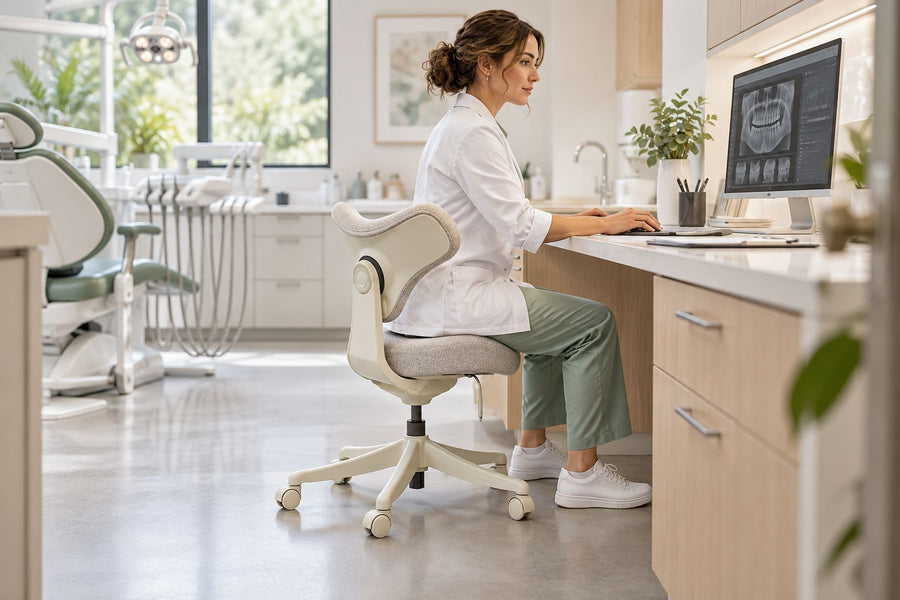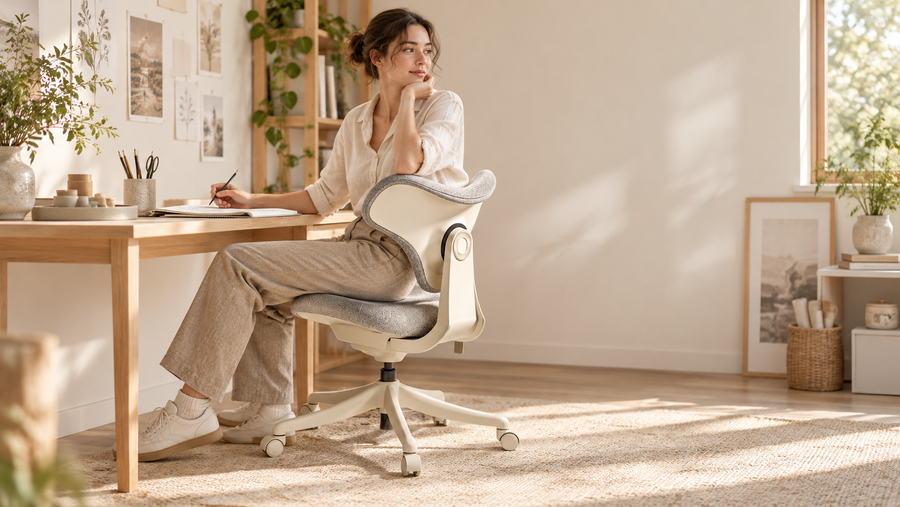
The right ergonomic setup should adapt to your body, support frequent movement, and stay comfortable through a full workday.
What Makes a Chair Good for Neck Pain?
To effectively relieve neck discomfort and support spinal health, the best ergonomic chairs integrate key features such as adjustable support, proper alignment, and flexible positioning. Exploring different ergonomic desk chairs can help users compare designs and find a chair that matches their daily work needs.
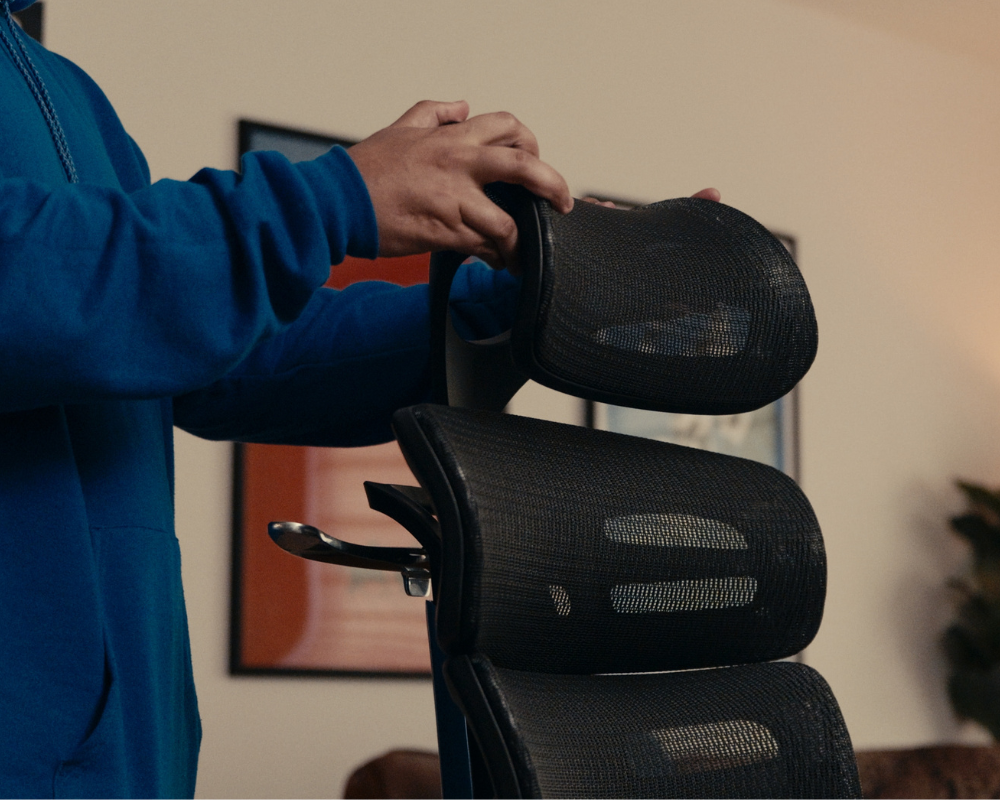
Adjustable Headrest
Ergonomically supports cervical alignment with customizable angle/height to prevent forward head posture and reduce strain.
Dynamic Lumbar Support
Stabilizes the lower back to discourage slouching, minimizing compensatory neck tension for a neutral spine.
Recline Function (90°–135° Tilt)
Redistributes spinal pressure during long sits, encouraging posture shifts to avoid static neck strain.
High Backrest
Supports upper spine and shoulders for full-body alignment, reducing upper back fatigue that radiates to the neck.
Breathable Memory Foam
Combines airflow with pressure relief to reduce muscle stiffness and prevent localized neck pain.

Top 5 Office Chairs for Neck Pain With Neck Support (2026)
Neck pain, a common issue for long desk hours, affects many office workers. Here, we’ve rounded up 5 best office chairs for neck pain, focusing on neck support, adjustability, and long-term comfort for different working needs.
1. OdinLake O2 (Ergo MAX 747) – Best for Posture Correction
Designed for users who need stronger posture support, the OdinLake O2 combines a 3-section adjustable backrest with dynamic lumbar support to improve upper-body alignment during long sitting sessions. Its combination of back and neck support makes it a suitable option for users looking for a desk chair for back and neck pain.
Key Feature:
-
3-Section Adjustable Backrest : Five-level adjustable upper back support hugs your thoracic spine to correct forward head posture, the main reason behind neck strain, while mid-back stabilization stops you from slouching and shifting pressure up to your neck.
-
Dynamic Lumbar Support (3-Level Adjustment): Auto-adjusts to keep spine neutral, preventing neck stiffness from poor lower back support.
-
90°–135° Recline with Angle Lock: Locks any angle to encourage dynamic sitting and minimize static neck strain.
-
Robust Durability & Weight Capacity: Built with a Class 4 Gas Lift (supporting 300+ lbs) and an all-metal aluminum alloy base, the O2 ensures 15 years of stability with minimal maintenance.
-
Optional Retractable Footrest for Full-Body Relief: Users can extend the retractable footrest during breaks to stretch legs and improve circulation, indirectly reducing secondary neck tension from prolonged static sitting.
Best For: Those with chronic posture-related neck pain.

2. OdinLake O3 (Ergo BUTTERFLY 753) – Best Overall
The OdinLake O3 integrates a 2D adjustable headrest with angle and height customization, making it a strong option for users looking for a computer chair with neck support. Its dual-panel butterfly backrest promotes upright posture, while the dynamic lumbar panel adapts to body movements to support the neck, shoulders, and upper back during prolonged sitting.
Key Features:
-
2D Adjustable Headrest: Custom angle/height adjustment molds precisely to the cervical curve, easing neck tension, while its large surface spreads pressure evenly to prevent neck strain.
-
Dual-Panel Butterfly Backrest: Upper support retracts shoulder blades to reduce forward-head neck pain, while its airflow gap minimizes upper-body stiffness that restricts neck mobility.
-
Dynamic Lumbar Support:The C-shaped design dynamically tracks spinal movement to stabilize the lower back, preventing slouch-induced neck strain, while its 5-level height adjustment aligns posture for spine-neutral neck support.
-
WireControl Armrests: Paddle controls enable rapid armrest adjustment without standing, instantly reducing shoulder-neck tension.
Best for: Users who want a premium office chair with neck support with adjustable features for personalized comfort during long work sessions.
Consider before buying: The O3 offers many adjustments, so users should spend time setting the backrest, armrests, seat depth, and headrest before judging the fit.
3.Herman Miller Aeron Remastered – Best for Adaptive Neck Support
The Herman Miller Aeron Remastered is an iconic ergonomic chair upgraded with PostureFit SL lumbar support and an 8Z Pellicle suspension system that dynamically adapts to body contours. Its optional adjustable headrest (sold separately) provides targeted neck support for users with mild to moderate discomfort.
Key Feature:
-
8Z Pellicle Suspension: Eight latitudinal zones of tension distribute pressure evenly, reducing neck strain from prolonged sitting.
-
PostureFit SL Lumbar Support: Adjustable sacral and lumbar pads stabilize the pelvis and lower back, preventing posture-related neck pain.
-
Optional Adjustable Headrest: Pivots and telescopes to support the cervical spine during recline or upright sitting.
Best For: Users seeking adaptive, breathable support for mild neck discomfort.

4. Steelcase Gesture – Best Adjustability
Designed for multi-device workflows, this chair features 360° rotating armrests and a headrest that tracks head movement. The backrest mimics spine motion with 90°-125° recline flexibility.
Key Feature:
-
360° rotating armrests: Enable flexible positioning to suit various multi - device usage scenarios, enhancing comfort and adaptability.
-
Dynamic headrest: Tracks head movement, providing continuous and appropriate support for the head and neck.
-
90°-125° recline-flexible backrest: Mimics spine motion, allowing for a wide range of reclining angles to reduce neck and back strain.
Best For: People who shift between tasks frequently.

5. Secretlab Titan Evo – Best for Gamers
The gaming endurance champion combines a magnetic 4D neck pillow with cooling gel infusion and a built-in lumbar rocker. Used by top ESL teams for its ability to maintain alignment during rapid head movements.
Key Feature:
-
Magnetic 4D neck pillow: Multi-directional adjustability + cooling gel infusion for all-day neck comfort during marathon gaming sessions.
-
Built-in lumbar rocker: Dynamic lower back support promotes spinal alignment, reducing neck strain through improved posture.
-
Alignment-maintaining ability: Maintains body balance during rapid head movements, enhancing long-term gaming performance
Best For: Gamers & streamers needing neck and shoulder relief.

|
Feature |
OdinLake O2 |
OdinLake O3 |
X1Herman Miller Aeron Remastered |
Steelcase Gesture |
Secretlab Titan Evo |
|
Neck Support |
3-section backrest corrects posture |
2D adjustable headrest + butterfly back |
8Z Pellicle + PostureFit SL |
Dynamic headrest (movement tracking) |
Magnetic 4D pillow (cooling) |
|
Posture Focus |
Medical-grade thoracic/mid-back support |
Shoulder blade retraction for forward-head relief |
PostureFit SL lumbar + 8-zone tension |
360° armrests (no lumbar-neck link) |
Lumbar rocker (gaming-focused) |
|
Best For |
Chronic neck strain |
Office/gaming precision support |
Mild to moderate neck discomfort |
Frequent task-shifters |
Gamers (rapid movements) |
|
Key Limitation |
None (specialized) |
None (balanced) |
No dedicated headrest |
No neck strain-specific lumbar |
Gaming design limits versatility |
How to Adjust Your Chair to Prevent Neck Pain
Even a highly adjustable neck support office chair can feel uncomfortable when the setup does not match the user’s body or desk.
Step1. Adjust the seat before the headrest
Begin with the seat height. Keep both feet flat on the floor or on a footrest, with the knees near hip level.
Adjust the seat depth so the back remains against the backrest without the seat edge pressing behind the knees. This creates a stable base before you adjust the upper part of the chair.
Step2. Position the lumbar and upper backrest
Sit fully against the backrest and place the lumbar support in the inward curve of the lower back. Reduce the pressure if it pushes the torso forward or creates an exaggerated arch.
Adjust the backrest height until the upper section supports the mid and upper back without restricting shoulder movement.
Step3. Set the armrests
Bring the armrests close enough to support the forearms while the elbows remain near the torso. Lower them if the shoulders rise. Raise them if the arms feel as though they are hanging.
The armrests should work with the desk height. They should not prevent the chair from moving close enough to the keyboard.
Step4. Adjust the headrest while slightly reclined
Set the headrest while sitting in the position where you expect to use it, usually upright or slightly reclined. Position it behind the head without allowing it to push the head forward.
After adjusting the chair, set the monitor at or slightly below eye level and place it close enough to read without leaning forward. Building a complete ergonomic desk with chair setup can also help maintain better posture by ensuring that the desk, chair, and screen positions work together.
FAQs: Ergonomic Chairs & Neck Pain
What should I look for in an office chair for neck problems?
An office chair for neck problems should provide adjustable head support, proper back support, and enough flexibility to encourage healthier sitting habits. While an ergonomic chair cannot fix underlying conditions, the right adjustments can help reduce posture-related strain during daily desk work.
Is a headrest necessary for neck pain?
Not always. A headrest can support the head during recline, but monitor position, arm support, lumbar support, and regular movement also affect neck comfort. A poorly positioned headrest may feel worse than a chair without one.
How often should I take breaks?
Follow the 20-20-20 rule: Every 20 minutes, look 20 feet away for 20 seconds.
Are gaming chairs good for neck pain?
Only if they have adjustable lumbar & head support (e.g., Secretlab Titan Evo).
Should an office chair headrest support the head or the neck?
In most work positions, the headrest should contact the back of the head or the area near the base of the skull. It should not press aggressively into the middle of the neck or force the chin downward. The exact position depends on the shape of the headrest and the user’s posture.
How high should my monitor be to reduce neck strain?
Place the top of the monitor at or slightly below eye level. Keep the screen close enough that you can read it without leaning your head or torso forward. Users who wear bifocals or progressive lenses may need a slightly lower screen position.
Can an office chair help with forward head posture?
An office chair cannot correct every cause of forward head posture, but proper support can encourage a more comfortable sitting position. Adjustable headrests, upper-back support, and a correctly positioned monitor can help reduce the tendency to lean the head forward during desk work.
What is the best office chair for neck and shoulder pain?
The best office chair for neck and shoulder pain should provide adjustable head support, comfortable arm positioning, and upper-back support. A chair that allows users to change positions throughout the day can help create a more balanced workstation setup.
Conclusion: Choosing the Right Chair for Neck Relief
When choosing the best office chair for neck pain, focus on models that provide adjustable neck support, upper-back support, and comfortable posture control. The right chair should match your sitting habits, desk setup, and support needs. For users who also experience back discomfort, a chair with balanced neck and back support can help create a more comfortable workstation.
Whether you need a chair for daily work, gaming, or long desk sessions, prioritize adjustability and proper fit rather than a one-size-fits-all solution.
Read more: