The right ergonomic setup should adapt to your body, support frequent movement, and stay comfortable through a full workday.
Your back does not stay in one position while you work. You sit more upright to type, settle back to read, and shift slightly during a call.
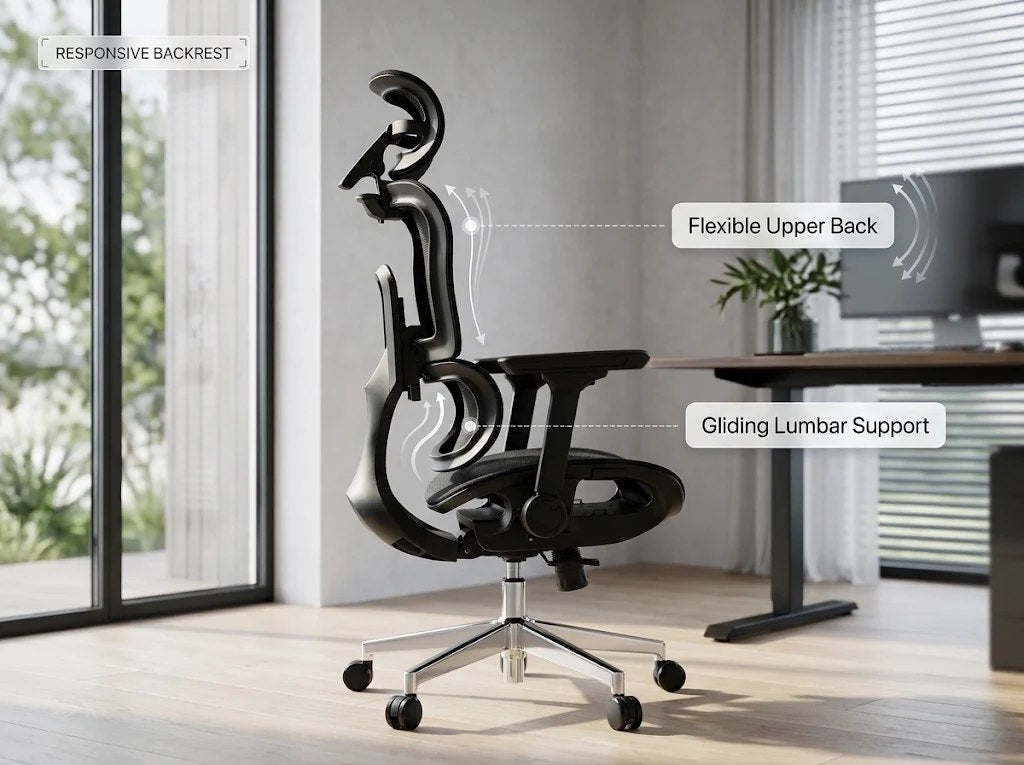
A backrest may feel well placed in one of those positions and less noticeable in another. The OdinLake L3’s Responsive Backrest is designed to accommodate those changes through a moving lower-back section and a flexible upper section. Explore the OdinLake L3 Responsive Backrest.
What Moves When You Lean Back?
On the L3, the lower-back section glides as you lean back, while the upper backrest flexes with your upper body. The aim is to help the support remain aligned with your back as your position changes.
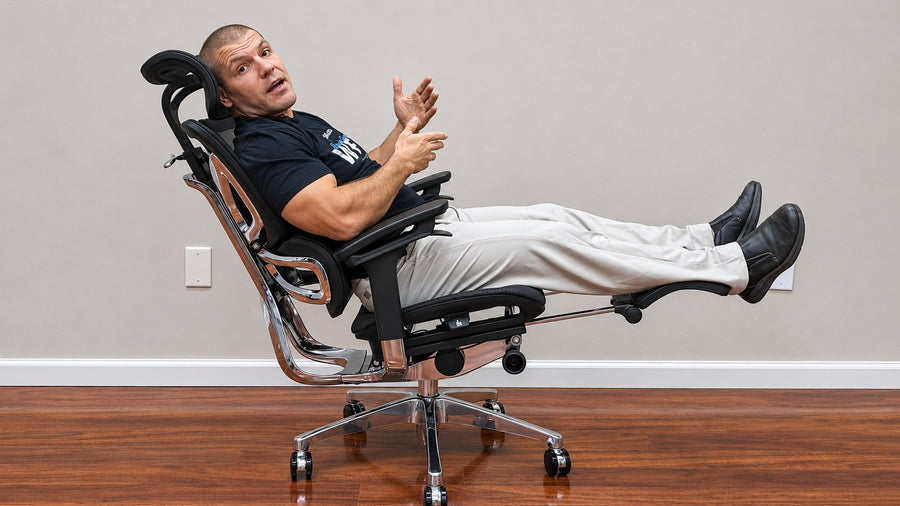
You can understand the intended movement by watching the chair from the side. As the sitter eases backward, look at the relationship between the lower-back section and their torso. The relevant detail is whether the support changes position with them.
This is also what separates the structure from a loose lumbar cushion. A separate cushion has to be positioned behind your body; the L3’s moving section is integrated into the backrest.
The amount of contact you feel will still depend on your proportions, sitting position, and chair settings. Reaching far forward or moving away from the backrest will naturally change that contact.
Why the Seat Setting Matters
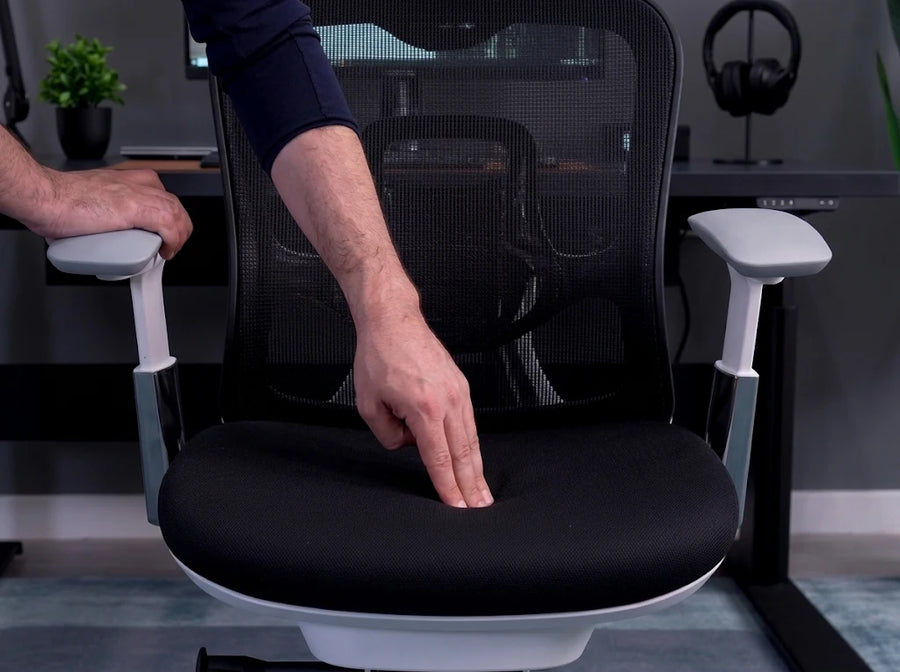
Before assessing the backrest, make sure you can sit comfortably toward the rear of the seat.
If the seat extends too far beneath your thighs, you may slide forward to avoid pressure behind your knees. That changes the position of your lower back relative to the support. A responsive mechanism cannot compensate for every mismatch between the seat and the sitter.
The L3 includes adjustable seat height and depth. Use those adjustments to find a position in which your feet feel supported and your back can meet the backrest without forcing yourself backward.
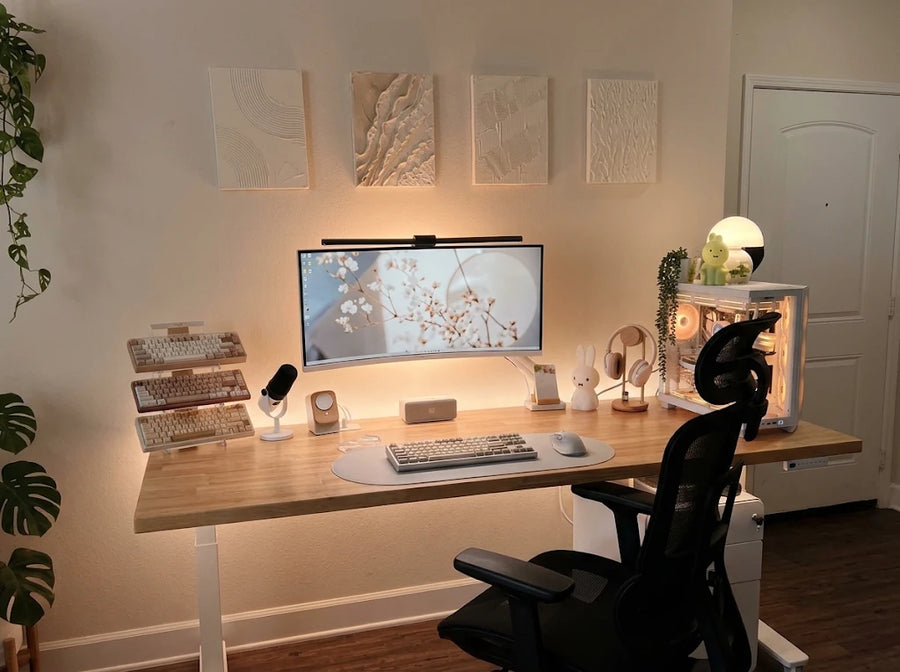
Then bring the keyboard and mouse within a comfortable reach. If you have to lean away from the chair to use them, you will be assessing your desk arrangement as much as the backrest.
Try It Through a Normal Work Sequence
Start by typing with your back resting naturally against the chair. Notice where the lower section makes contact and whether the pressure feels comfortable.
Next, settle back as though you are reading a document. Move slowly enough to notice whether the support follows the change or leaves a gap.
Finally, return to your working position. Check whether you can resume typing without repeatedly repositioning yourself against the backrest.
These are useful observations to make during a trial; they are not results from a completed L3 test. A side-view recording can help show the mechanism’s movement, while the sitter’s feedback explains how that movement feels.
Look for Comfortable Contact
The L3’s Responsive Backrest gives you a specific feature to evaluate: how the lower and upper sections accommodate ordinary changes in position.
Comfortable contact should let you settle against the chair without feeling pushed into a posture you cannot maintain. If the pressure feels misplaced, revisit the seat settings and your distance from the desk.
For someone who frequently switches between typing and reading, that transition is a more useful test than sitting perfectly still. It shows how the L3’s backrest fits the way they actually work.
FAQ
Should I add a lumbar pillow to the L3?
Start by assessing the L3’s integrated support with the seat adjusted to fit you. An extra pillow changes where your back meets the moving section and reduces the usable seat depth.
If you try one, check whether you can still sit comfortably back, keep your feet supported, and change position without feeling pushed forward. Extra padding is useful only if it improves your fit; more pressure does not automatically mean better support.
Does a responsive backrest mean I can stay seated longer without breaks?
A moving backrest accommodates changes in seated position, but it does not replace getting up. Typing, leaning back, standing, and walking provide different kinds of movement.
Use the backrest to support comfortable position changes during seated tasks, and continue taking opportunities to leave the chair throughout the day.