Quick Answer: How Do You Fix a Wobbly Office Chair? A wobbly office chair usually comes from loose screws, uneven caster wheels, a worn gas lift cylinder, a loose base, or a damaged seat plate. Start with the...
The right ergonomic setup should adapt to your body, support frequent movement, and stay comfortable through a full workday.
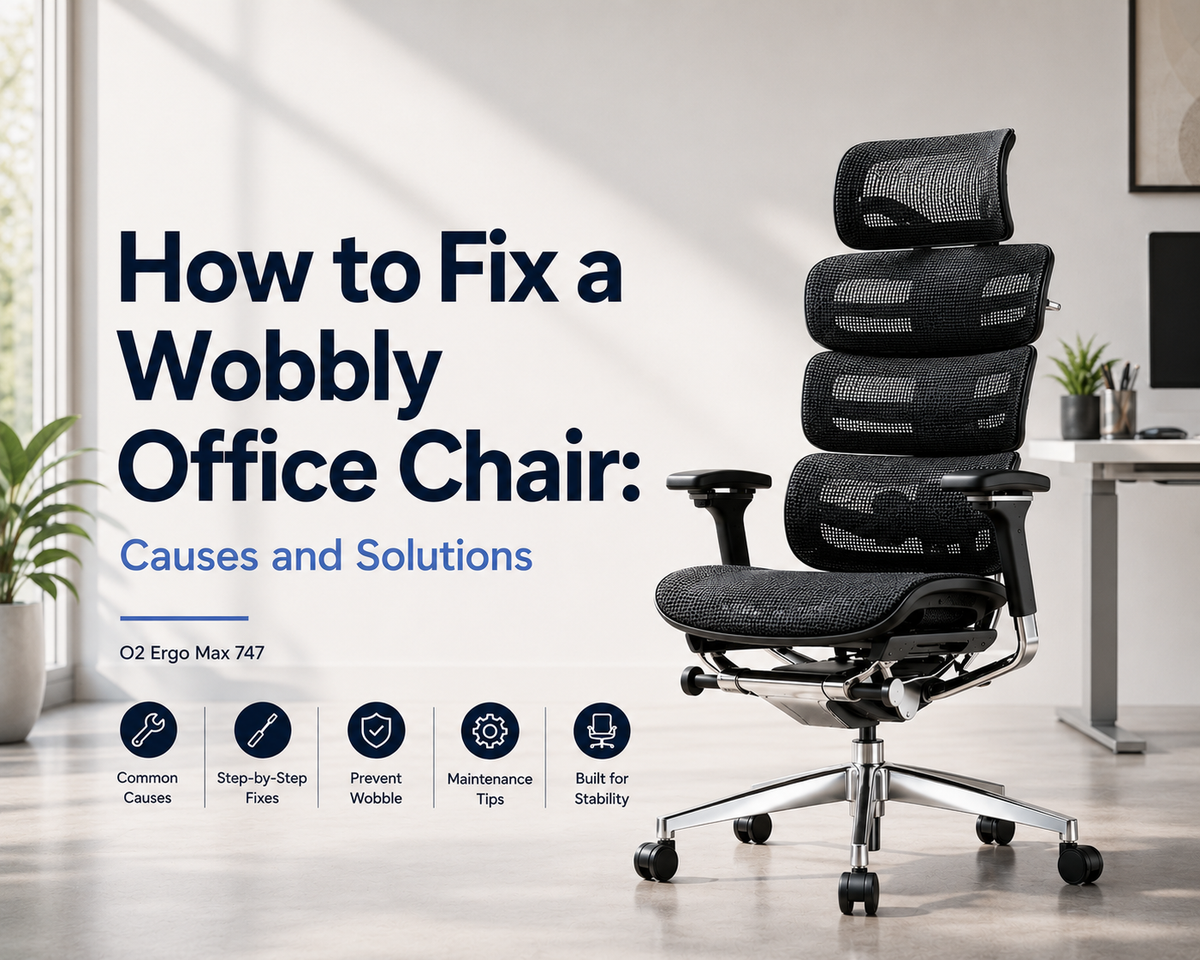
Quick Answer: How Do You Fix a Wobbly Office Chair?
A wobbly office chair usually comes from loose screws, uneven caster wheels, a worn gas lift cylinder, a loose base, or a damaged seat plate.
Start with the easiest checks. Tighten the visible bolts. Test the chair on a flat floor. Clean and reinsert the wheels. Then inspect the gas lift, base, and tilt mechanism.
If the base is cracked, the metal plate is bent, or the gas lift no longer feels stable, stop using the chair until the damaged part is replaced. The U.S. Consumer Product Safety Commission has listed office chair base bending as a fall hazard in recall notices, so structural wobble should be treated as a safety issue. (U.S. Consumer Product Safety Commission)
|
Wobble Sign |
Likely Cause |
First Thing to Check |
|
Chair rocks when you sit down |
Loose screws or seat plate |
Seat bottom and bolts |
|
Chair feels uneven on the floor |
Damaged or uneven wheels |
Caster wheels |
|
Chair sinks or shifts while sitting |
Worn gas lift cylinder |
Gas lift connection |
|
Chair moves when reclining |
Tilt mechanism issue |
Seat plate and recline parts |
|
Chair base feels unstable |
Cracked or loose base |
Five-star base |
Check the chair in order: seat, wheels, gas lift, base, and seat plate. This path helps you find the problem without replacing the wrong part.
Why Is My Office Chair Wobbly?
Most office chair wobble starts in the parts that carry weight, absorb movement, or connect the seat to the base.
Loose Screws or Bolts
Loose screws are the most common cause of a wobbly office chair. The seat, backrest, armrests, and bottom plate all depend on tight connection points.
Over time, sitting, turning, reclining, and rolling can loosen those bolts. Sit in the chair and shift your weight gently. If the seat moves while the base stays still, check the screws under the seat and around the backrest.
Uneven or Damaged Caster Wheels
Caster wheels can make a chair feel unstable when they are dirty, cracked, stuck, or not fully inserted. Hair, dust, and carpet fibers can collect around the wheel axle and stop one caster from rolling smoothly.
If the chair wobbles more when it moves, start with the wheels. OdinLake’s office chair wheel replacement guide explains how to check worn, stuck, or damaged wheels before replacing them.
Worn Gas Lift Cylinder
The gas lift cylinder connects the seat to the base and controls height adjustment. When it wears out, the chair may sink, shift at the center, or feel loose when you sit down.
This issue affects the chair’s central support. If the cylinder no longer holds height or feels unstable, replace it with a compatible part.
Loose Chair Base
The five star base supports the whole chair. If the center hole is worn, the legs are cracked, or the base bends under weight, the chair can rock even when the seat and wheels look normal.
Do not ignore a damaged base. Small cracks can worsen under daily load, especially during long work sessions.
Damaged Seat Plate or Tilt Mechanism
The seat plate is the metal mechanism under the cushion. It connects the seat, gas lift, recline control, and tilt tension.
If this part bends, cracks, or loosens, the chair may wobble when you recline, swivel, or shift posture. Once you know which part is failing, you can decide whether to tighten, replace, or stop using the chair.
How to Check Where the Wobble Comes From
A quick inspection helps you locate the problem before you buy parts or take the chair apart.
Test the Chair on a Flat Surface
Move the chair to a hard, flat floor. Avoid thick carpet, uneven floor mats, and soft rugs because they can make a stable chair feel unstable.
Sit down slowly. Rotate, lean slightly, and roll forward and backward. If the chair feels stable on a hard surface, the issue may come from the floor, mat, or caster type.
Check the Seat, Backrest, and Armrests
Hold the base still with your feet and move the seat gently with your hands. If the upper part shifts, check the seat screws, backrest bolts, and armrest connections.
A loose backrest can feel like a full chair wobble. Tighten screws evenly on both sides so the backrest stays aligned.
Turn the Chair Over and Inspect the Base
Place the chair upside down on a clean surface. Check each wheel, the five star base, the gas lift connection, and the bottom seat plate.
Look for missing screws, cracked plastic, bent metal, loose sockets, and uneven wheel height. The wobble source is often hidden under the chair.

Decide Whether It Is a Simple Fix or a Safety Issue
Loose screws, dirty wheels, and stuck casters are usually simple fixes. A cracked base, unstable gas lift, or bent metal plate is a safety issue.
OSHA states that a chair should support the back, legs, buttocks, and arms. It also recommends a strong five leg base with casters that move easily across the floor. A chair that cannot stay stable enough for normal sitting should be repaired or replaced.
If the wobble comes from wheels or screws, repair is usually simple. If it comes from the base, gas lift, or seat plate, treat it as a stability problem.
How to Fix a Wobbly Office Chair Step by Step
Start with simple repairs first. Move to structural parts only after you check screws and wheels.
|
Problem Area |
What to Do |
Tool Needed |
Repair Difficulty |
|
Loose screws |
Tighten all visible bolts |
Screwdriver or Allen key |
Easy |
|
Dirty caster wheels |
Remove debris and reinsert wheels |
Cloth or pliers |
Easy |
|
Damaged wheels |
Replace the full wheel set |
New caster wheels |
Easy |
|
Gas lift cylinder |
Check fit or replace cylinder |
Rubber mallet, pipe wrench |
Medium |
|
Loose seat plate |
Tighten or replace the seat plate |
Screwdriver, replacement plate |
Medium |
|
Cracked base |
Replace the base or chair |
Replacement base |
Medium to hard |
Tighten All Screws and Bolts
Turn the chair over and tighten every visible screw under the seat. Then check the backrest, armrests, and tilt mechanism.
Use the correct screwdriver, Allen key, or wrench. Tighten evenly, but do not over tighten. Too much force can damage the screw hole or crack a plastic part.
Clean and Reinsert the Caster Wheels
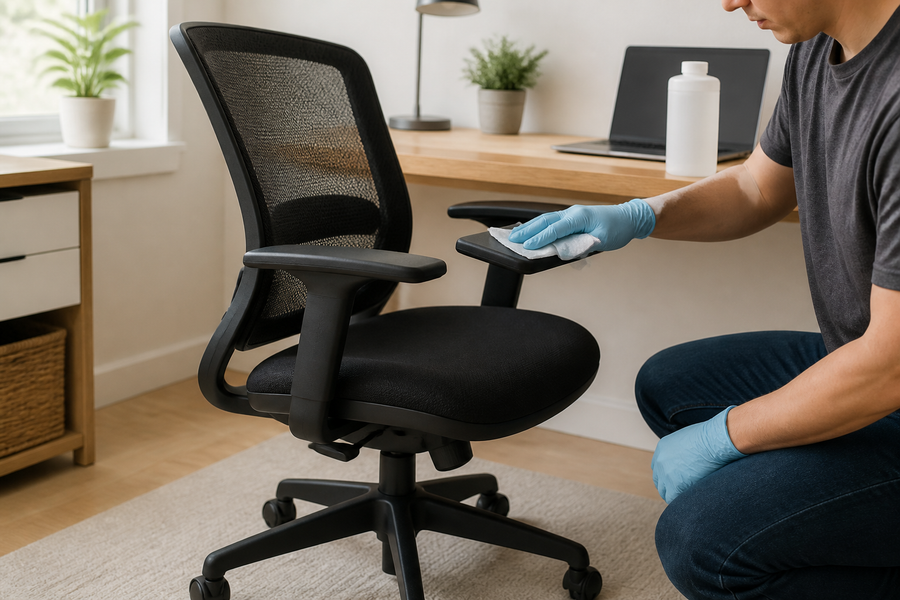
Pull out each wheel and remove hair, thread, dust, and debris. Wipe the stem and socket. Push each caster firmly back into place.
If one wheel is cracked, loose, or shorter than the others, replace the full set. A mixed wheel set can leave the chair uneven.
Check the Gas Lift Cylinder
If the chair sinks, shifts at the center, or moves after the bolts are tight, inspect the gas lift cylinder. Make sure it sits firmly in both the seat plate and the base.
A failing gas lift usually needs replacement. Before buying a new cylinder, check size, fit, and compatibility.
Inspect the Chair Base
Check every leg of the five star base. Look for cracks near the center and near each caster socket. Also check whether the gas lift sits tightly in the center hole.
If the base is cracked or bent, do not keep using the chair. Replace the base or replace the full chair.
Adjust or Replace the Seat Plate
If the chair wobbles during reclining, tilting, or turning, the seat plate may be loose or damaged. Tighten the bolts that hold the plate to the seat. Then test the tilt lock and recline tension.
If the plate is bent, cracked, or unable to hold the gas lift securely, replace it. Test the chair on a flat surface after each repair step.
When Should You Repair or Replace the Chair?
Not every wobbly chair needs replacement. The key is whether the main structure still feels stable.
|
Situation |
Repair or Replace? |
Reason |
|
A few screws are loose |
Repair |
Low cost and easy to fix |
|
Wheels are worn or stuck |
Repair |
Wheels are simple to replace |
|
Gas lift no longer holds height |
Replace part |
The chair may still be usable |
|
Seat plate is bent or cracked |
Replace part or chair |
It affects sitting stability |
|
Base is cracked |
Replace chair or base |
It can create a safety risk |
|
Frame feels unstable |
Replace chair |
Main structure may be damaged |
|
Repair cost is too high |
Replace chair |
A new chair may be safer and more practical |
Repair It If the Problem Is Small and Visible
Repair the chair when the issue is easy to identify and does not affect the main frame. Loose screws, dirty wheels, stuck casters, and minor connection issues are usually worth fixing.
After repair, sit in the chair and test it on a flat surface. If the wobble disappears, the chair is likely safe to keep using.

Replace Parts If One Component Has Failed
Replace the damaged part if the rest of the chair is still stable. Wheels, gas lift cylinders, bases, and seat plates can often be replaced separately.
Before ordering parts, confirm stem size, cylinder size, weight capacity, and mounting pattern. A part that almost fits can still create a new wobble.
Replace the Chair If the Frame Is Unstable
Replace the chair if the frame feels unstable, the base is cracked, the seat plate is bent, or the repair cost is close to the cost of a better chair. A chair that no longer supports you evenly can affect posture, comfort, and safety.
If the chair still wobbles after you tighten the screws, check the wheels, and inspect the base, the problem may be structural. At that point, replacing the chair is usually safer than repairing one part at a time.
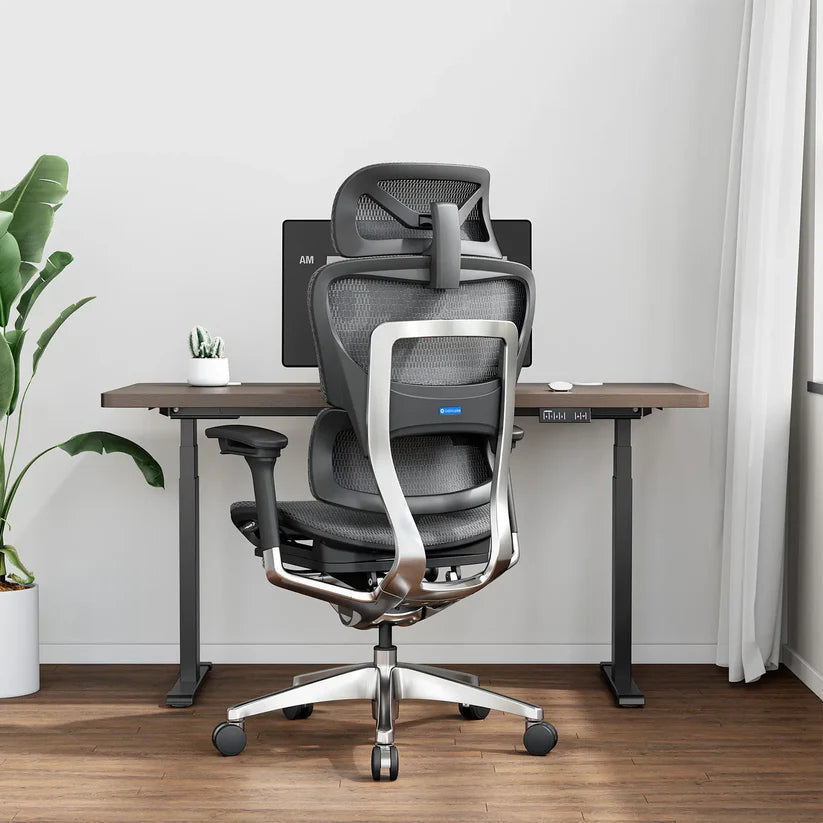
When choosing a new ergo chair, look for a stable base, reliable height adjustment, supportive lumbar design, smooth wheels, and controlled recline. For long workdays, the OdinLake O2 Ergonomic Chair fits users who need dynamic lumbar support, breathable mesh, and 135° recline. Users who need a larger fit can consider the OdinLake L1 Ergonomic Chair. Users who want one chair for work and short breaks may prefer the OdinLake L2 Ergonomic Chair, which includes a built in footrest and 135° recline. (OdinLake)
OdinLake’s comfortable office chairs for long hours guide also explains which features matter most for extended sitting.
Repair small visible issues. Replace failed parts when the frame is still solid. Replace the whole chair when the main structure no longer feels stable.
How to Prevent an Office Chair from Becoming Wobbly Again
Regular maintenance helps prevent small movement from turning into a larger stability issue.
Tighten Key Screws Regularly
Check the bottom plate, armrests, backrest, and base connections every few months. Small movement is easier to fix when you catch it early.
This is especially useful for chairs used every day in home offices, shared workspaces, or gaming setups.
Avoid Leaning Too Far Back
Use recline as designed, but avoid forcing the chair past its normal range. Repeated hard leaning can stress the tilt mechanism, gas lift, and base.
If you recline often, choose a chair with clear recline control and stable lock positions.
Use the Right Wheels for Your Floor
Hard floors, carpet, and floor mats may need different caster types. The wrong wheels can create uneven movement, drag, or extra stress on the base.
If the chair started wobbling after a wheel change, check whether the new casters match the original stem size and height. For long desk sessions, a breathable mesh office chair can improve sitting comfort, but the base, wheels, and frame still need to stay stable.
Stay Within the Chair’s Weight Capacity
Weight capacity affects the gas lift, base, frame, and daily stability. A chair used beyond its rated capacity may loosen faster or become unsafe.
If you need stronger support, choose a chair built for your body size instead of relying on repeated repairs. OdinLake’s back support chair guide explains how chair fit, lumbar support, and stable structure affect daily sitting comfort.
A stable office chair depends on tight connections, suitable wheels, proper use, and a design that matches the user’s body and work habits.
FAQ
These answers cover the problems users usually notice when an office chair starts to rock, sink, tilt, or move unevenly.
Why does my office chair wobble side to side?
An office chair usually wobbles side to side because of loose seat screws, an unstable gas lift connection, uneven wheels, or a worn seat plate. Start by tightening the bolts under the seat. Then check the wheels and base.
Can I fix a wobbly office chair myself?
Yes. You can fix a wobbly office chair yourself if the issue is loose screws, dirty wheels, or a simple connection problem. If the gas lift, base, seat plate, or frame is damaged, replacing the part or the chair is safer.
Is a wobbly office chair dangerous?
A slight wobble from a loose screw is usually easy to fix. A wobble from a cracked base, failing gas lift, or bent seat plate can be dangerous because the chair may lose stability while you are sitting.
Why does my chair wobble after I replaced the wheels?
Your chair may wobble after wheel replacement if the caster stem size is wrong, one wheel is not fully inserted, or the new wheels are not the same height. Replace all wheels as a matching set and push each caster firmly into the socket.
When should I replace my office chair instead of fixing it?
Replace your office chair if the frame is unstable, the base is cracked, the seat plate is bent, the gas lift keeps failing, or the repair cost is too high. If the chair no longer supports your posture or feels safe, replacement is the better choice.
If the chair still feels unstable after basic checks, stop using it until the damaged part is repaired or replaced.
Conclusion
A wobbly office chair is not only a comfort issue. It can affect posture, focus, and daily safety.
Check the chair in order: screws, wheels, gas lift, base, and seat plate. Repair small problems early. Replace worn parts when the frame is still stable. Stop using the chair if the base, gas lift, or seat plate no longer feels secure.
The best fix is to diagnose the wobble clearly, repair minor issues early, and replace the chair when the support system is no longer reliable.