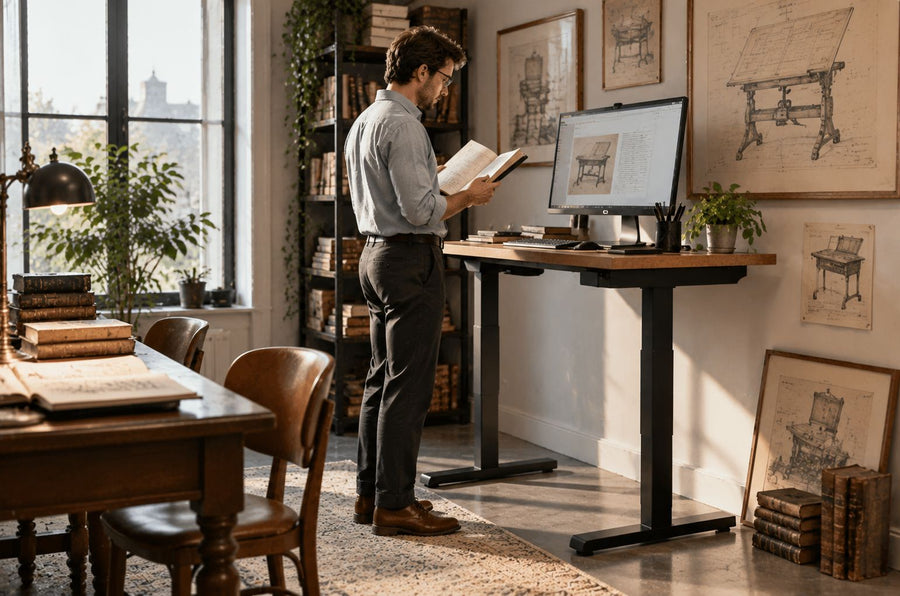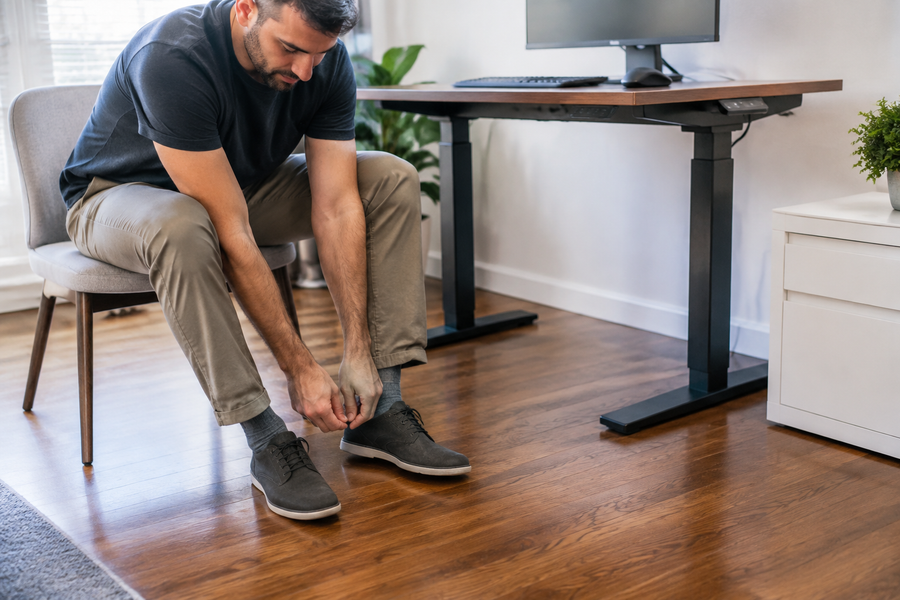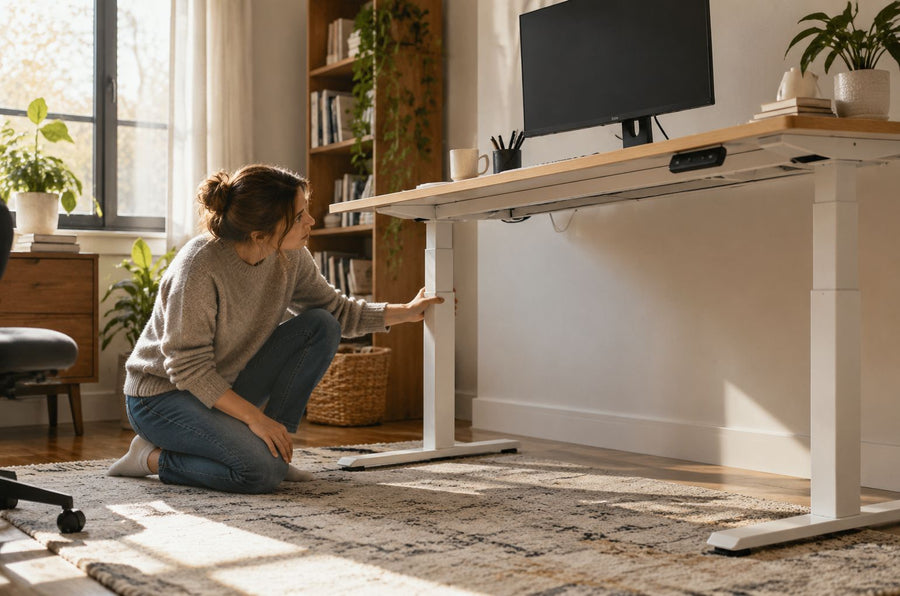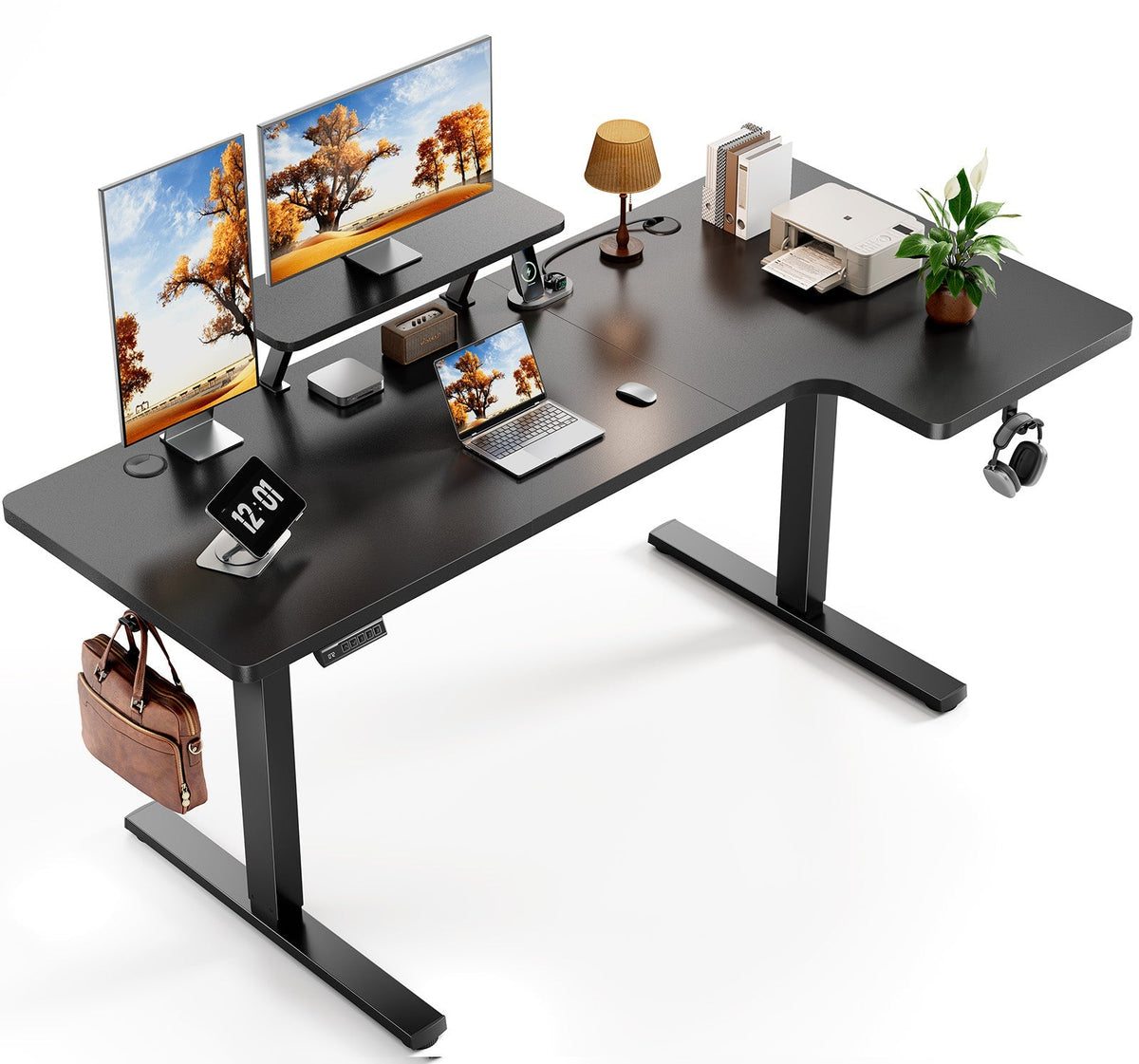
The right ergonomic setup should adapt to your body, support frequent movement, and stay comfortable through a full workday.
An L-shaped desk is worth it when the return supports a second task you perform often and the complete footprint still leaves the room easy to move through. It is not automatically more ergonomic, more spacious, or better than a straight desk. The extra surface earns its place only when you can reach what you use, keep the chair path clear, and assign both sides a useful job.
That makes this a room-and-workflow decision, not a shape preference. A large corner workstation may be a smart fit for someone who switches between a computer and paperwork, creative equipment, or a gaming system. For a laptop user in a flexible room, the same desk can consume two walls, create a low-value corner, and make future changes harder.
The short verdict: buy the second work zone, not the L shape
Before comparing materials, motors, drawers, or finishes, name the task that will happen on the return. Be specific. “More space” is not a task; “a drawing tablet that stays connected,” “paper files beside the computer,” or “a personal system separate from the work laptop” is.
An L-shaped desk is usually a strong candidate when all of these statements are true:
- You have two active workflows that would otherwise compete for the same desktop area.
- The room can accept the full outside footprint without blocking a door, drawer, window, outlet, or chair route.
- Your primary screen and input devices can remain directly in front of you.
- The return can sit on the side that matches your workflow and the model is available in that orientation.
- You expect the workstation to stay in roughly the same part of the room.
A straight desk is often the better purchase when you perform one main computer task, move frequently, need the room to serve several purposes, or cannot describe a recurring job for the second surface. A wider or deeper straight desk may provide the usable capacity you need with simpler placement.
Decide whether you really need two active surfaces

The most useful L-shaped setups do not spread one task randomly across two wings. They create a clear primary zone and a clear secondary zone.
High-value uses for the return
The return can hold a complete secondary activity without forcing you to dismantle the primary setup. Examples include reference documents beside a computer, a printer and shipping station, a drawing tablet, audio controls, a test device, or a personal computer kept separate from employer equipment. In these cases, the return reduces repeated setup and teardown.
It can also help when a task needs temporary horizontal space. A designer may review physical samples; a student may alternate between a monitor and open books; a small-business owner may process packages next to administrative work. The benefit comes from task separation, not from filling every inch with equipment.
Low-value uses that only create clutter
If the return becomes long-term storage for unopened mail, spare cables, packaging, and devices that are rarely touched, the desk is not supporting a second workflow. It is replacing a shelf while occupying working-room floor area. The inside corner may look generous in a product photo yet remain difficult to use because objects there are beyond comfortable reach.
Run a simple rehearsal with your current desk: place the items for the proposed second task together for one work session. If you do not interact with that group, or if a compact mobile cart would serve it just as well, the L shape may not solve a real problem.
L-shaped desk vs. straight desk: compare the real trade
| Decision factor | L-shaped desk | Straight desk | What should decide it |
|---|---|---|---|
| Two simultaneous workflows | Can preserve separate main and return zones | May require swapping or packing away equipment | Whether both workflows recur often enough to deserve permanent space |
| Room placement | Usually commits to a corner or two adjoining walls | Can often move between a wall, window, or open-room position | Door swing, usable wall lengths, circulation, light, and outlets |
| Reach | Offers more nearby surface, but the deep inside corner can become a storage zone | Keeps work on one plane, though a very wide top also creates distant areas | Where the primary screen, keyboard, mouse, and frequently used tools will sit |
| Chair movement | Supports a short pivot between zones only when the opening and base are clear | Offers a simpler front-to-back chair path | Your real chair width, armrests, casters, storage, and walking route |
| Relocation and change | More panels, joints, orientation decisions, and cable paths | Usually easier to reposition or use in another room | How often you move and whether the return is fixed or reversible |
| Sit-stand use | Moves a larger, asymmetric work surface and all connected equipment | Has a simpler moving envelope | Whether the full setup can travel without cable tension, collision, or overload |
Neither column is the universal winner. The better desk is the one that makes your frequent work easier while creating the fewest new constraints.
Test the room at full size before buying
Catalog width is not enough to predict fit. An L-shaped desk has two outside spans, two depths, an inside corner, supports or feet, and a chair opening. Storage, monitor arms, and cable hardware may project beyond the desktop. Measure the exact configuration you plan to buy rather than relying on a general label such as “55-inch L desk.”
Make the complete footprint visible
Use painter's tape to mark both wings on the floor, including the deepest parts of the feet or base. Add the chair in its real working position. Then open every nearby door and drawer, walk the normal route, and test whether another person can pass without asking you to move.
Include baseboards, radiators, window trim, vents, outlets, and cable connections. A desktop may fit between two walls while its base hits the baseboard or its plug bends sharply behind the return. If the desk is height-adjustable, check overhead shelves, sloped ceilings, window hardware, monitor-arm clearance, and every cable at the highest planned position.
Rehearse the work, not just the furniture
Place a chair inside the taped outline and use boxes to represent monitors, computers, speakers, or other large equipment. Face the position intended for the primary task. Can you enter and leave without catching an armrest? Can you turn to the secondary task without repeated reaching or twisting? Does the return block the room's only useful outlet or natural-light direction?
If the taped shape makes the room feel awkward before the desk exists, the assembled desk will not recover that flexibility. A smaller return, a reversible model, or a straight desk with mobile storage may be the more useful solution.
Check reach and viewing position before surface area
A large desktop does not correct a poor arrangement. Keep the primary monitor, keyboard, and mouse aligned with the main task rather than placing the screen diagonally just because the inside corner looks like the center of the furniture.
The Canadian Centre for Occupational Health and Safety recommends planning office space around the tasks performed, reach, working height, movement, storage, and equipment arrangement. Its office working-space guidance is a useful way to evaluate an L-shaped desk: frequently used items belong in easy reach, while less frequent equipment can occupy the outer return or deeper corner.
Use the corner deliberately
Sitting directly in the inside corner can work when the desktop edge, leg space, and monitor position allow a centered posture. It can also fail when a sharp cutout presses against the forearms, frame parts reduce knee clearance, or the monitor must sit too far away. Do not assume that every L-shaped desk is designed for corner seating.
If you work mainly on one wing, place the main input devices there and treat the return as a secondary surface. Pivot the chair and reposition your whole body when changing zones instead of leaving the hips forward while repeatedly twisting the trunk. The goal is not to reach every object from one frozen position; it is to make the important positions easy to enter and use.
Choose the correct return side
The return belongs on the side that supports the secondary task without interfering with entry, drawers, light, or cables. Hand dominance can influence the choice, but it is not the only factor. A right-handed person may still prefer a left return if the door, printer, window, or computer connections make that layout work better.
Confirm whether the model is fixed-left, fixed-right, or reversible. “Reversible” may mean the orientation can be chosen during assembly, not switched in five minutes after equipment is installed. Look at the current manual and product images for the exact revision. If the room may change, record both feasible layouts during the tape test instead of assuming the desk can adapt later.
When an L-shaped standing desk adds real value
Height adjustment is valuable only if you plan to change working positions and the entire workstation can move safely. A larger moving top needs adequate clearance, load planning, and cable slack across both wings. A return that collides with a sill at standing height or pulls a power cable tight is not a useful upgrade.
Use model-specific dimensions during the room test. As checked on August 27, 2026, the current OdinLake S5 L-shaped standing desk page lists a 55-inch configuration at 55.12 inches wide and a 63-inch configuration at 62.99 inches wide. Both list a height range of 28.34 to 46.46 inches and a 28.74-inch foot length. These figures are an example of the exact values worth checking; they should not be substituted for the specifications of another model or revision.
Plan monitors, computers, and accessories as one moving system. At the lowest and highest planned heights, cables should remain clear of feet, brackets, sharp edges, drawers, and wall outlets. Equipment should stay within the model's stated load limits, and the desk should complete its travel without touching the room.
Use-case verdicts
Home office with paperwork or equipment
Often worth it when the return preserves a genuine document, device, or creative-tools zone. It is less compelling for a laptop-only setup that benefits more from open floor area and flexible furniture.
Gaming and work on the same desk
An L-shaped desk can be good for gaming when it separates work equipment from a gaming display, console, audio interface, or tower without compromising the primary viewing position. It is not inherently a better gaming desk. Check monitor depth, mouse area, speaker placement, computer ventilation, cable routes, and whether both systems can stay connected safely.
Multiple monitors
The extra span may help, but monitor count alone does not justify an L shape. Screens used together should support a coherent viewing arc around the primary position. A rarely viewed status screen can sit toward the return; a screen used continuously should not require sustained neck rotation. Confirm that the desktop and monitor-mounting method are compatible.
Small bedroom or multipurpose room
Sometimes worth it, but only after a full-size tape test. An L shape can use an otherwise awkward corner, yet it can also remove two walls from other uses and narrow the route around a bed or storage. In a changing room, a straight desk and mobile side table often preserve more options.
Shared workstation
A large surface does not automatically make a safe two-person desk. Two users need adequate chair, knee, screen, and circulation space without competing for the inside corner. If the desk was not designed and rated for the intended shared arrangement, use separate workstations or verify the configuration with the manufacturer.
A practical buy-or-skip decision
An L-shaped desk is likely worth buying when the second surface has a named recurring task, the exact model passes a full-size room rehearsal, the primary position remains centered and comfortable to use, the return orientation is correct, and you accept the added assembly and relocation constraints.
Choose a straight desk—or postpone the purchase—when the proposed benefit is only “more space,” the return would mainly store clutter, the chair or walking route becomes tight, the inside corner forces poor device placement, or the room needs to remain flexible. These are not small compromises; they determine whether the extra surface becomes a useful work zone or expensive unused area.
Once the footprint and workflow pass, compare exact models in OdinLake's standing desk collection using the same criteria: outside dimensions, return orientation, height range, base clearance, equipment capacity, cable travel, and current documentation. For the rest of the room, the remote-work setup guide provides a broader check for the chair, screens, lighting, and accessories.
Frequently asked questions
Are L-shaped desks worth it?
They are worth it when you use two active work zones and the exact footprint fits without harming reach, chair movement, or room circulation. They are usually not worth it when the return has no recurring task, becomes storage, or makes the room harder to use. Test the complete shape with tape and equipment stand-ins before deciding.
Is an L-shaped desk better than a straight desk?
Not universally. An L-shaped desk is stronger for separating two simultaneous workflows; a straight desk is often easier to place, move, and adapt. Compare the tasks you perform, usable wall space, device reach, chair route, and future room changes rather than choosing by surface area alone.
Are L-shaped desks good for small rooms?
They can use a corner efficiently, but they also occupy two wall runs and may narrow circulation. In a small room, mark both wings, the base, and the working chair position at full size. If doors, drawers, walking paths, or another essential use become constrained, a straight desk with movable storage is likely more practical.
Are L-shaped desks good for gaming?
They can be, especially when the return gives gaming equipment a separate permanent zone. The shape itself does not improve play or comfort. Keep the primary display and controls centered, preserve enough mouse area, provide computer ventilation, and check that monitors, speakers, power, and cables work safely in both zones.
Do L-shaped desks take up more space?
They usually use more total floor and wall footprint than a compact straight desk, although they may make productive use of a corner. What matters is usable space, not total surface area. A deep inside corner that is hard to reach should not be counted the same as a clear primary work zone.
Which side should the return be on?
Place it on the side that best supports the secondary task while keeping the entry, chair path, drawers, light, outlets, and cable routes clear. Hand dominance can help decide, but room geometry and equipment connections may matter more. Verify whether the exact desk is fixed-left, fixed-right, or configurable during assembly.