In 2026, the humble workstation has undergone a high-tech revolution. As hybrid work becomes the global standard and gaming setups reach professional-grade complexity, the best computer desk is no longer just a flat surface—it is a sophisticated hub...
The right ergonomic setup should adapt to your body, support frequent movement, and stay comfortable through a full workday.
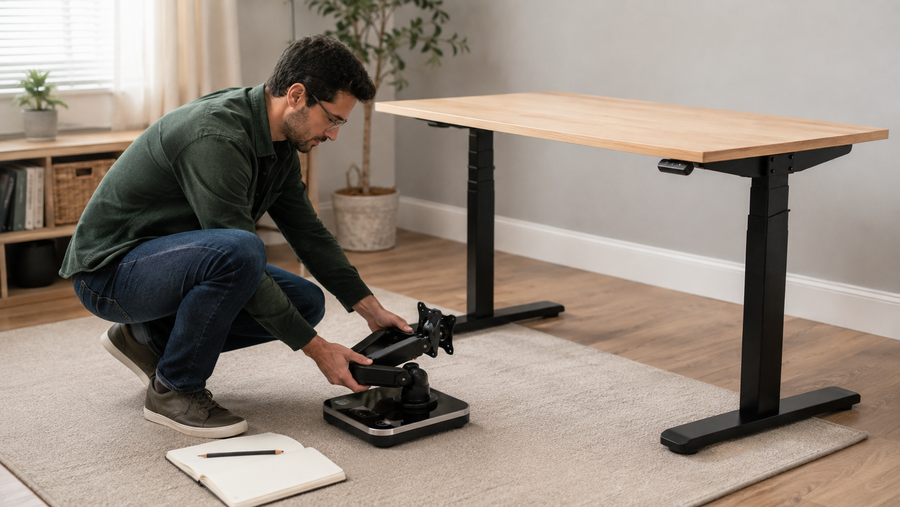
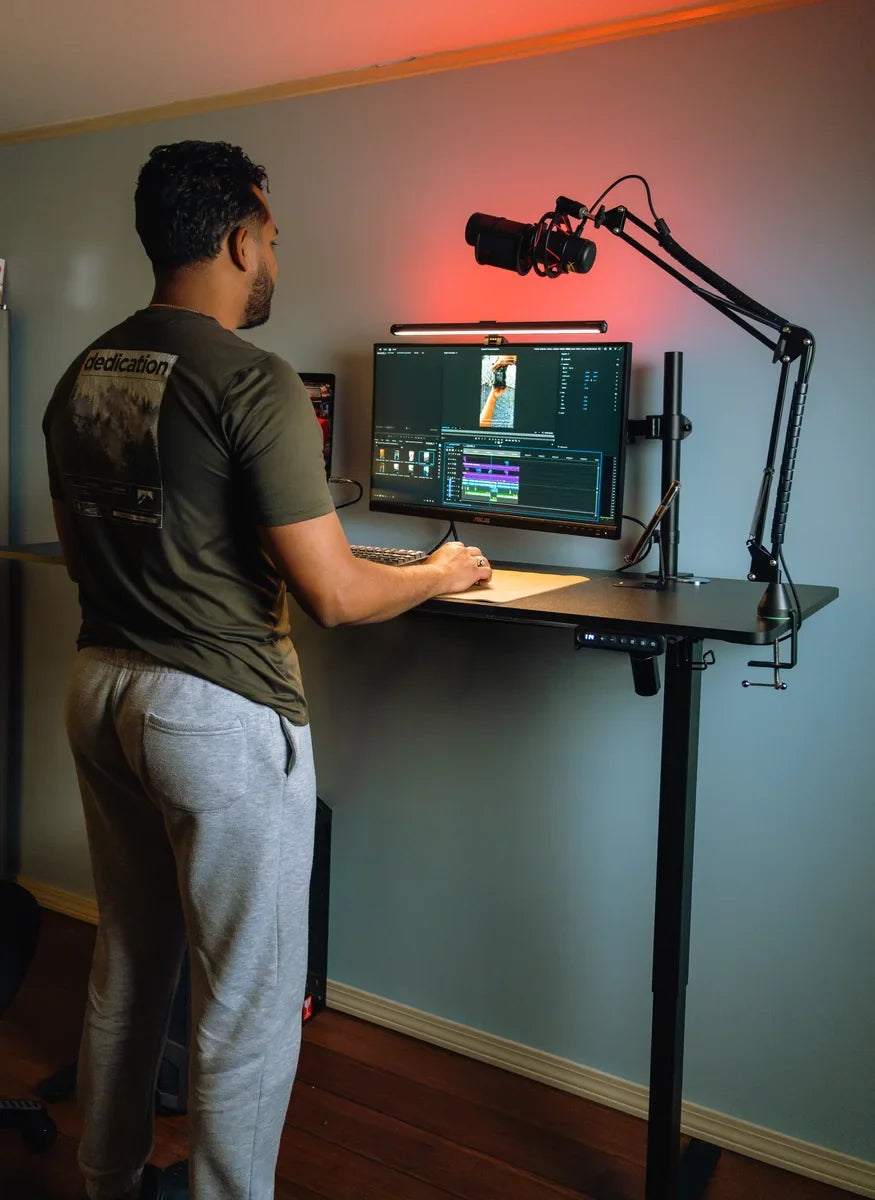
In 2026, the humble workstation has undergone a high-tech revolution. As hybrid work becomes the global standard and gaming setups reach professional-grade complexity, the best computer desk is no longer just a flat surface—it is a sophisticated hub designed for ergonomic health, cable management, and peak performance. Pairing your setup with an ergonomic desk and chair combination further enhances comfort and long-term productivity.
Whether you are scouting the latest computer desks at Best Buy or looking for the best buy desk top computers on sale to anchor your new setup, choosing the right foundation is the most important investment you'll make for your physical well-being.
How to Choose the Best Computer Desk
Selecting the best computer desks requires more than just measuring your room. In 2026, you must consider how the furniture interacts with your body and your technology. Research shows that standing desks can improve posture, reduce back pain, and support overall cardiovascular health when used correctly.
Size & Space
In the era of ultra-wide monitors and dual-screen setups, depth is as important as width. A desk should be at least 30 inches deep to maintain a healthy focal distance from your screens.
Ergonomics
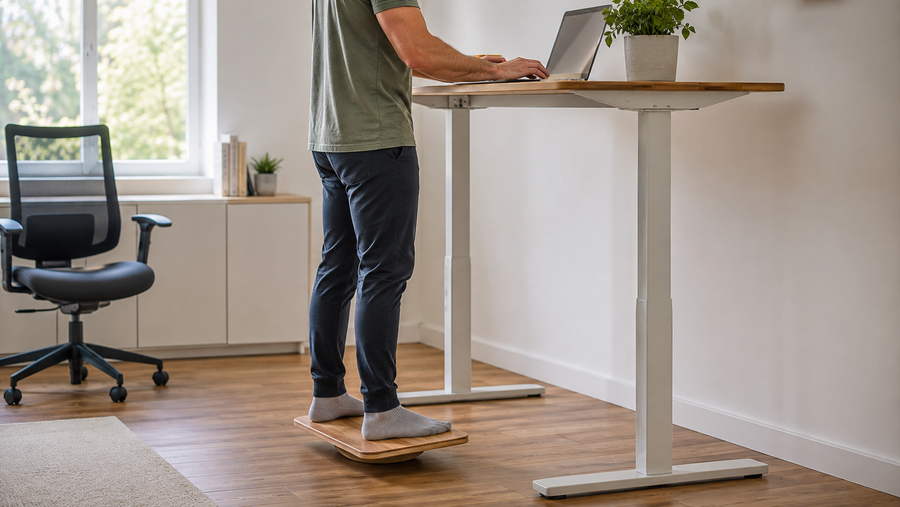
Static desks are becoming a thing of the past. The gold standard now is the electric standing desk, allowing you to alternate between sitting and standing to boost circulation and reduce spinal compression. Pairing your desk with an ergo chair ensures proper lumbar support and posture throughout long working or gaming sessions.

Material & Build Quality
-
Solid Wood: Offers unmatched longevity and a premium tactile feel.
-
High-Pressure Laminate (HPL): The best for heavy-duty use, as it resists scratches and heat.
-
Carbon Steel Frames: Essential for stability, especially when the desk is extended to its maximum height.
Storage & Organization
Integrated power strips, magnetic cable trays, and built-in wireless charging pads are now essential features that differentiate a premium desk from a basic one.
Weight Capacity
High-performance gaming PCs and multi-monitor arms are heavy. Ensure your desk can support at least 150 lbs, especially if it utilizes a motorized lifting mechanism.
Style & Design
Your desk should reflect your lifestyle. 2026 trends lean toward "Eco-Industrial" designs—combining natural wood textures with sleek, matte-black metal hardware.
Best Computer Desks in 2026 (Top Picks)
OdinLake S2 Standing Desk
Core Advantages: The OdinLake S2 standing desk is the champion of the "Quiet Office." Its dual-motor system is incredibly smooth, and it features a specialized anti-collision sensor that is more sensitive than previous generations. The desktop is treated with an anti-microbial, fingerprint-resistant coating.
Best For: Professional remote workers who need a reliable, sleek, and whisper-quiet desk for a bedroom or shared living space where noise and aesthetics are top priorities.

OdinLake S5 Corner Standing Desk With Stand Computer Table
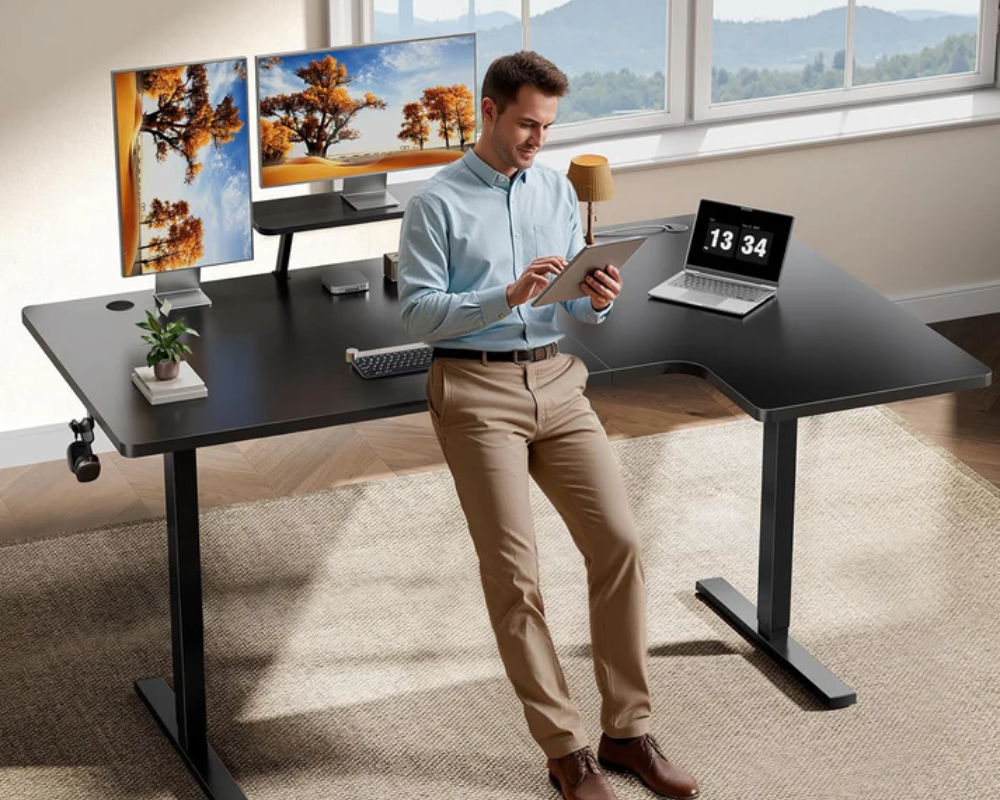
Core Advantages: The OdinLake S5 corner standing desk maximizes corner utility by offering an L-shaped standing surface—a rarity in the market. It includes a built-in monitor riser that frees up significant desk real estate, allowing for a clutter-free "Command Center" feel.
Best For: Programmers and Analysts who use three or more monitors. It’s perfect for those who want to turn a wasted corner into a high-productivity zone without sacrificing the ability to stand.
Secretlab Magnus Pro
Core Advantages: The Magnus Pro is widely considered the best computer desk for cable management. The entire desk is a metal ecosystem; you can magnetically snap on cable anchors, headphone hooks, and RGB strips. Its "hidden" power supply column means only one cable ever touches the floor.
Best For: Hardcore Gamers and Content Creators who want a "Zero-Cable" look for their Twitch streams or high-end battle stations.
FlexiSpot E7
Core Advantages: The E7 focuses on brute strength and stability. Even at its maximum height, it suffers from zero "wobble," making it the most stable standing desk in its price bracket. It also offers a massive range of customization for desktop materials, from bamboo to solid cherry.
Best For: Heavy-duty users and "Long-Termers." If you have a heavy PC tower and want a desk that is backed by a nearly two-decade warranty, this is the safest bet.
Bestier 48 Inch LED L-Shaped Gaming Desk with Monitor Stand
Core Advantages: Finding high-quality computer desks at Best Buy on a budget can be tough, but the Bestier L-shaped desk delivers. It features integrated LED lighting that syncs with your music and a built-in power strip with USB ports for easy charging.
Best For: Students and Entry-Level Gamers who need a functional, stylish, and space-saving desk for a dorm or small apartment without breaking the bank.
Comparison Table
|
Model |
Type |
Weight Capacity |
Key Feature |
Primary Use Case |
|
OdinLake S2 |
Standing |
275 lbs |
<40dB Silent Dual Motors |
Professional WFH |
|
OdinLake S5 |
L-Shaped |
275 lbs |
Integrated Monitor Stand |
Corner/Multi-Tasking |
|
Secretlab Magnus Pro |
Standing |
220 lbs |
Full-Length Cable Tray |
Hardcore Gaming |
|
FlexiSpot E7 |
Standing |
355 lbs |
15-Year Structural Warranty |
Heavy Gear Users |
|
Bestier 48 Inch |
L-Shaped |
Fixed |
Built-in RGB & Power Outlets |
Budget Gaming |
Set Up Tips for Your Computer Desk
A well-designed workstation should follow core workspace ergonomics principles, ensuring proper monitor height, seating posture, and lighting conditions for long-term health.
-
Cable Routing: Group cables by type (power vs. data) to prevent electromagnetic interference.
-
Monitor Alignment: Your eyes should be level with the top 1/3 of the screen to avoid "Tech Neck."
-
Lighting: Use a desk lamp with adjustable color temperatures—cool white for focus during the day, and warm amber for relaxing gaming at night.
Common Mistakes to Avoid
-
Buying Too Shallow: A desk with less than 24 inches of depth will leave you with no room for a keyboard and a monitor to be used comfortably.
-
Neglecting the Floor: Heavy steel desks can damage carpets or wood. Always use a high-quality floor mat or rubberized casters.
-
Ignoring the "Single Motor" Trap: Cheap standing desks often use one motor. These are slower, louder, and more prone to breaking than the dual-motor systems found in the best computer desks.
Conclusion
Your desk is the foundation of your digital life. In 2026, a workstation is more than just furniture—it is a tool that directly impacts your productivity and long-term health. Whether you are looking for the best buy desktop computers on sale or setting up a professional home office, prioritizing stability, material quality, and cable management will future-proof your space. By choosing a desk that aligns with your specific space constraints and ergonomic needs, you are making a lasting investment in your daily comfort and performance.
FAQ
What is the most durable desk?
Desks with powder-coated steel frames and solid wood or HPL tops (like the FlexiSpot E7) are the most durable, typically lasting 15–20 years.
Which material is best for a desk?
High-Pressure Laminate (HPL) is best for daily heavy use due to its scratch resistance. Solid Walnut or Oak is best for those prioritizing aesthetics and resale value.
What's the difference between a computer desk and a gaming desk?
Computer desks prioritize professional ergonomics and neutral aesthetics. Gaming desks feature RGB lighting, magnetic accessories, and specialized cable management for high-performance peripherals.
How big a desk do you need for a PC?
For a standard PC setup, a 55-inch width is the recommended minimum. For dual-monitor setups, aim for 63 inches or more.