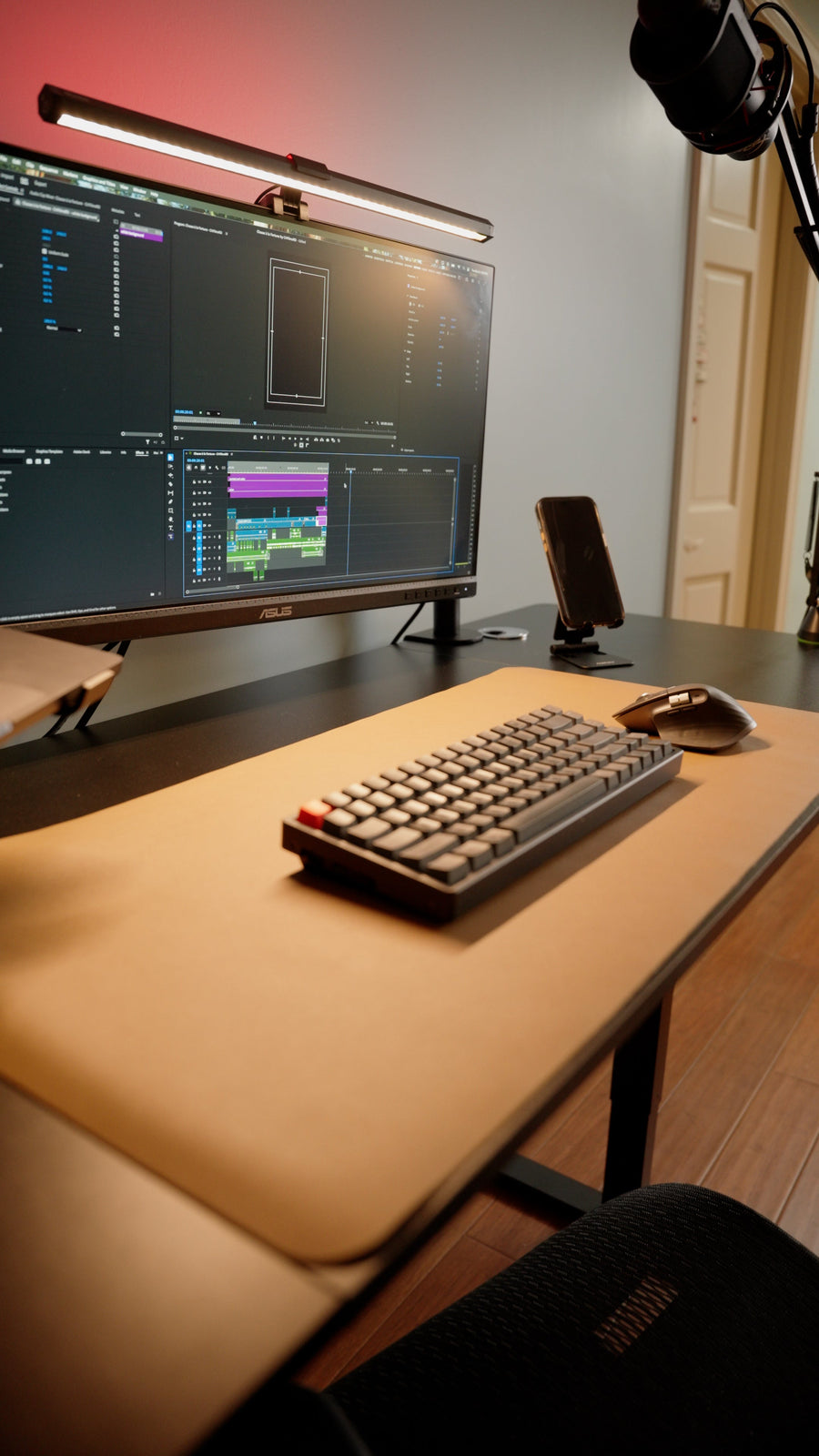
The right ergonomic setup should adapt to your body, support frequent movement, and stay comfortable through a full workday.
An executive desk is a full-size desk designed to provide a substantial primary workspace and a strong visual presence in a private office or dedicated home office. Traditional versions often add drawers, pedestals, and a finished front for room-facing placement. Modern versions may use an open frame and separate storage instead. “Executive” describes the desk’s role and proportions; it is not a regulated size or a promise that the desk will fit every user.
The useful question is therefore not whether a desk looks important. It is whether its surface, clearance, storage plan, and fixed or adjustable height fit the room and the work you actually do.
What Makes a Desk an Executive Desk?
Furniture retailers use the label differently, but executive desks usually share several of these characteristics:
- A generous work surface: enough depth and width for a primary monitor setup, documents, and meeting or review space.
- Visual weight: a thicker-looking top, substantial frame, pedestal base, or carefully finished front that can act as a focal point.
- A primary-workstation role: it is intended to anchor the office rather than serve as a small writing surface or occasional laptop table.
- Room-facing potential: many designs look finished from the visitor side, so they need not be pushed against a wall.
- Storage, sometimes: traditional desks may integrate drawers or cabinets, while contemporary open-frame desks may rely on a mobile pedestal or nearby credenza.
No single feature is mandatory. A large open-frame desk can perform the same executive-office role as a double-pedestal desk if it gives the user the required surface, stability, access, and room presence.

Executive Desk vs. Other Common Desk Types
Labels overlap, so compare the functional differences instead of relying on the product name alone.
| Desk type | Best understood as | Typical tradeoff |
|---|---|---|
| Executive desk | A substantial primary workstation with room presence and, sometimes, integrated storage | Needs more floor area and a careful chair-clearance plan |
| Writing desk | A simpler, often shallower surface for light computer or paper work | May feel crowded with multiple monitors, peripherals, and documents |
| Computer desk | A desk organized around a computer, cables, and peripherals | The label says little about room presence, meeting space, or storage quality |
| L-shaped desk | Two connected work surfaces for separate task zones | Uses a corner or a larger open footprint and can encourage frequent twisting if arranged poorly |
| Standing desk | A height-adjustable workstation for alternating between sitting and standing | Motorized models require cable slack, moving clearance, and attention to stability |
An executive desk can also belong to one of these categories. For example, an L-shaped desk may be sold as an executive desk, and a large height-adjustable desk may combine executive proportions with sit-stand movement. If you are comparing adjustable options, use the electric standing desk buying guide to evaluate the lifting system rather than assuming a larger top guarantees better performance.
Who Benefits From an Executive Desk?
The category makes sense when the extra surface supports a real workflow. It can be useful for someone who reviews large documents, uses multiple displays, alternates between computer and paper work, holds short one-to-one conversations, or needs a permanent workstation that visually anchors a dedicated office.
It may be a poor fit for a narrow room, a shared multipurpose space, or a worker who uses only a laptop and keeps most files digitally. More surface can also become more clutter if it has no assigned zones. In a small office, a compact desk plus mobile storage may preserve a better chair path and make the room easier to use.
Built-in storage is a choice, not a requirement
Drawers can keep active files and small supplies close, but a fixed pedestal can reduce legroom or lock you into one chair position. Before choosing built-in storage, check the clear width, height, and depth below the top—not only the desk’s outside dimensions. A separate cabinet gives you more freedom to change the layout later.
A visitor-facing layout needs a finished back
If the desk will float in the room, inspect the side that faces the door or guest chairs. Confirm that cables, power strips, modesty panels, frame hardware, and unfinished surfaces will not dominate that view. A good room-facing setup also needs a cable route that does not cross a walkway.
Measure the Whole Working Footprint
The desktop is only one part of the footprint. Measure the widest points of the top and base, then add the space needed to pull the chair back, enter from your preferred side, open every drawer or cabinet, and walk past the workstation. Check baseboards, radiators, floor vents, wall outlets, door swings, and window treatments.
A reliable test is to mark the desk and base outline on the floor with low-tack painter’s tape. Place your real chair inside the outline and rehearse these movements:
- Sit down and leave the desk without turning sideways.
- Roll back far enough to stand comfortably.
- Reach the intended storage without trapping the chair.
- Walk behind the chair while it is in a realistic working position.
- Open the office door and nearby cabinets fully.

Also confirm the delivery route. A large one-piece top may fit the office but not the stair turn, elevator, or doorway. Compare the packaged dimensions and component sizes with the narrowest point on the route, and verify whether assembly is intended to happen inside the room.
Fit the Desk to the Person, Not the Title
A fixed-height executive desk should let you place the keyboard and pointer so your shoulders can relax, your elbows stay close to your sides, and your wrists do not press against a sharp edge. Your chair should support your feet and allow you to sit close enough without the frame, drawers, or modesty panel contacting your knees.
The top of a fixed desk can be too high for some users even when the product is described as standard height. Raising the chair may improve elbow position, but only if the feet remain supported; a footrest can close that gap. A keyboard tray may help in some layouts, but it must be wide and stable enough for both keyboard and pointer and must not reduce knee clearance. OSHA’s current computer-workstation desk guidance emphasizes adequate clearance and a surface height that allows comfortable input-device placement.
Set the monitor after the chair and input devices
Center the primary screen on the keyboard and chair, then adjust its height and distance so you can read without leaning forward. OSHA lists 20–40 inches as a preferred viewing-distance range, but screen size, text size, vision, and task all affect the right position. Its monitor guidance also recommends keeping frequently viewed screens directly in front of the user.
Set the monitor only after the desk, chair, keyboard, and pointing device are in their working positions. If you are replacing both desk and chair, the remote-work setup guide provides a room-level sequence for checking reach, sight line, lighting, and movement space before finalizing under-desk clearance.
Which Features Actually Matter?
Surface depth and usable width
Choose enough depth for the monitor position and enough width for the tasks that must remain open at the same time. Count the space occupied by monitor feet, speakers, docks, lamps, and document trays. A broad top does not create usable workspace when equipment blocks the primary reach zone.
Under-desk clearance
Request the unobstructed opening, not only overall height. Check crossbars, cable trays, drawers, support panels, and decorative frames against your knees, shins, chair arms, and preferred sitting position. If several people will use the desk, design around the largest required clearance and provide adjustment through the chair and accessories.
Stability and construction
Look at how the top connects to the frame, how the base resists side-to-side movement, the permitted load, and whether the floor glides can be leveled. Load ratings are useful only when the testing conditions and distribution assumptions are clear. On a large desk, assembly quality and a level floor can matter as much as the visual mass of the frame.
Cable and power planning
Plan one route from the desktop to power that keeps plugs serviceable and cables away from feet and walkways. A room-facing executive desk may need an under-top tray, desk-mounted power, a floor-rated cord cover, or a floor outlet. Do not run ordinary extension cords under rugs or through doorways.
A style that supports the room
Finish and frame shape matter because the desk occupies a large visual area, but style should follow the room constraints. Glossy surfaces can reflect light; very dark tops can show dust and increase contrast with bright screens; thick front edges may contact forearms. Review actual product photography from all sides rather than choosing from the hero angle alone.
A Modern Open-Frame Example
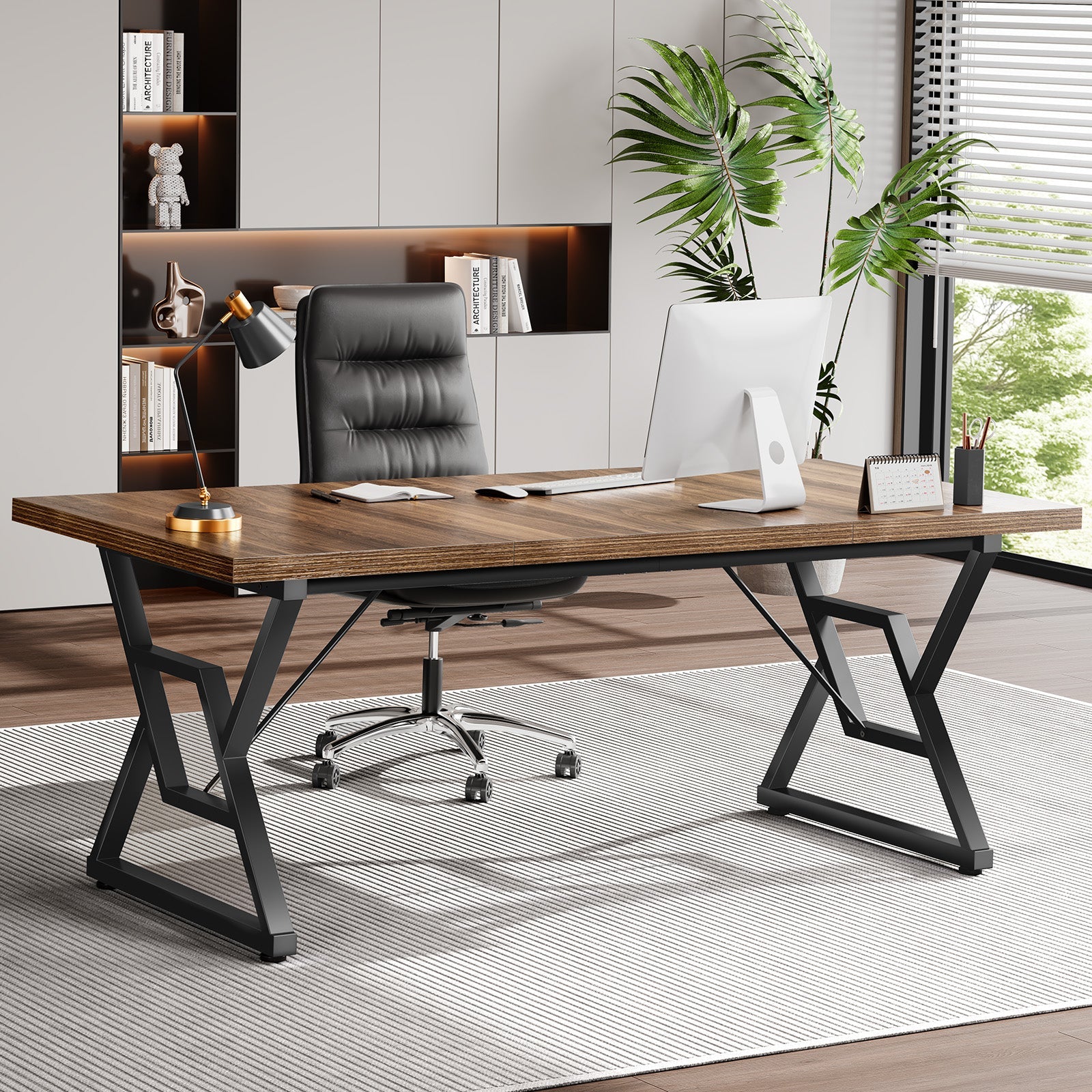
The OdinLake S6 Home Office Executive Desk illustrates the contemporary interpretation: a large fixed-height work surface on an open geometric frame, without the enclosed pedestals associated with traditional executive furniture. That open structure can preserve visual space and make the chair area easier to inspect, while separate storage can be positioned around the room as needed.
It is one design approach, not a universal answer. Confirm the current product-page dimensions for the selected size, then compare them with the taped room plan, chair clearance, equipment load, delivery route, and storage needs.
Executive Desk Buying Checklist
- Define the tasks that must fit on the surface at the same time.
- Measure the top, widest base points, chair pullback, storage access, and walking path.
- Check the unobstructed knee and foot area against the actual chair.
- Confirm whether the fixed height supports comfortable keyboard and pointer placement.
- Choose integrated storage only when it preserves usable legroom and workflow.
- Plan monitor placement, power, and cable routing before assembly.
- Inspect the desk from every visible side if it will face the room.
- Verify component and package dimensions against the full delivery route.
- Read the current assembly, load, care, return, and warranty terms for the exact model.
Frequently Asked Questions
What is the difference between an executive desk and a regular desk?
An executive desk is usually larger, visually more substantial, and intended to serve as the office’s primary workstation. It may include storage and a finished visitor-facing side. A regular desk can perform the same computer tasks, but the label covers a much wider range of sizes and simpler designs.
Does an executive desk have to include drawers?
No. Drawers and pedestals are common in traditional executive desks, but modern open-frame designs may use a separate mobile cabinet or credenza. Evaluate the complete storage plan and leg clearance instead of treating built-in drawers as a defining requirement.
What size is a standard executive desk?
There is no single regulated standard size for the category. Product dimensions vary by design and market. Measure the actual top and base, then add chair movement, drawer access, and circulation space before deciding whether a specific desk fits the room.
Can an executive desk be a standing desk?
Yes. A large height-adjustable desk can provide executive-scale surface area and room presence. The moving version also requires enough cable slack, overhead and under-desk clearance, suitable lifting capacity, and acceptable stability throughout its stated height range.
Where should an executive desk be placed in an office?
Place it where the user can enter and leave comfortably, control screen glare, reach power safely, and preserve a clear walkway. A room-facing position works only when the desk is finished on all visible sides and the cable route does not create a trip hazard.
Is an executive desk worth it for a home office?
It can be worthwhile when the larger surface supports documents, multiple screens, meetings, or distinct task zones and the room can absorb the full working footprint. For light laptop work or a multipurpose room, a smaller desk may provide better circulation and equal productivity.